Panther System
®
Operator’s Manual
AW-17791-001 Rev. 002 (EN)
103
System Operation
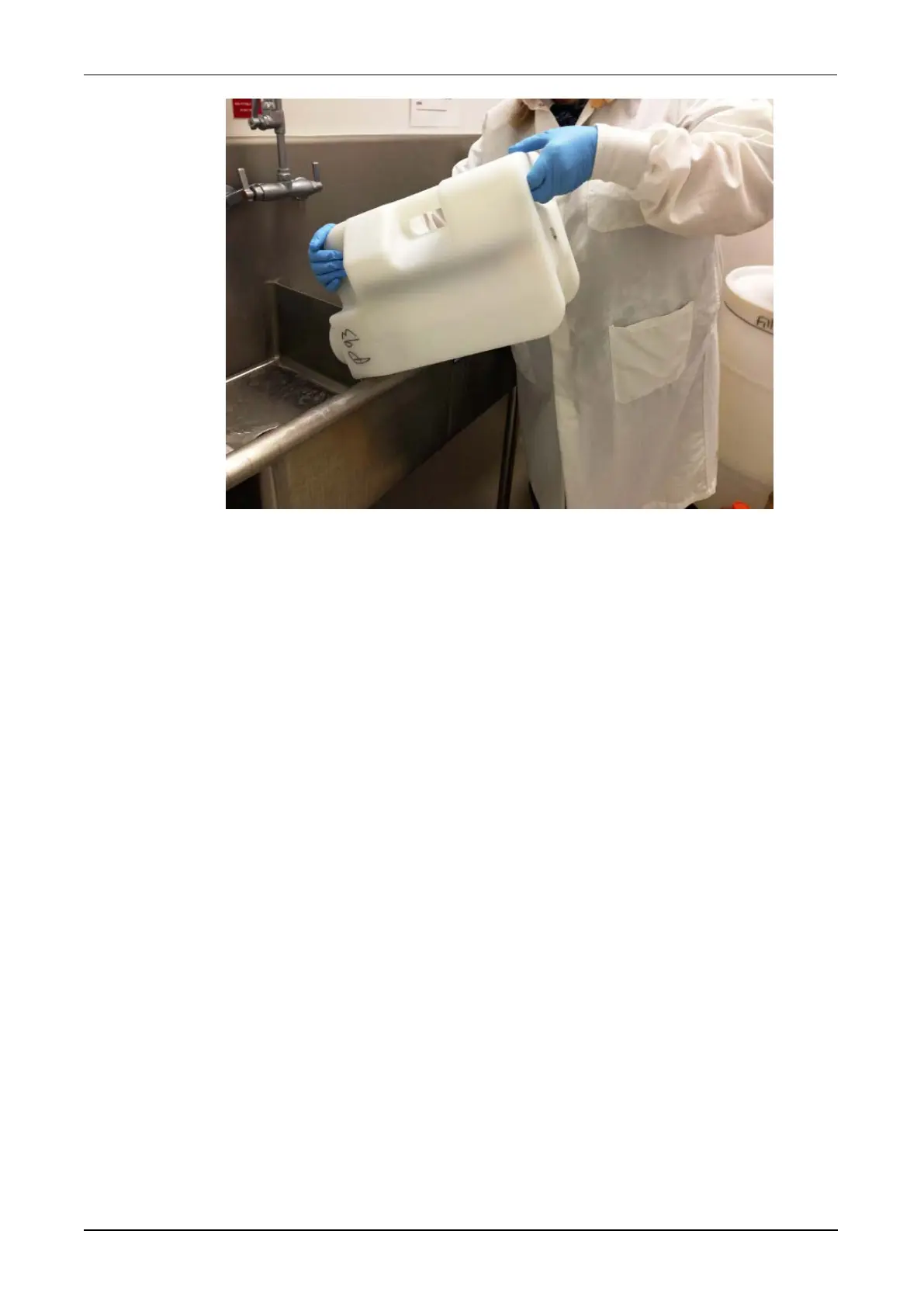
Figure 51. Disposing of Liquid Waste Container Contents (Example)
7. Replace the cap on the Liquid Waste Container.
8. Return the Liquid Waste Container to its position in the Waste Drawer and press
down firmly to connect the fittings to ensure a sealed connection.
9. Carefully lift the Waste Cover off the Solid Waste Container, handling it only by
the sides. Place the Waste Cover inside the Waste Bag.
10. Remove and dispose the Waste Bag according to laboratory policies.
11. Fit a new Waste Bag into the Solid Waste Container taking care to perform the
following tasks:
l Press the bag down into the Solid Waste Container, smoothing the sides of
the bag flat to the sides of the container.
l Fold the top of the bag down around the outside of the Solid Waste
Container.
12. Slide a new Waste Cover over the Waste Bag on the back of the container.
13. Perform the following checks to finalize the empty waste procedure.
l Ensure that the Waste Cover is mounted properly on the back of the Solid
Waste Container.
l Ensure that the Liquid Waste Container is tightly capped and secure in the
drawer.
14. Close the Waste Drawer.
The drawer locks and the vacuum turns on. A progress bar remains onscreen
until the system can complete verification of the waste inventory and vacuum
pressure.



 To Next Page