Panther System
®
Operator’s Manual
AW-17791-001 Rev. 002 (EN)
84
Overview
Operator Management Screen
To access the Operator Management screen, select the Operator Management button
on the Administration screen (see Administration Screen on page 76).
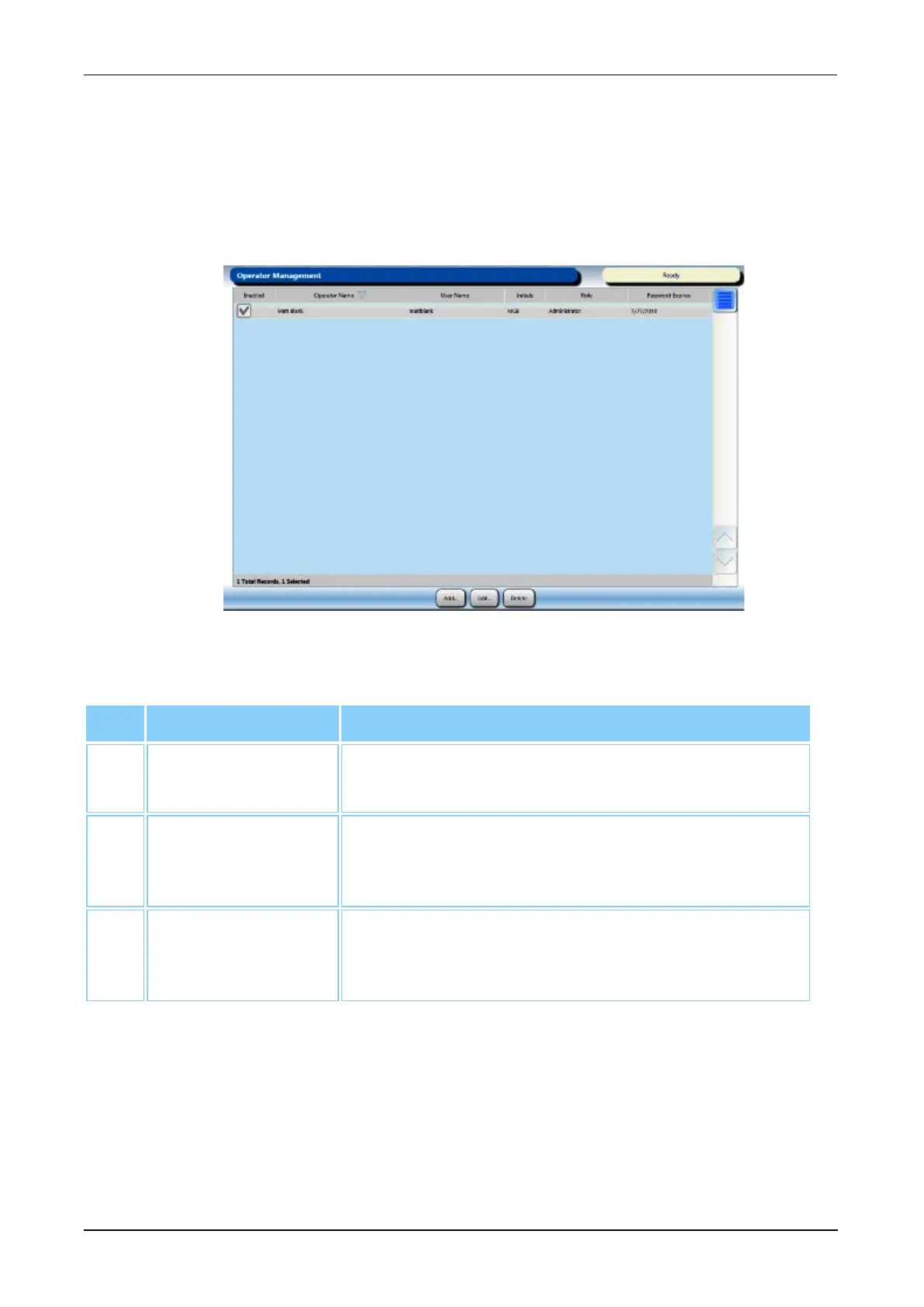
Refer to the Operator Management screen to add, delete, and edit operator account
settings.
Figure 42. Operator Management Screen (Example)
Screen Locations Description
1. Add Select this button to add an operator account (see
Adding Operator Accounts on page 240).
2. Edit Select this button to edit the selected operator
account (see Editing Operator Accounts on page
242).
3. Delete Select this button to delete the selected operator
account (see Deleting Operator Accounts on page
243).
Table 47. Operator Management Screen Location Descriptions
Change Password
To access the Change Password window, select the Change Password button on the
Administration screen (see Administration Screen on page 76).



 To Next Page