Panther System
®
Operator’s Manual
AW-17791-001 Rev. 002 (EN)
191
Maintenance
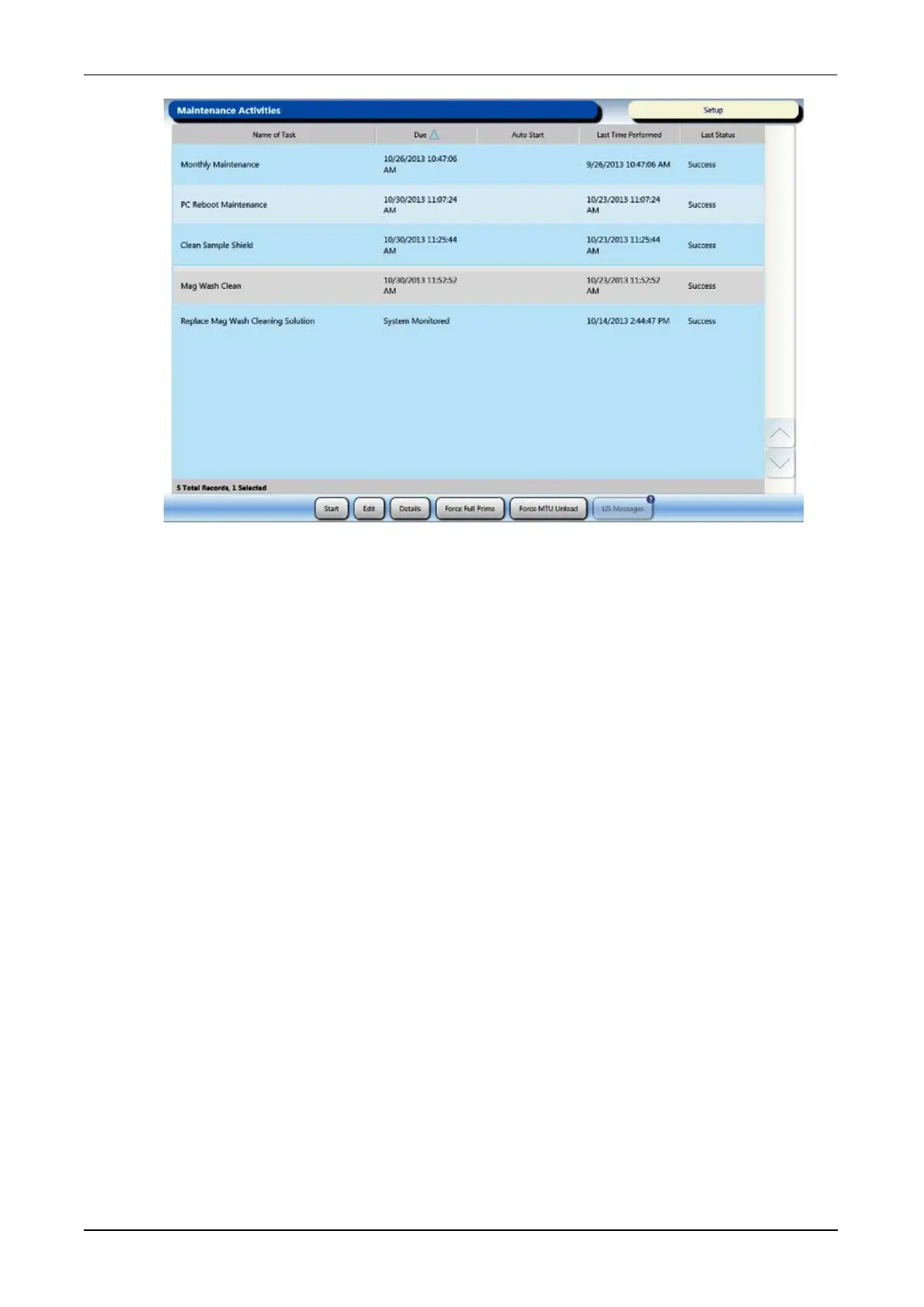
Figure 101. Maintenance Activities Screen (Example)
Maintenance Task Details Screen
Information regarding the selected maintenance task is available on the Maintenance
Task Details screen. Access this screen for specific information regarding settings
associated with the task.
Select a maintenance task on the Maintenance Activities screen and then select Details
to access the Maintenance Task Details screen. Select Done to return to the
Maintenance Activities screen.



 To Next Page