Panther System
®
Operator’s Manual
AW-17791-001 Rev. 002 (EN)
64
Overview
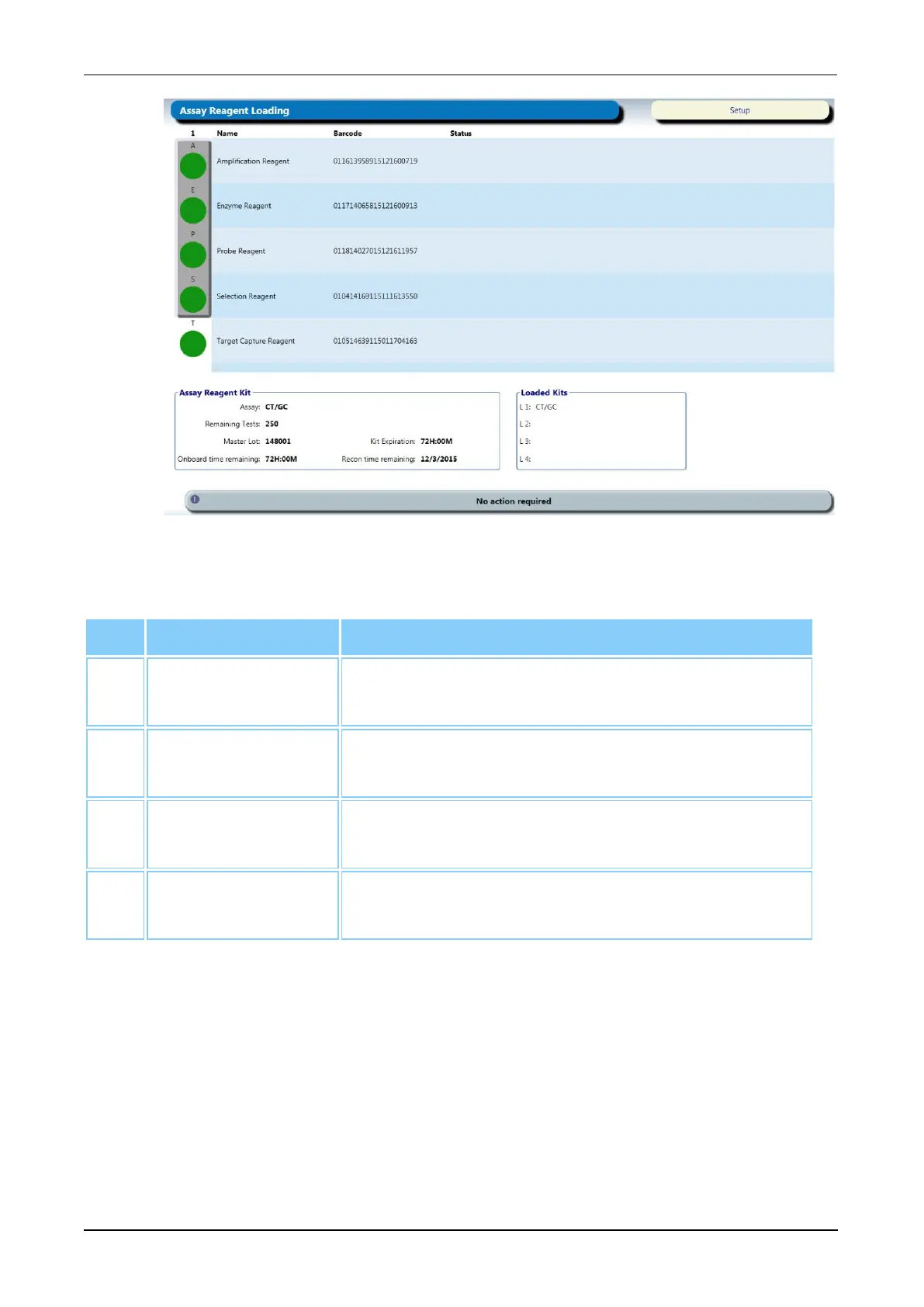
Figure 27. Assay Reagent Loading Screen (Example)
Screen Location Description
1. Reagent Bay
Lane Number
Reagent Bay Lane number of the Reagent Rack.
2. Assay Reagent
Kit Panel
Information for the assay reagent kit loaded in the
selected Reagent Bay Lane.
3. Loaded Kits
Panel
All loaded assay reagent kits and associated
Reagent Bay Lanes.
4. Barcode and
Status Table
Reagent lot and status information for the reagents in
the kit.
Table 35. Assay Reagent Loading Screen Descriptions
Sample Rack Bay Screen
To access the Sample Rack Bay screen:
l Select the Load Samples button on the Tasks screen (see Tasks Screen on page
56).
l Select the Sample Rack graphics on the Run Status screen (see Run Status Screen
on page 70).
l Open the Sample Bay Door.



 To Next Page