Panther System
®
Operator’s Manual
AW-17791-001 Rev. 002 (EN)
78
Overview
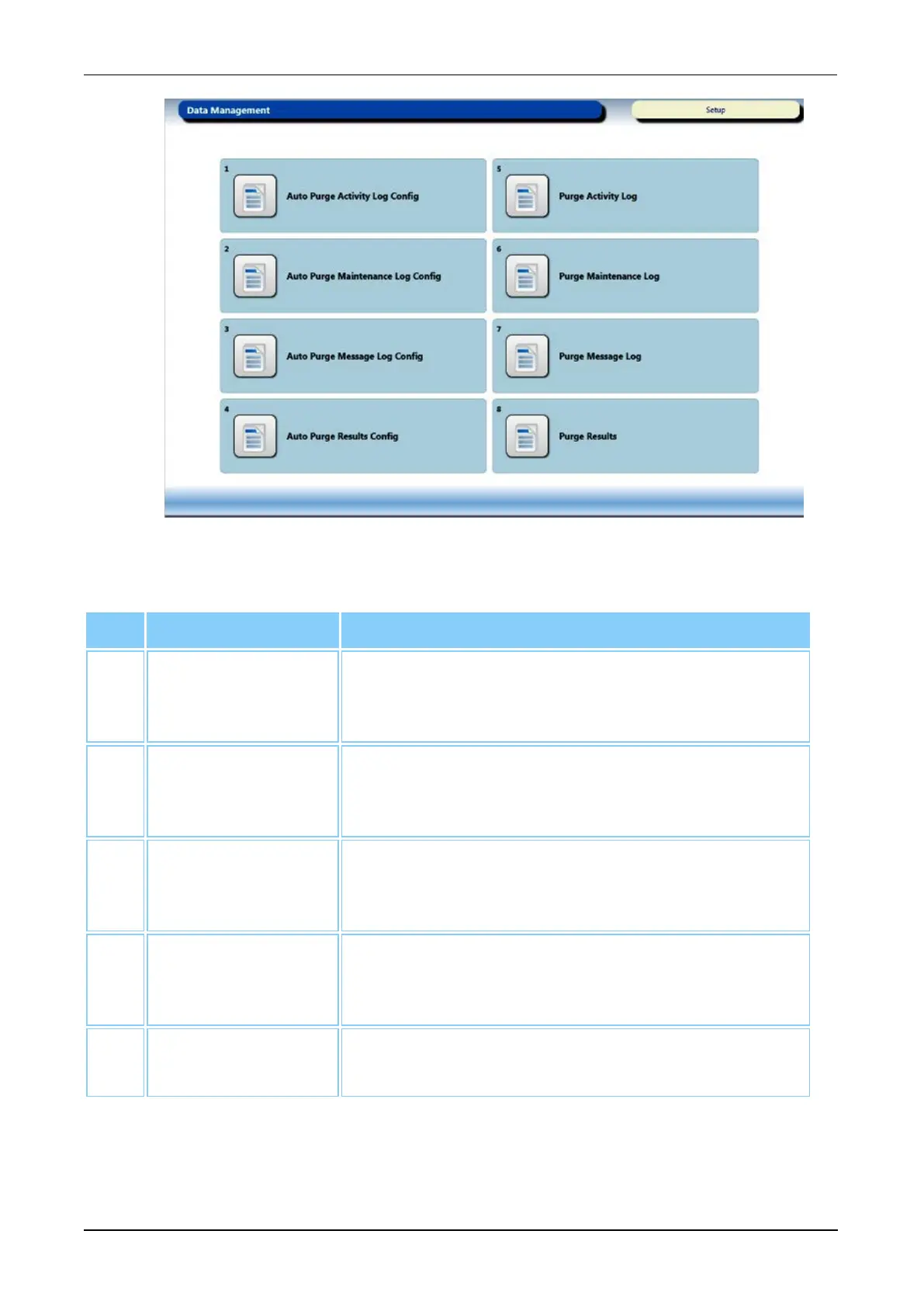
Figure 36. Data Management Screen (Example)
Screen Buttons Description
1. Auto Purge
Activity Log
Config
Select this button to alter settings for automatically
purging activity logs (see Auto Purge Log
Configuration on page 216).
2. Auto Purge
Maintenance Log
Config
Select this button to alter settings for automatically
purging maintenance logs (see Auto Purge Log
Configuration on page 216).
3. Auto Purge
Message Log
Config
Select this button to alter settings for automatically
purging message logs (see Auto Purge Log
Configuration on page 216).
4. Auto Purge
Results Config
Select this button to automatically purge results from
the database (see Auto Purge Log Configuration on
page 216).
5. Purge Activity
Log
Select this button to manually purge activity logs from
the database (see Purge Logs on page 216).
Table 44. Data Management Screen Button Descriptions



 To Next Page