Panther System
®
Operator’s Manual
AW-17791-001 Rev. 002 (EN)
56
Overview
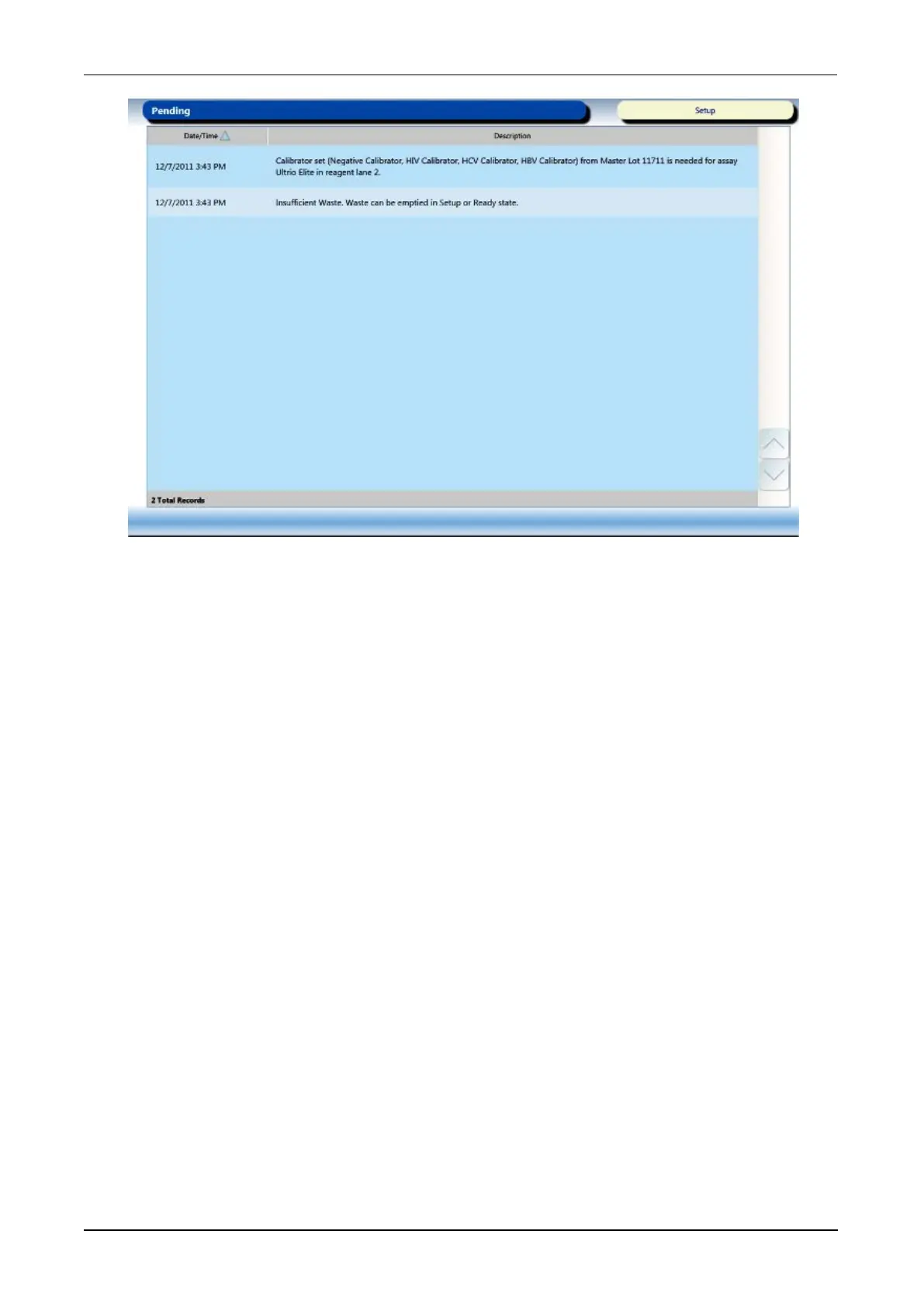
Figure 21. Pending Screen (Example)
From the Pending screen, select an item in the Description column to be automatically
directed to the screen associated with the notification. The notification will be removed
from the Pending screen once the item has been addressed.
Tasks Screen
To access the Tasks screen, select the Tasks button on the Menu Bar. The Tasks screen
automatically opens after logging into the system.
Use the buttons on the Tasks screen to prepare the system for assay processing.



 To Next Page