Panther System
®
Operator’s Manual
AW-17791-001 Rev. 002 (EN)
62
Overview
Screen Location Description
6. Force MTU
Unload
Select this button to search for and remove all MTUs
from the system (see Force MTU Unload on page
258).
7. LIS Messages For systems connected to an LIS, select this button to
view all messages sent to and received from the LIS
(see LIS Messages on page 239).
Table 33. Maintenance Activities Screen Descriptions (Continued)
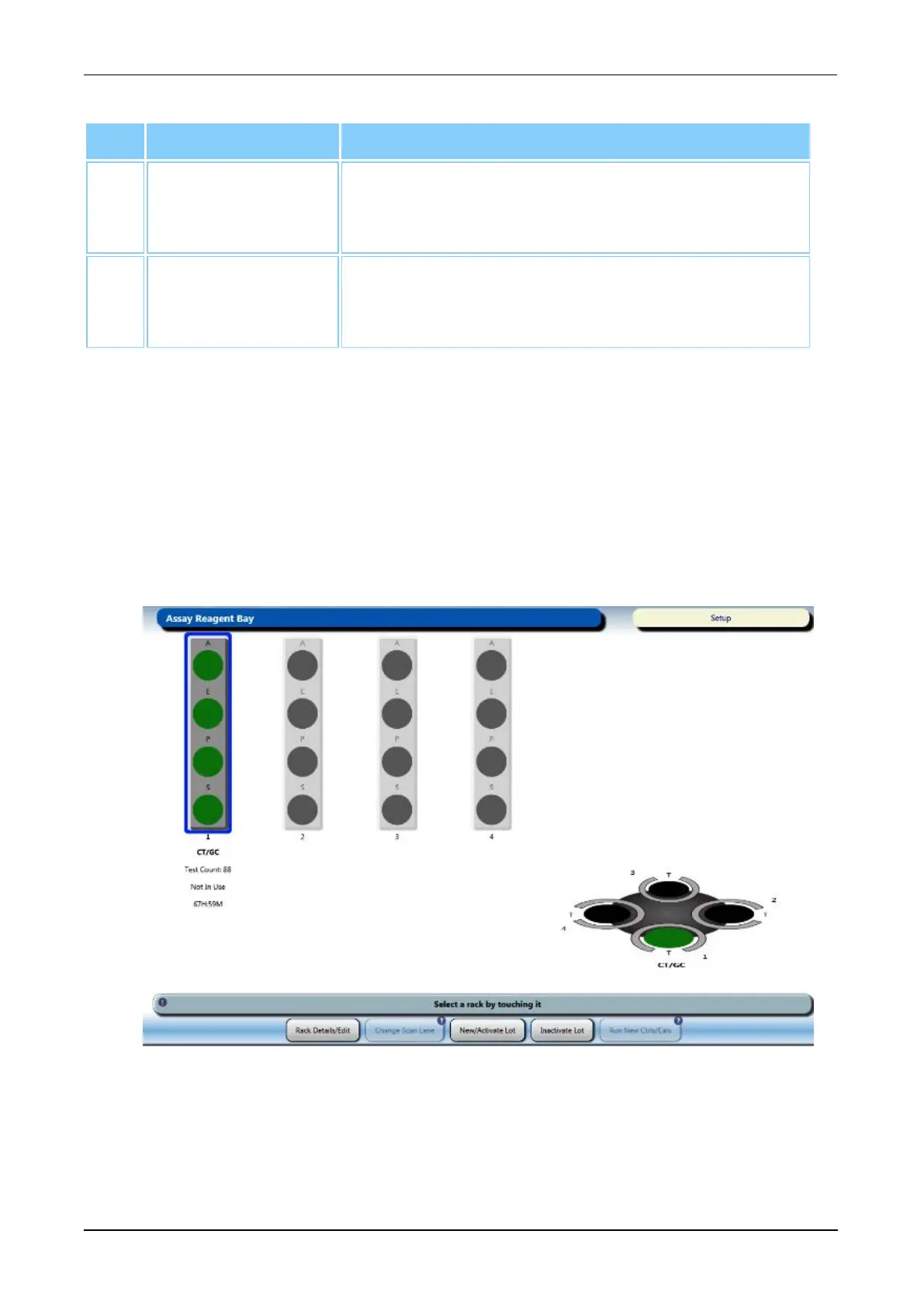
Assay Reagent Bay Screen
To access the Assay Reagent Bay screen:
l Select the Load Assay Reagents button on the Tasks screen (see Tasks Screen on
page 56).
l Open the Reagent Bay Door.
Use the Assay Reagent Bay screen during the assay reagent loading process. For more
information, see Load Panther Assay Reagents on page 106.
Figure 26. Assay Reagent Bay Screen (Example)



 To Next Page