Panther System
®
Operator’s Manual
AW-17791-001 Rev. 002 (EN)
140
System Operation
Icon Meaning of Red Icon
Comments—The icon is displayed when a message is
available on the Comments screen. The Comments screen
may be accessed from the Messages screen.
Table 63. Status Icon Descriptions (Continued)
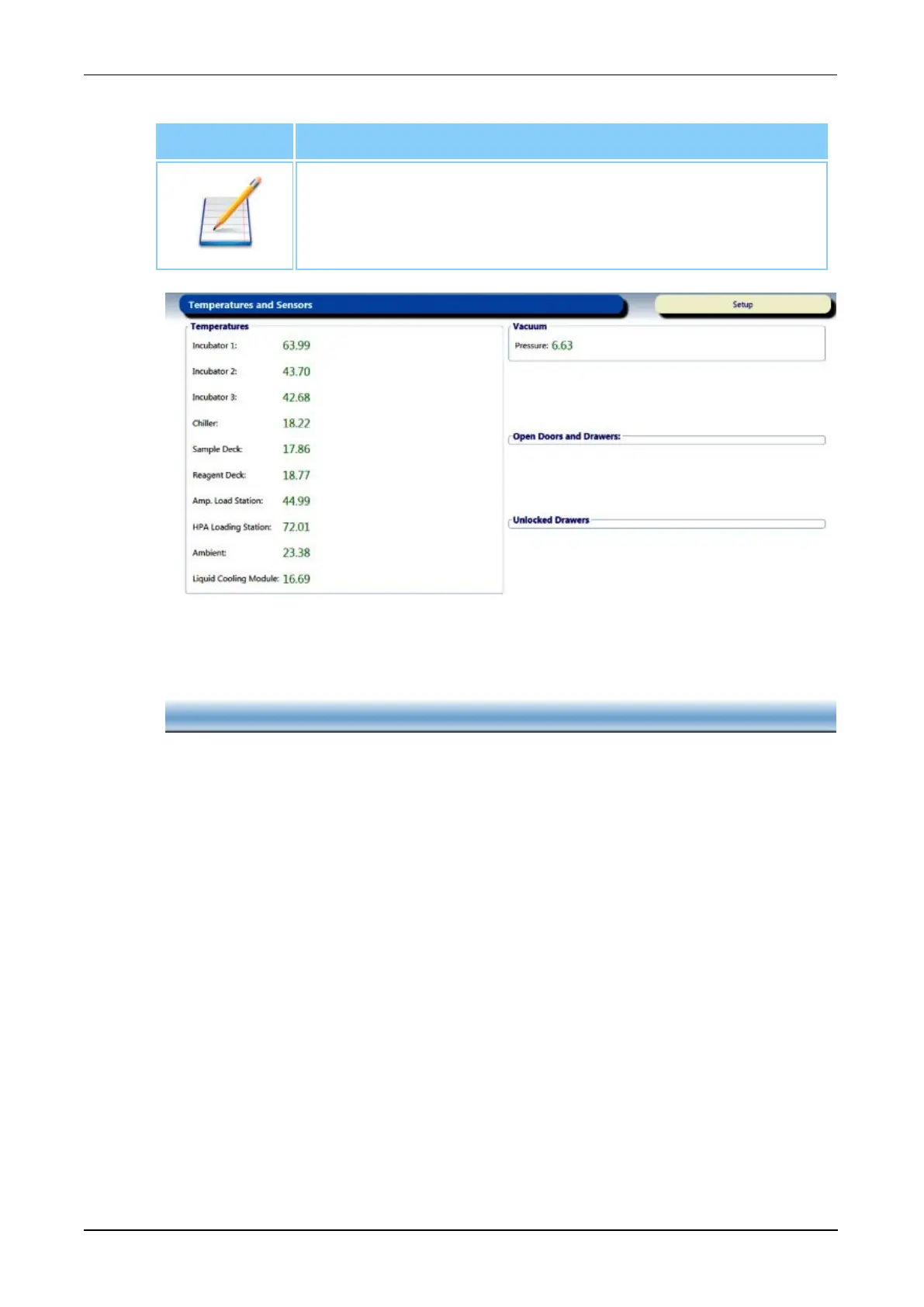
Figure 67. Temperatures and Sensors Screen (Example)
Monitoring Pending Tasks
Monitor Pending notifications from the Pending screen. Complete the tasks to
initiate sample processing on specimens with associated pending items.
Monitoring Reagent Status
Use the following screens to monitor the status of loaded assay reagent kits.
Panther Assay Reagent Bay Screen
Monitor reagent loading and assay reagent kit usage on the Panther Assay
Reagent Bay screen. The reagent lane graphics on the screen update according
to the color legends below.



 To Next Page