Panther System
®
Operator’s Manual
AW-17791-001 Rev. 002 (EN)
146
System Operation
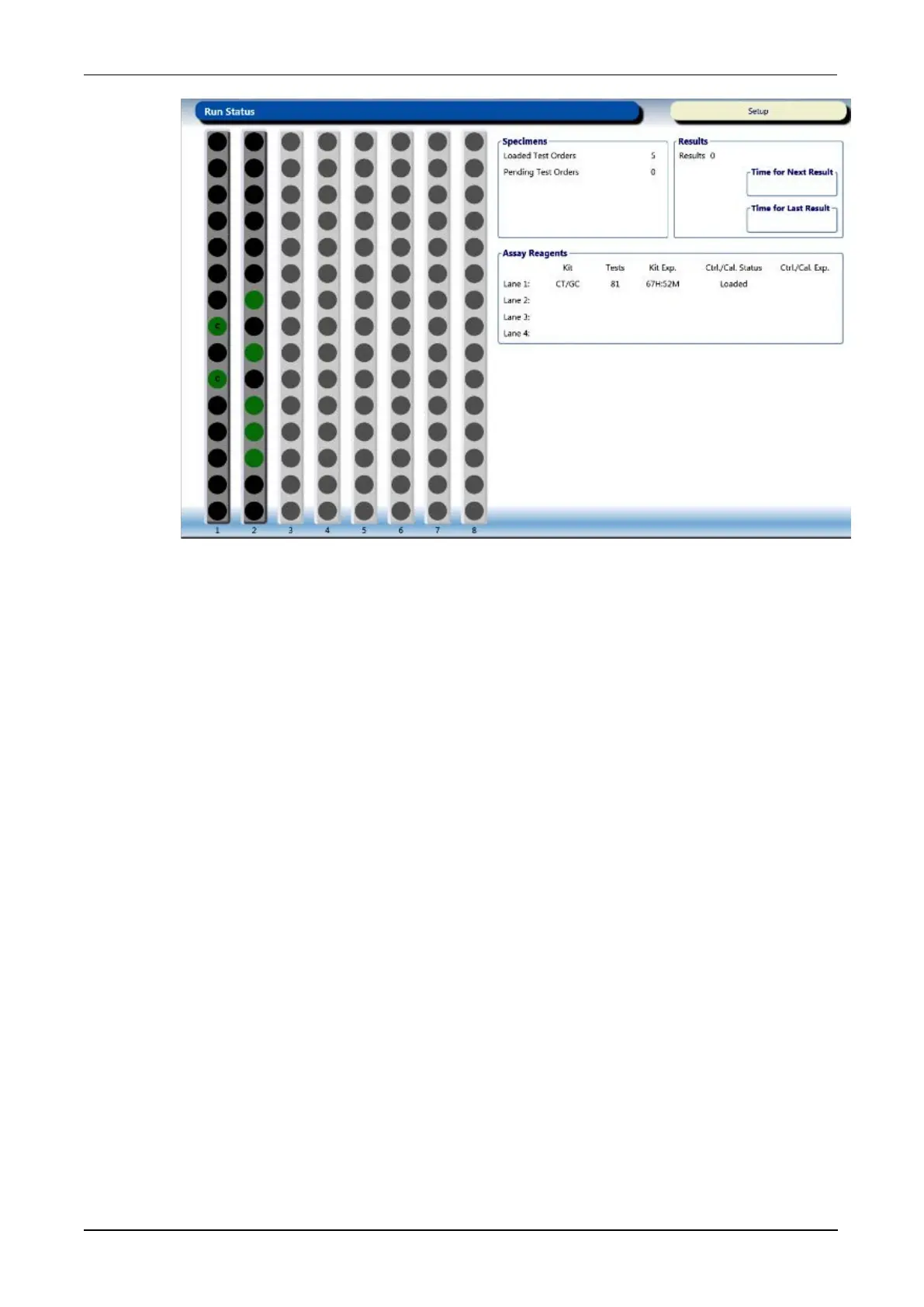
Figure 71. Run Status Screen (Example)
The Sample Rack graphics on the Run Status screen is linked directly to the
Sample Rack Bay screen. Select this area of the screen to transition to the other
screen as needed.
Specimen Status
Specimen status is documented in the Status column on the Results, Test
Orders, and Sample Details screens. The Status field is updated depending on
the current status of the specimens. The status categories listed in this column
are defined in the table below.



 To Next Page