Panther System
®
Operator’s Manual
AW-17791-001 Rev. 002 (EN)
52
Overview
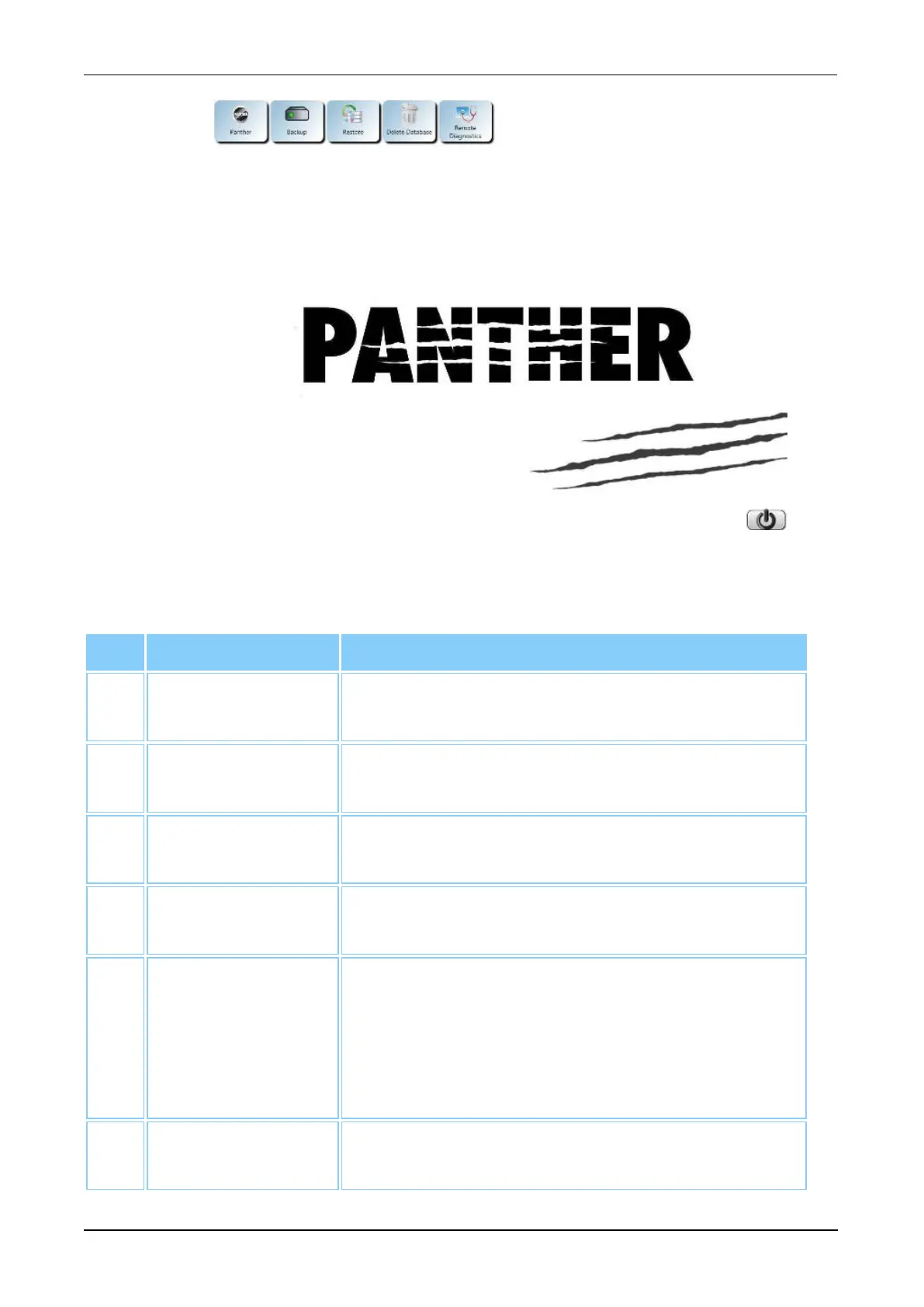
Figure 18. Desktop Shield Screen (Example)
Button Description
1. Panther Select this button to start the Panther System
Software.
2. Backup Select this button to access the database backup
functionality (see Database Backup on page 211).
3. Restore Select this button to access the restore database
functionality (see Database Restore on page 212).
4. Delete Database Select this button to access the delete database
functionality (see Delete Database on page 212).
5. Remote
Diagnostics
Select this button to activate the PRO360° software.
This task should be used in conjunction with Hologic
Technical Support assistance as part of
troubleshooting system issues. Refer to the Remote
Diagnostics section for further information on how to
perform this task (see Troubleshooting on page 254).
6. Shutdown Select this button at the lower right corner of the
screen to shut down the computer.
Table 27. Desktop Shield Screen Button Descriptions



 To Next Page