Panther System
®
Operator’s Manual
AW-17791-001 Rev. 002 (EN)
104
System Operation
The Panther Waste Management screen remains on display after completion of this
task.
Perform Maintenance
Complete all required maintenance tasks before the required time to transition into the
Ready state. Maintenance tasks can be performed any time the instrument is in the Setup
or Ready state. Select the Perform Maintenance button on the Tasks screen to view the
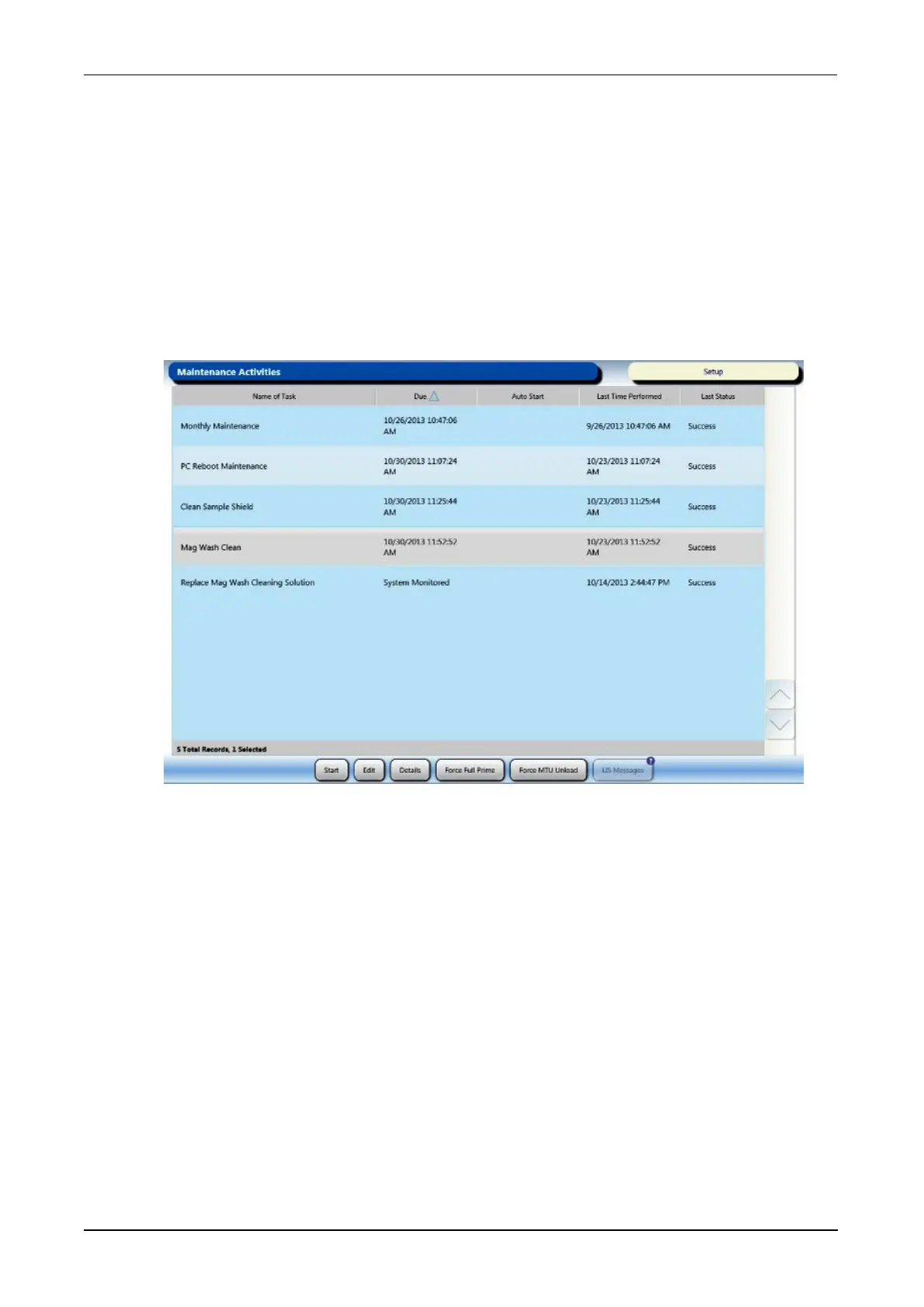
maintenance schedule on the Maintenance Activities screen. The table on the screen
provides times when maintenance activities are due and when automated maintenance
tasks are set to proceed.
Figure 52. Maintenance Activities Screen (Example)
It is not possible to process samples once a required task becomes past due. Refer to the
General Maintenance Information section for guidance on completing Panther System
maintenance tasks (see General Maintenance Information on page 189).
Prime Instrument
The fluid lines must be primed to eliminate bubbles under the following conditions:
l After changing a Panther Universal Fluid kit
l 7.5 hours have elapsed since the last prime
l 7.5 hours have elapsed since the system pipetted the last loaded test order
A red border on the Prime Instrument button on the Tasks screen indicates that priming
is needed.



 To Next Page