Panther System
®
Operator’s Manual
AW-17791-001 Rev. 002 (EN)
83
Overview
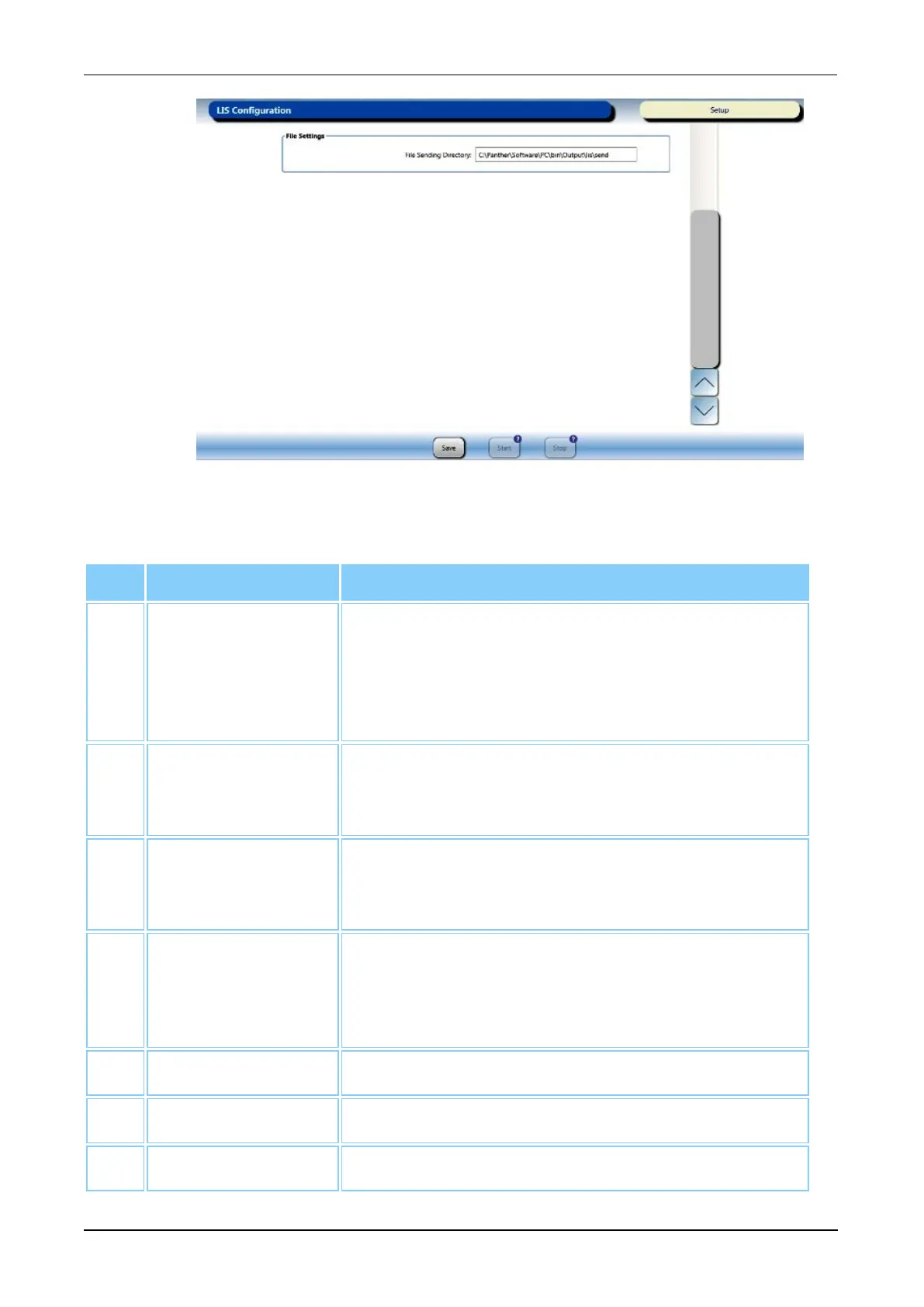
Figure 41. LIS Configuration Screen—File Settings (Example)
Screen Buttons Description
1. General Settings Select the options in this panel to configure
bidirectional transfer as needed (see LIS
Configuration on page 236). Selecting one of the
three (3) Interface Layer categories opens the
specific configuration setting menu on the screen.
2. Serial Settings Select the options in this panel for optimal LIS
communication when using a serial connection (see
LIS Configuration on page 236).
3. TCP/IP Settings Select the options in this panel for optimal LIS
communication when using a TCP/IP connection
(see LIS Configuration on page 236).
4. File Settings System directories for messages sent to and
received from the LIS (see LIS Configuration on page
236). These directories are only accessible by
Hologic personnel.
5. Save Select this button to save configurations.
6. Start Select this button to enable LIS connection.
7. Stop Select this button to disable LIS connection.
Table 46. LIS Configuration Screen Location Descriptions



 To Next Page