Panther System
®
Operator’s Manual
AW-17791-001 Rev. 002 (EN)
100
System Operation
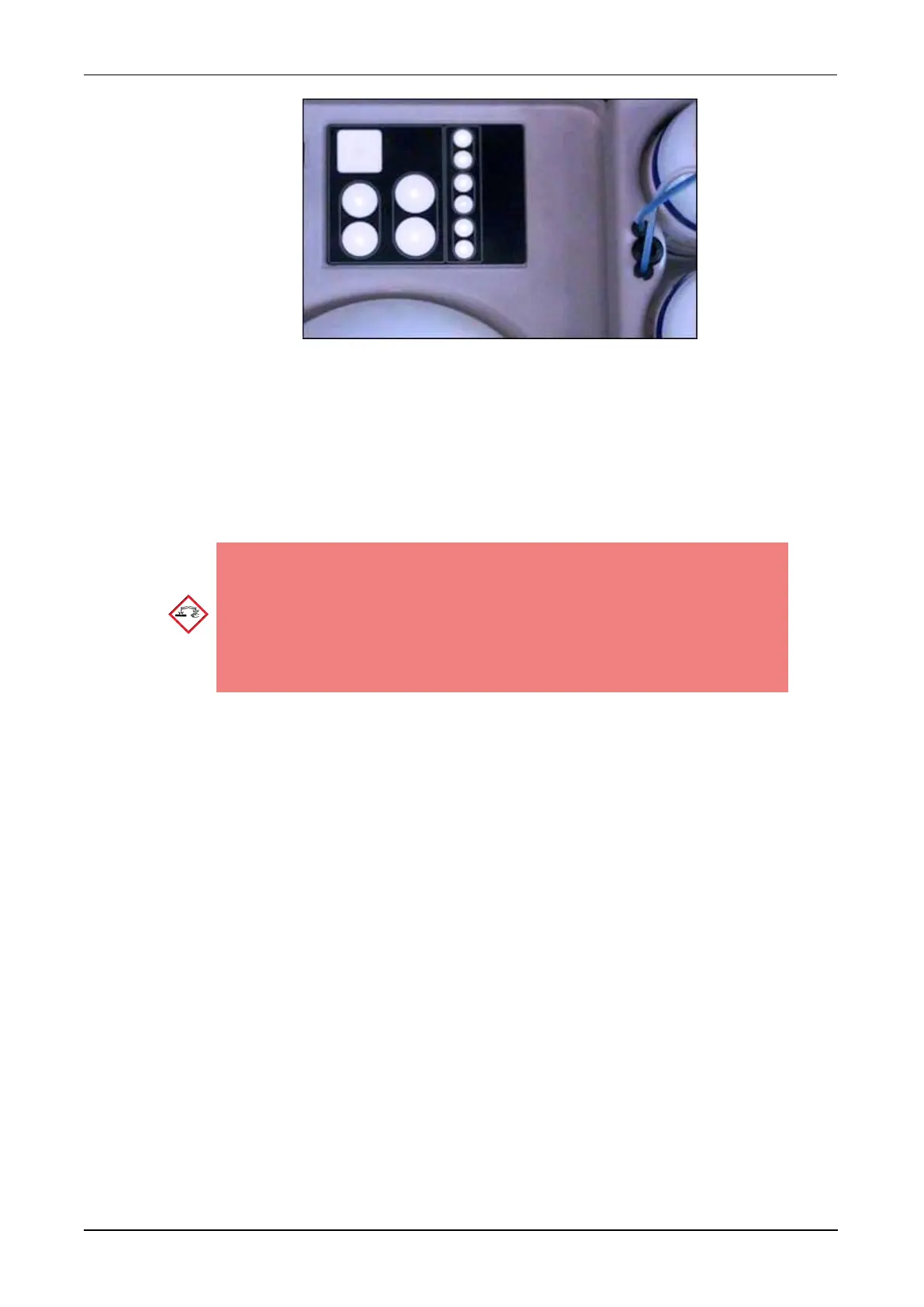
Figure 50. Bottle Status Panel (Example)
9. Reconnect the fluid lines to the quick-connect fittings on the appropriate bottle
caps. Check the fluid line tags to confirm that the correct lines are connected to
the correct fluid bottles.
10. Discard the used fluid bottles according to laboratory policies.
11. Disconnect the NaOCl Bottle quick-connect fitting and remove the NaOCl Bottle.
Corrosive Warning—The NaOCl Bottle contains sodium
hypochlorite solution. Avoid contact with skin, eyes, and
mucous membranes. Wash affected area with water if contact
with this fluid occurs. Follow laboratory procedures for
working with sodium hypochlorite. Do not autoclave the
NaOCl Bottle.
12. Refill the NaOCl Bottle with 5.0%–7.0% sodium hypochlorite solution to between
the minimum and maximum fill lines.
13. Place the NaOCl Bottle in the appropriate position in the Fluids Drawer with the
handle pointing towards the center of the drawer.
14. Reconnect the fluid line to the NaOCl Bottle quick-connect fitting. Check the fluid
line tag to confirm that the correct line is connected to the NaOCl Bottle.
15. Verify that all fluids have been loaded properly by performing the following
checks:
l Check the Bottle Status Panel to verify that all LEDs are green.
l Ensure that all bottles are tightly capped and all 11 fluid connections have
been made.
16. Close the Fluids Drawer.
A Completing Universal Fluid Inventory window opens with a progress bar for
verification of the fluids inventory.
The Panther Universal Fluid Bay screen remains on display after completion of
this task.



 To Next Page