Panther System
®
Operator’s Manual
AW-17791-001 Rev. 002 (EN)
44
Overview
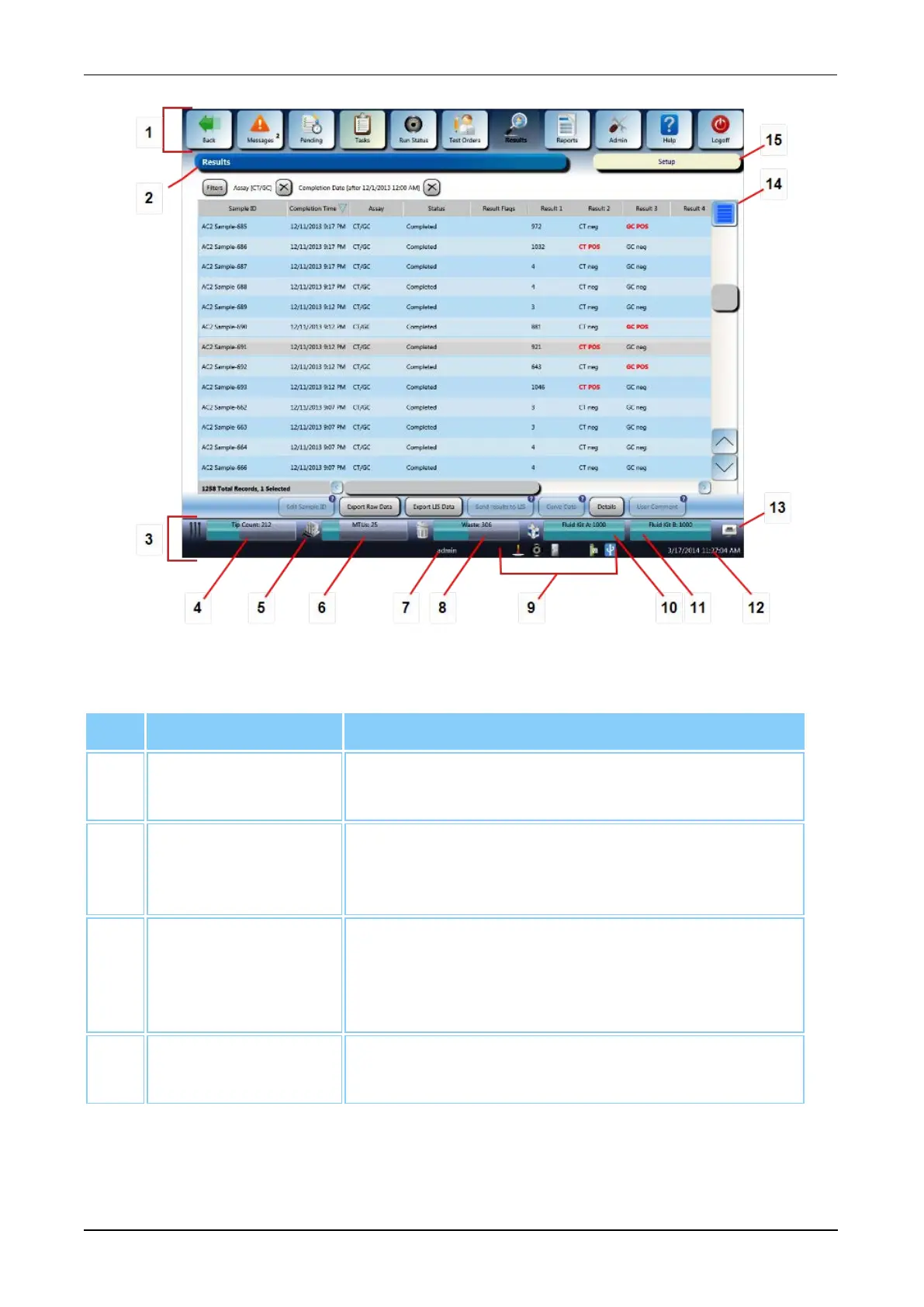
Figure 14. Screen Locations (Example)
Interactive Item Description
1. Menu Bar Use the Menu Buttons at the top of the screen for
navigating the software (see Menu Bar on page 45).
2. Screen Name The name of the current screen. If configurations
were changed that require a restart, a Restart
Needed message will appear.
3. Status Panel A panel of information including consumable
inventory panels, system activity updates, user
name ID, status icons, the date and time, and the
Print Screen button (see Status Panel on page 47).
4. Tip Count The number of pipette tips remaining and the status
of the Tip Drawers (see Tip Count on page 48).
Table 20. Universal Screen Interactive Item Descriptions



 To Next Page