Panther System
®
Operator’s Manual
AW-17791-001 Rev. 002 (EN)
70
Overview
Screen Location Description
8. Delete Test Order Select this button to delete test orders from the
sample.
9. *Apply Dilution Select this button to assign a dilution factor to the
selected test order.
10. Test Orders Table Test order, status and results flag information for the
sample.
* This button is only visible under certain system software configurations.
Table 38. Sample Details Screen Descriptions (Continued)
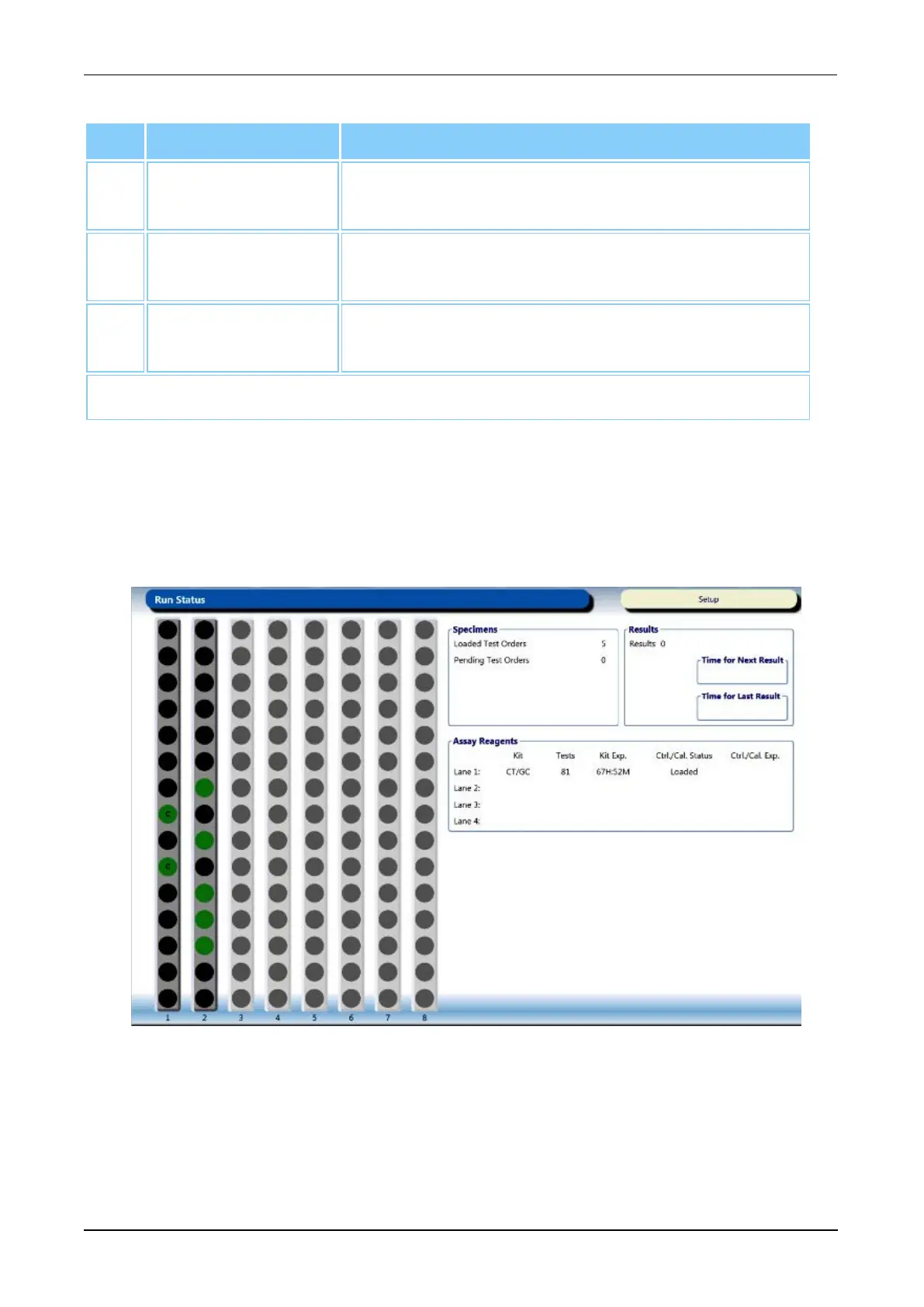
Run Status Screen
To access the Run Status screen, select the Run Status button on the Menu Bar (see
Menu Bar on page 45).
Use the Run Status screen to monitor reagents and samples during assay processing.
Figure 31. Run Status Screen (Example)



 To Next Page