Panther System
®
Operator’s Manual
AW-17791-001 Rev. 002 (EN)
187
System Operation
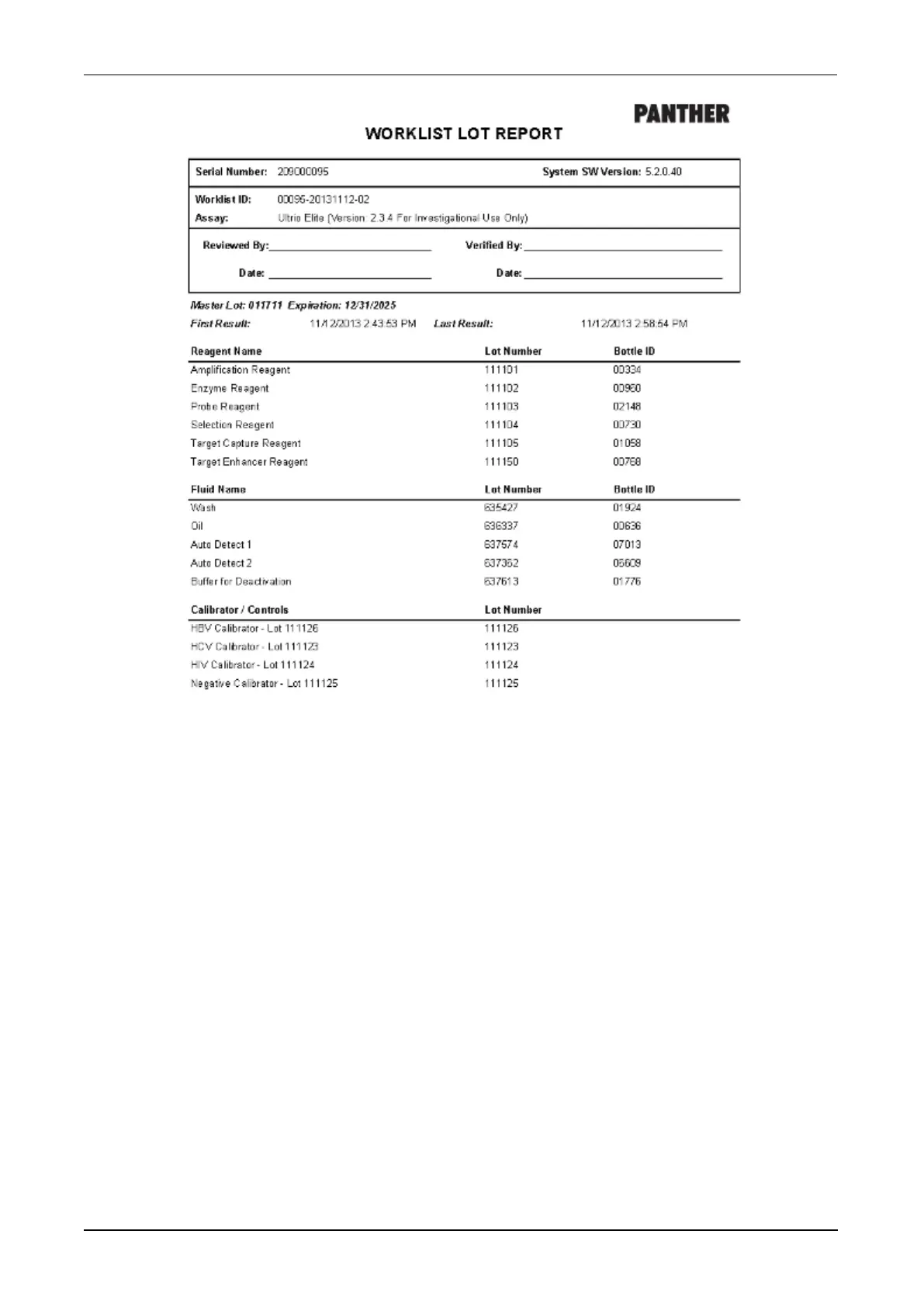
Figure 99. Worklist Lot Report (Example)
System Shutdown
The shut down buttons are not available when the system is in the Initialization,
Maintenance, or Assay Processing states.
To shut down the Panther System:
1. Unload all Sample Racks (see Unloading Sample Racks on page 129) and all assay
reagents from the system (see Unloading Panther Assay Reagents on page 112).
2. Ensure that the system is not in the Assay Processing or Maintenance state.
3. From the Logoff/Shutdown screen, select Instrument Shutdown or from the
Messages screen, select Shutdown.
A confirmation window opens.



 To Next Page