Panther System
®
Operator’s Manual
AW-17791-001 Rev. 002 (EN)
185
System Operation
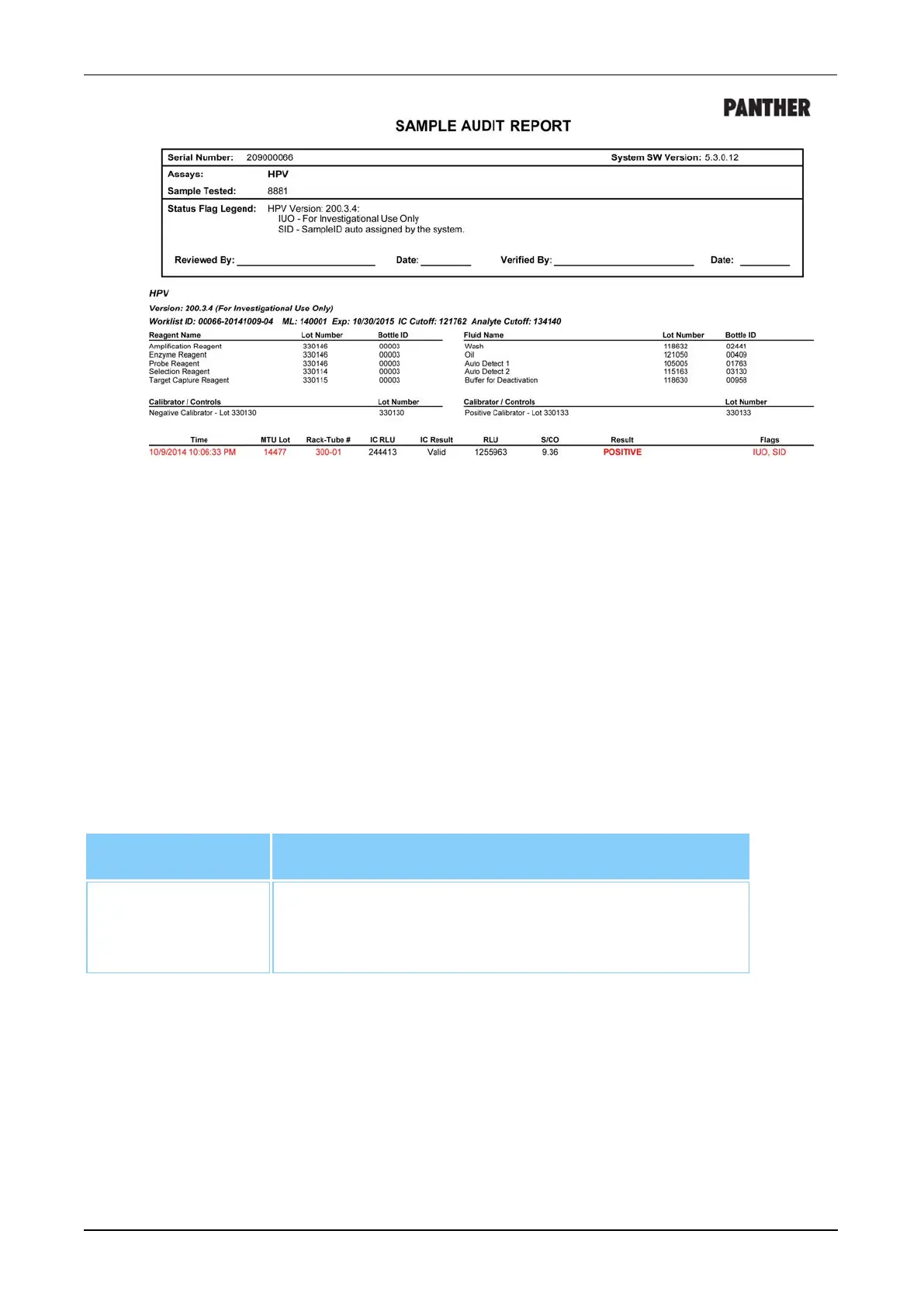
Figure 97. Sample Audit Report (Example)
Test Count Report
Select Test Count Report and select the appropriate date range on the right of the
Report Menu screen to generate a Test Count Report. Once the date range has been
entered, select View, Print, or Export as desired to access the Test Count Report.
Filter Description
Test Count
Report Date
Range
Select the From and the To fields and choose the
beginning and end dates of the desired range.
Table 87. Test Count Report—Report Parameters



 To Next Page