Panther System
®
Operator’s Manual
AW-17791-001 Rev. 002 (EN)
231
System Administration
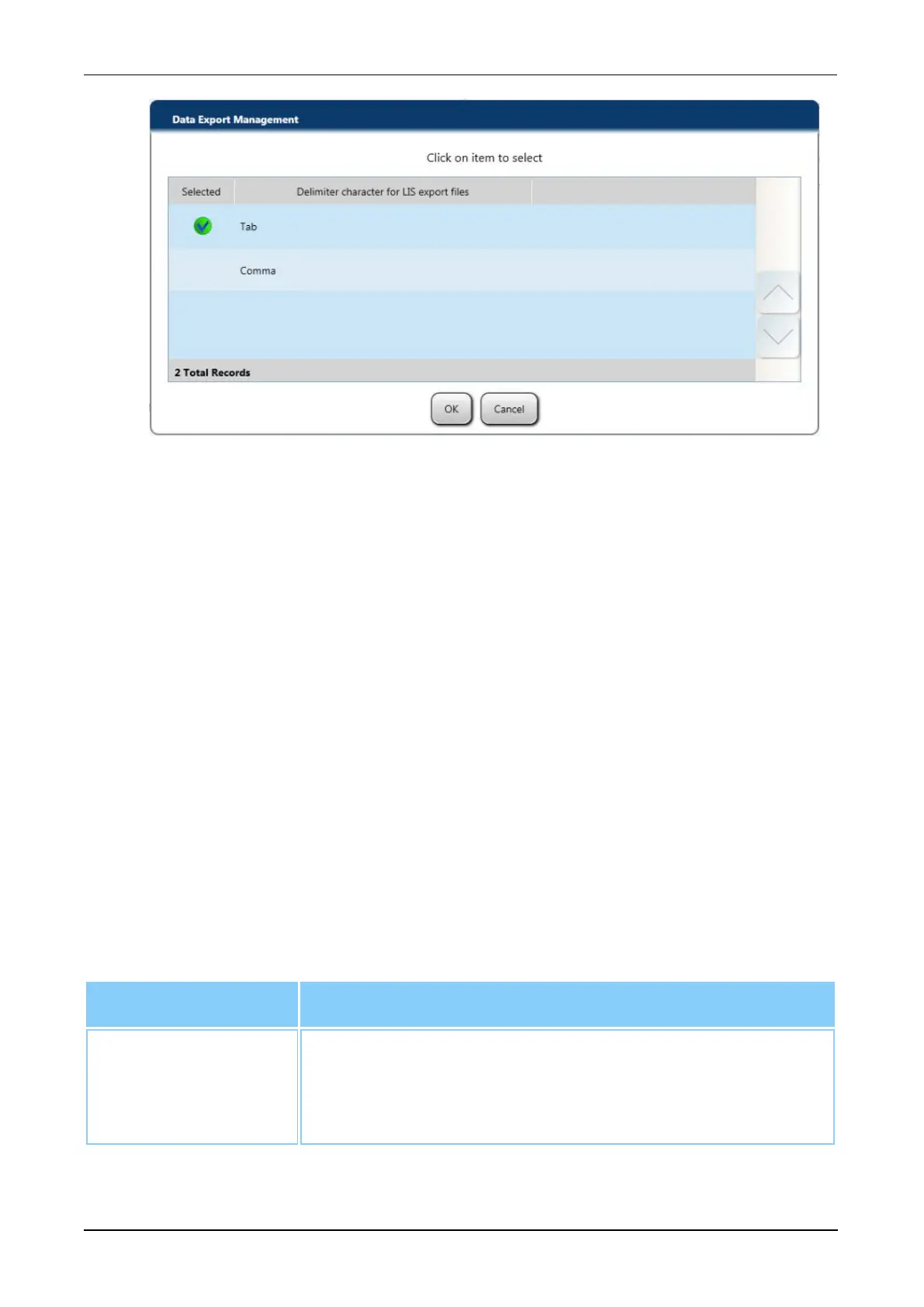
Figure 110. Delimiter Character for Export Files Window
2. From the window, select the delimiter for exported LIS data.
3. Select OK when finished.
Raw Data Export Directory
To set the kinetic and LIS data export directory:
1. From the expanded Data Export Management menu on the System Configuration
screen, select the Raw Data Export field.
A Report Export Directory window opens.
2. From the window, select the desired export destination for the system to use when
exporting raw data and LIS data.
3. Select OK when finished.
Security Management
Use the Security Management expansion menu to configure the password and login
security settings as needed.
Select and configure the following option within the menu:
Option Description
Require new users
to change
password on initial
logon
Check this cell to configure the system to require a user to set
a new password at initial logon.
Table 106. Security Management Options



 To Next Page