Panther System
®
Operator’s Manual
AW-17791-001 Rev. 002 (EN)
178
System Operation
Filter Description
Activity Date The following three (3) choices are available for use as a
report filter:
l Today
l Yesterday
l Range
Check the cell of the date range desired. Selecting the
Range cell opens a window to refine the date and time
range.
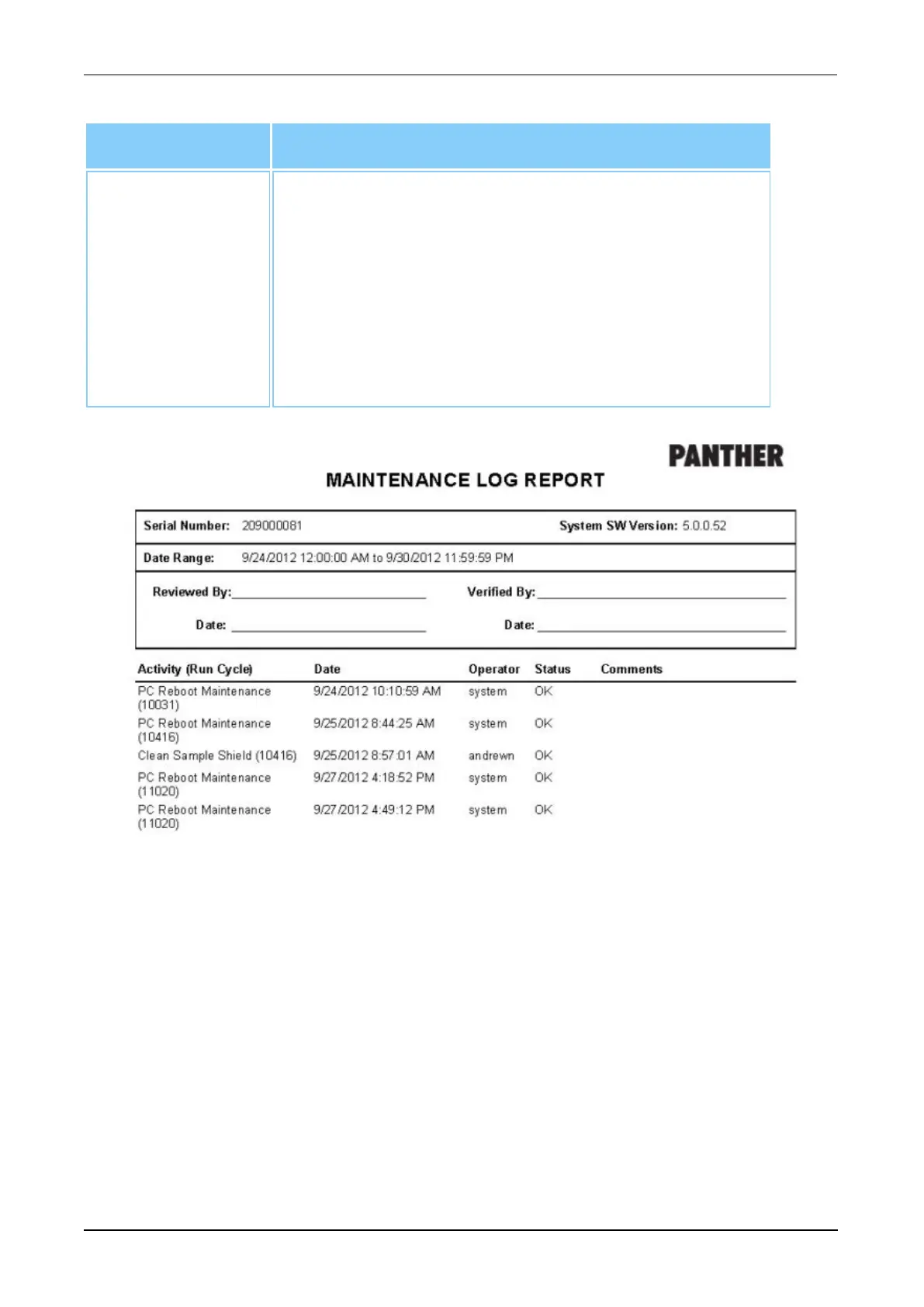
Table 81. Maintenance Log Report—Report Parameters
Figure 92. Maintenance Log (Example)
Messages Log Report
Select Messages Log Report and generate a Message Log Report based upon the
three (3) filter categories:
l Creation Date
l Severity
l Event ID
A selection in the Creation Date filter category is required to generate a report. All three
(3) filter categories can be used together to further refine the report, if necessary. Make a
selection in the categories of choice and check the correct cells as appropriate to
generate a report that contains all system messages that match the filter specifications.



 To Next Page