Panther System
®
Operator’s Manual
AW-17791-001 Rev. 002 (EN)
176
System Operation
l Fluid Lot
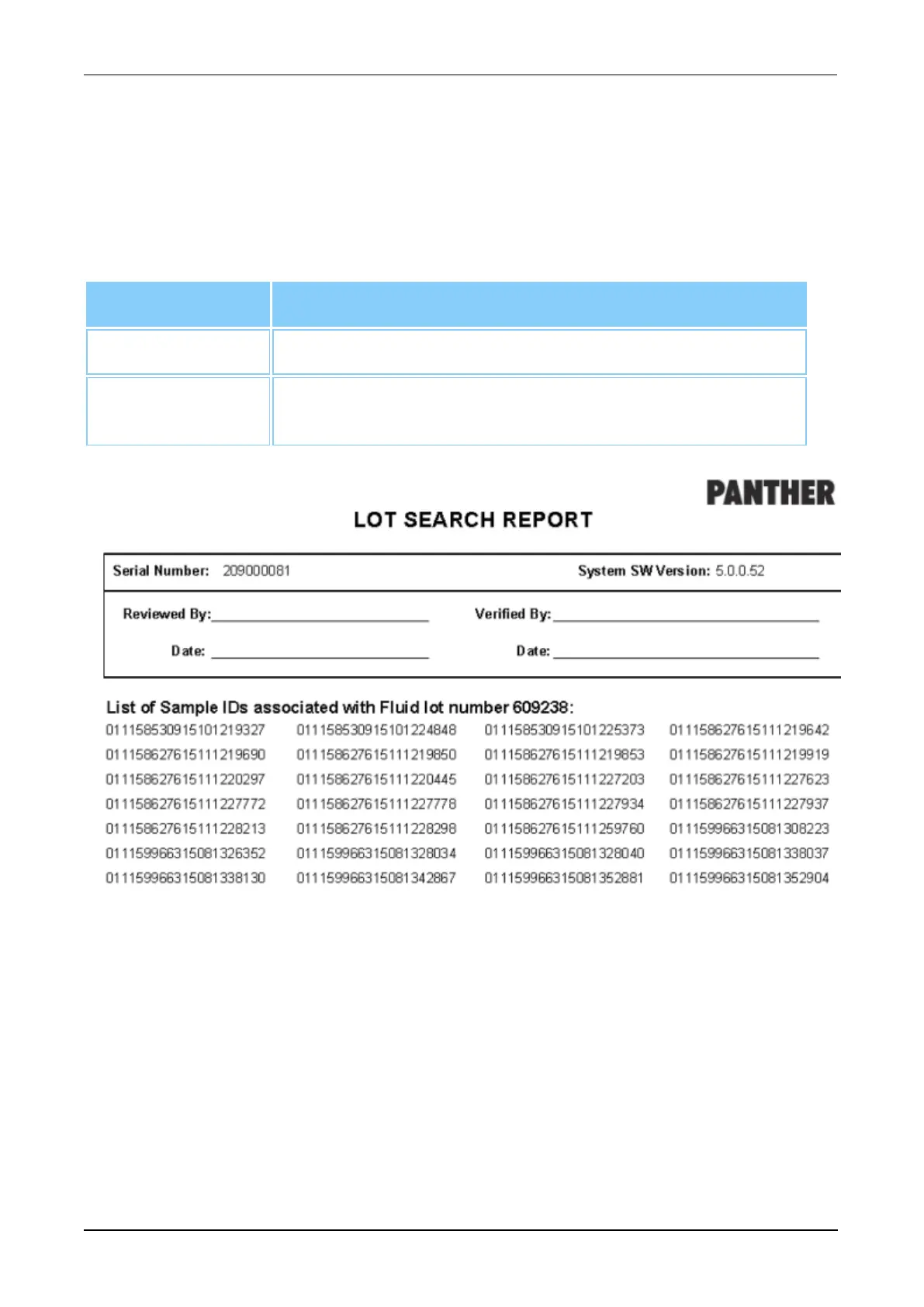
Check one of the three (3) cells on the parameter menu and then enter the lot information
in the open field of the Show Samples for the Following Lot panel. Once the information
has been entered, select View, Print, or Export as desired to access the Lot Search
Report. The report contains all SIDs that were tested in conjunction with the chosen lot of
material.
Filter Description
Lot Selection Check the cell of the desired lot type.
Lot Field Enter the lot number information of the selected lot type with
the virtual keyboard.
Table 79. Lot Search Report—Report Parameters
Figure 90. Lot Search Report (Example)
Maintenance Checklist
Select Maintenance Checklist and select the appropriate month in the Month field on
the right of the Report Menu screen for a checklist with the completed maintenance tasks
for the selected month. Select View, Print, or Export as desired to access the
Maintenance Checklist.



 To Next Page