Panther System
®
Operator’s Manual
AW-17791-001 Rev. 002 (EN)
131
System Operation
System LEDs
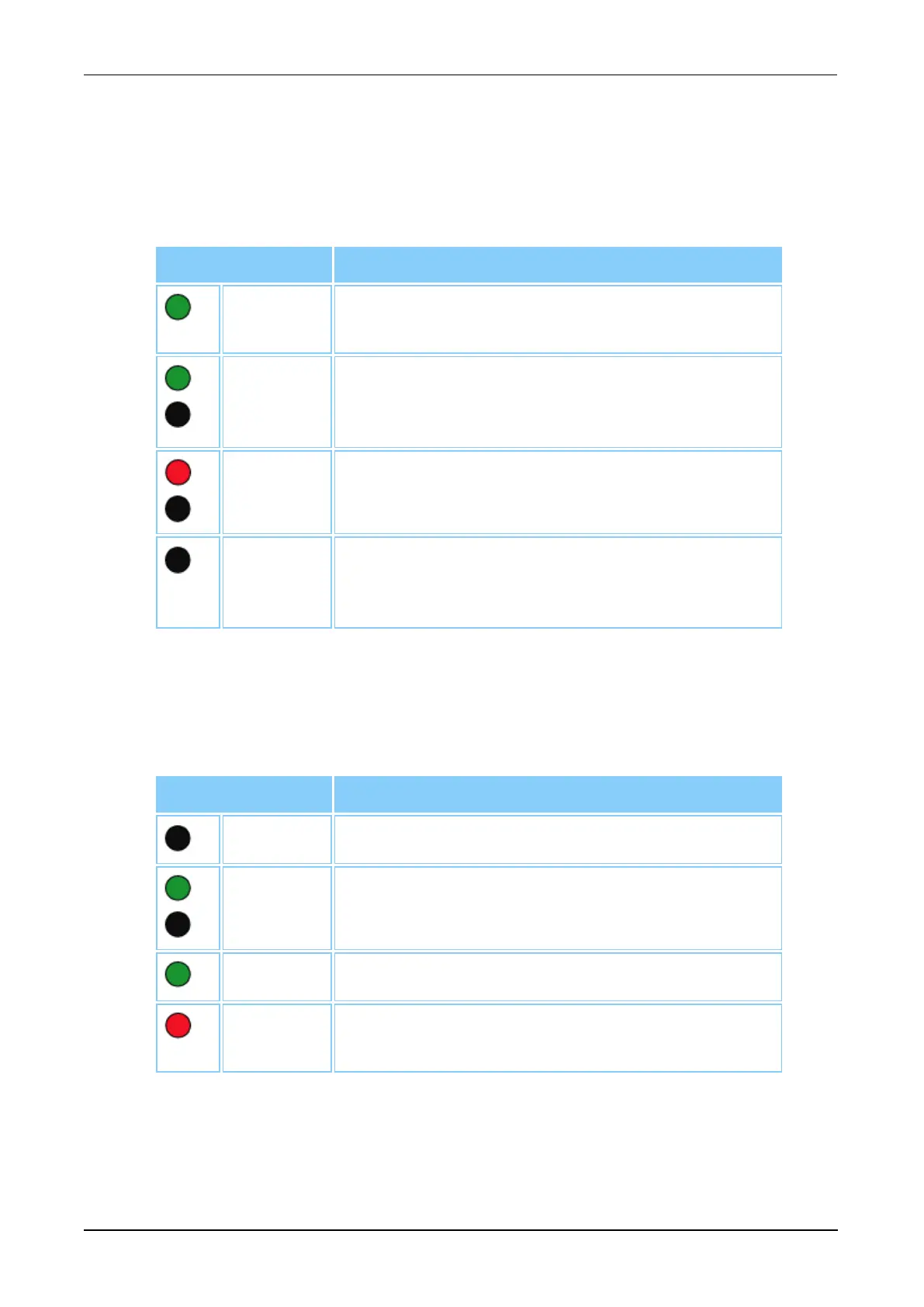
Two (2) LED indicators are located on the upper left and right corners of the
canopy. These LED indicators alert the user to the system's current status
according to the LED status in the following table.
LED Color Meaning
Solid
Green
The system is in the Ready, Setup, Priming,
Maintenance, or Assay Processing state.
Flashing
Green
There are messages on the Pending screen. The
system requires resources to complete assay
processing.
Flashing
Red
The system is in an error state.
Off
The system is powered down or is in a state other
than the Ready, Setup, Priming, Maintenance,
Assay Processing, or an error state.
Table 56. System LED Status Color Legend
Reagent Bay Lane LEDs
Four (4) LED indicators are located on the top of the Reagent Bay Door. The
Reagent Bay Lane LEDs change color according to the following table.
LED Color Meaning
Off Reagent Bay Lane is empty.
Flashing
Green
Reagent Bay Lane is available for loading.
Green Reagents are loaded and available for use.
Red Reagents in rack are currently being pipetted.
Do not remove Reagent Rack from this lane.
Table 57. Reagent Bay Lane LED Status Color Legend



 To Next Page