Panther System
®
Operator’s Manual
AW-17791-001 Rev. 002 (EN)
61
Overview
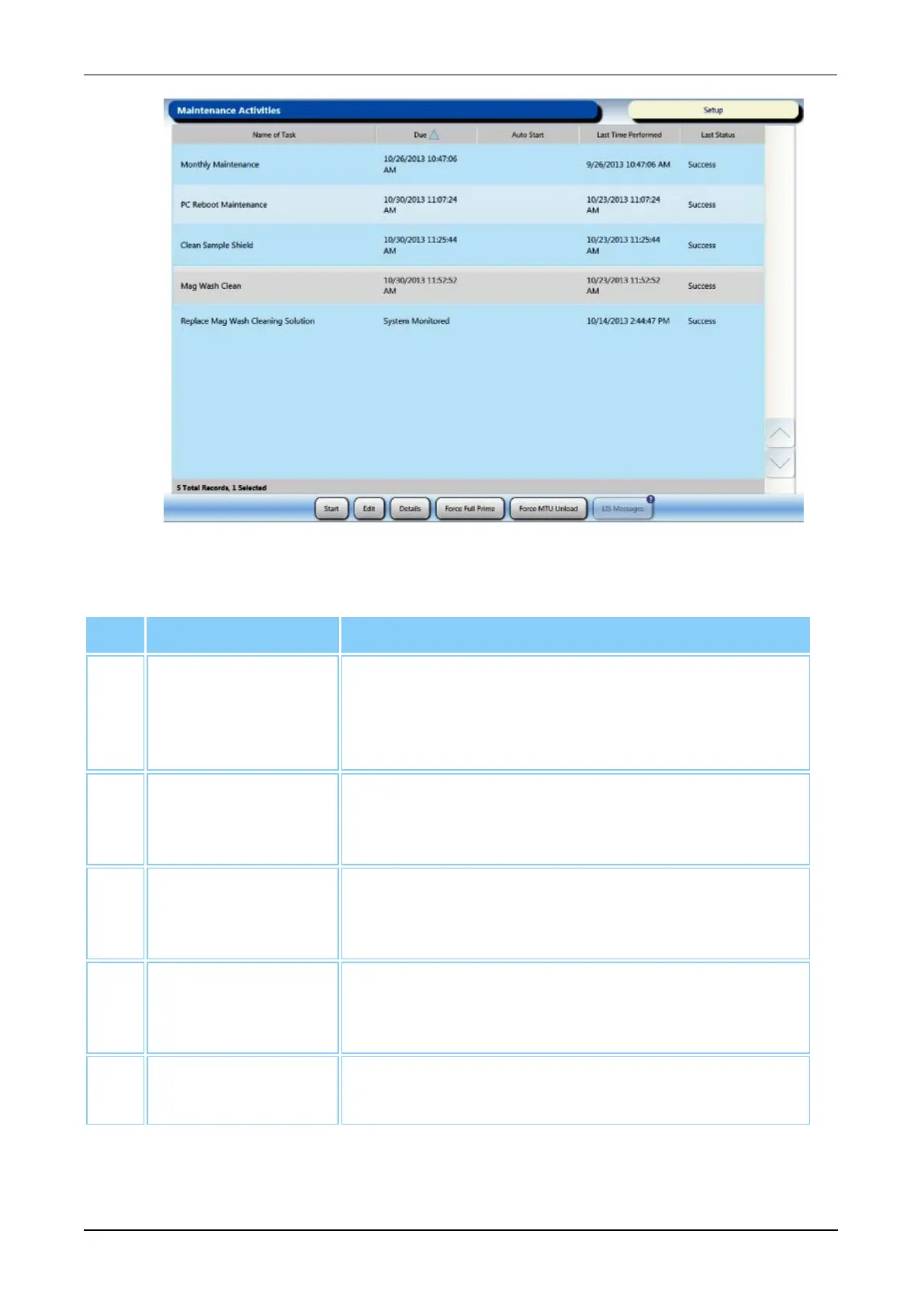
Figure 25. Maintenance Activities Screen (Example)
Screen Location Description
1. Maintenance
Activities Table
Table listing information pertaining to Panther
System maintenance tasks including the date and
time of scheduled maintenance tasks (see General
Maintenance Information on page 189).
2. Start Select this button to access the Run Maintenance
Task screen (see Maintenance Activities Screen on
page 190).
3. Edit Select this button to access the Edit Maintenance
Task screen (see Schedule an Automated
Maintenance Task on page 193).
4. Details Select this button to access the Maintenance Task
Details screen (see Maintenance Task Details
Screen on page 191).
5. Force Full Prime Select this button to perform a full prime (see Force
Full Prime on page 106).
Table 33. Maintenance Activities Screen Descriptions



 To Next Page