7 Configuration
126
7.11.1 Signal monitoring
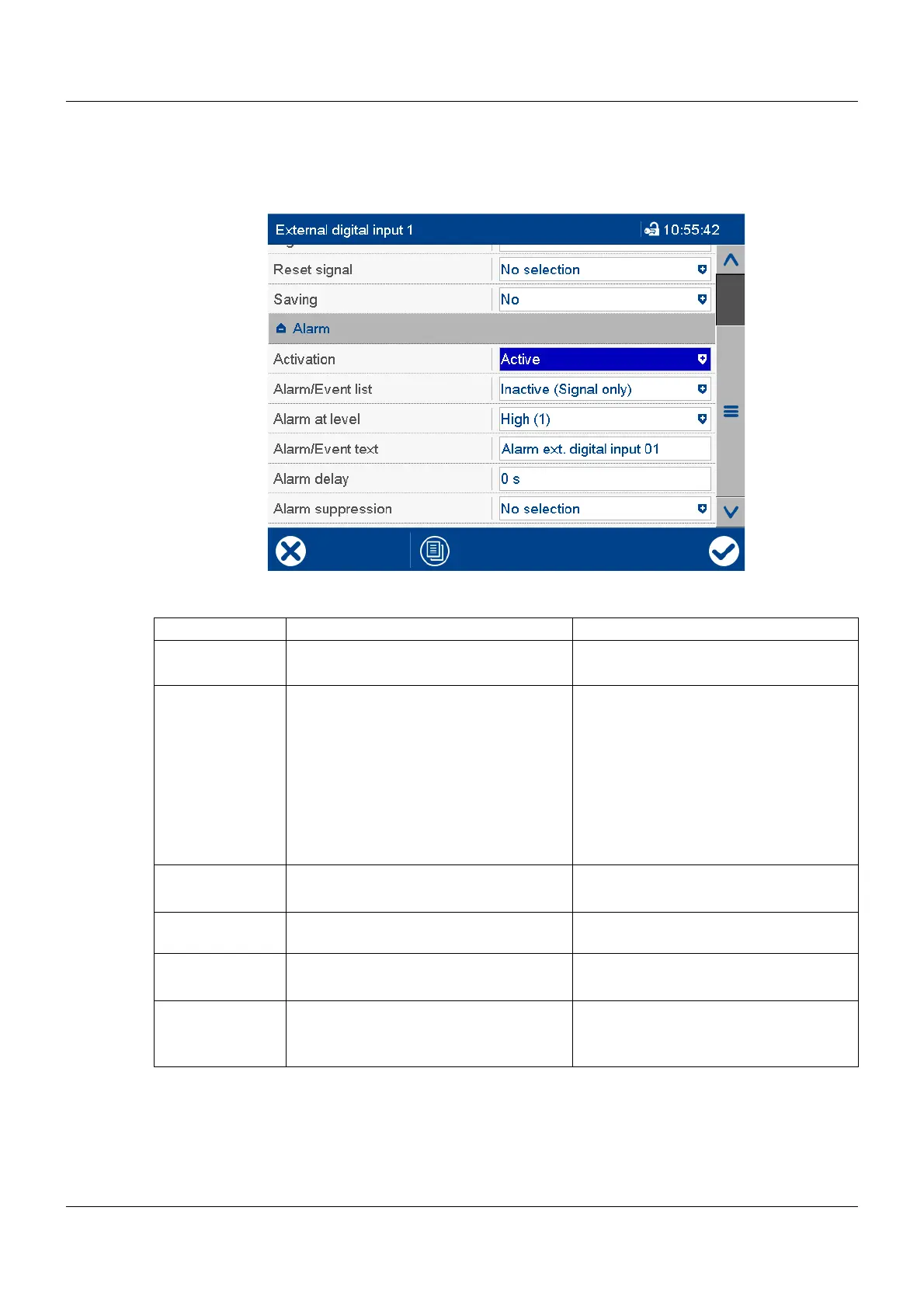
Signal monitoring (alarm) can be activated for each external digital input.
Device dialog box
Parameter
Alarm/Event list
All events and their time of occurrence are added to the event list. If the event is an alarm, newly occur-
ring alarms and their time of occurrence are additionally added to the alarm list. If an alarm is made in-
active, it is removed from the alarm list and the time of removal is added to the event list.
Parameter Selection/settings Description
Activation Inactive Signal monitoring is inactive.
Active Signal monitoring is active.
Alarm/Event list Inactive (signal only) In the event of an alarm, only the alarm
signal is activated.
Event The alarm/event text is entered in the
event list.
Alarm/event The alarm/event text is entered in the
alarm list and the event list. The collec-
tive alarm is activated and the text of the
last alarm to occur is displayed in the sta-
tus bar.
Alarm active at High (1) Alarm at high level (1)
Low (0) Alarm at low level (0)
Alarm/Event text Use default text or enter other text. Text entered in the alarm and event list
and displayed in the status bar.
Alarm delay 0 s to 32767 s Delay time for alarm signal activation
Alarm suppres-
sion
Digital selector
No selection
The selected digital signal (high-active)
prevents the alarm signal being activat-
ed.



 To Next Page