6 Setup program
86
Online data
Alternately shows/hides the online data window.
A checkmark preceding the menu item indicates that the window is shown.
Connection status
Alternately shows/hides the line for displaying the connection status.
A checkmark preceding the menu item indicates that the line is shown.
Opened window (here: Setup 1)
Displays the names of all opened setup files as a list.
Clicking on the name in the list makes the associated window the active window. A checkmark preceding
the name indicates the active window.
In the example shown here, only one setup file is open; it is named "Setup 1".
6.3.7 Info
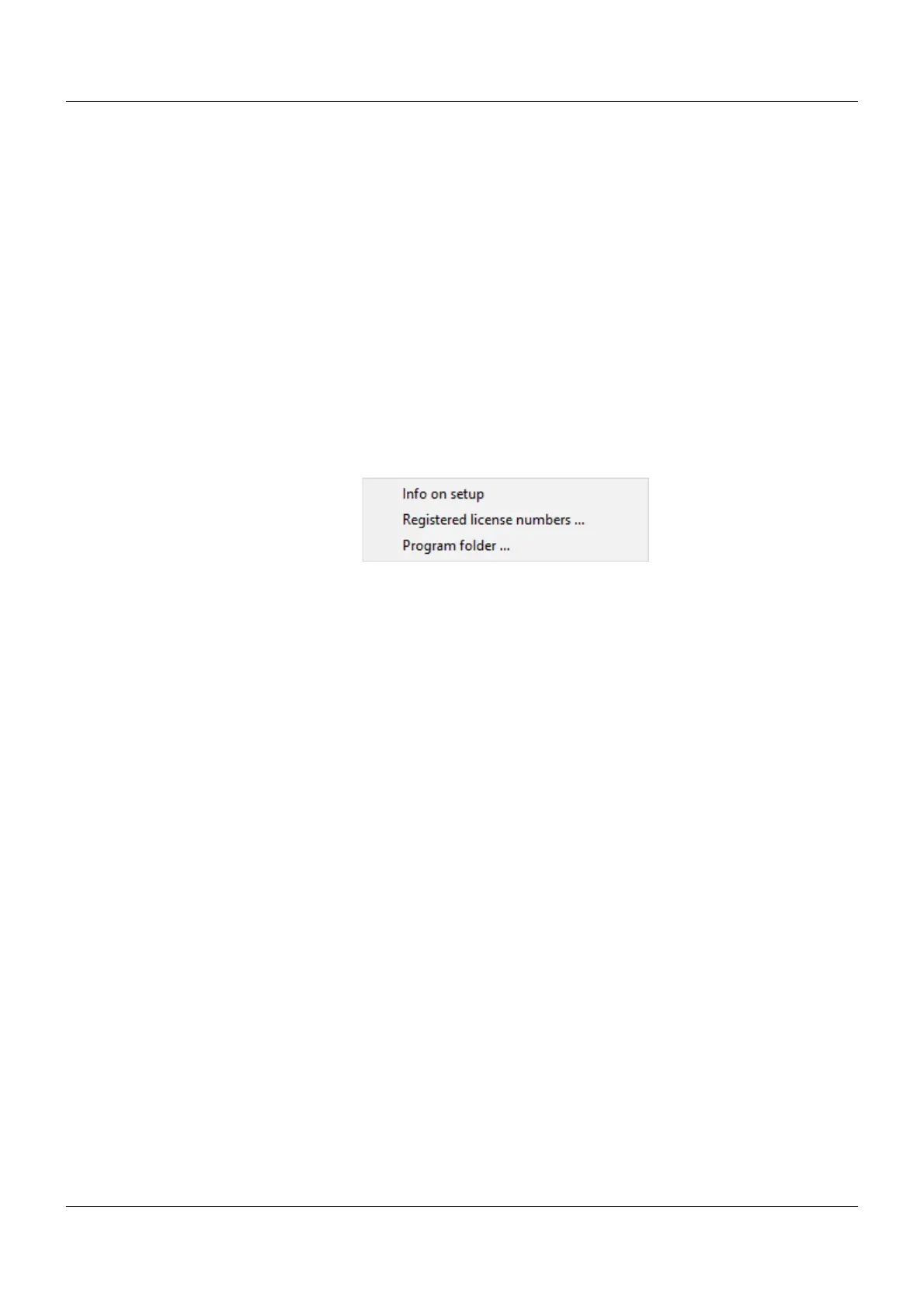
Overview of menu items:
Info on setup
Displays information about the setup program, incl. the version number.
The version number is important, for instance, when contacting the service hotline.
Registered license numbers ...
Shows all registered license numbers and any active options.
The license numbers and the information about active options are important, for instance, when contact-
ing the service hotline.
Information about obtaining a fee-based license number can be found on the manufacturer's website
(see software download of setup program).
Program folder ...
Shows the various folders (directories) that are being used on the hard disk drive or in the network by
the setup program.
To display the contents of the folder, click the button (on the right next to folder path).



 To Next Page