CAB DISPLAY MODULE (CDM)
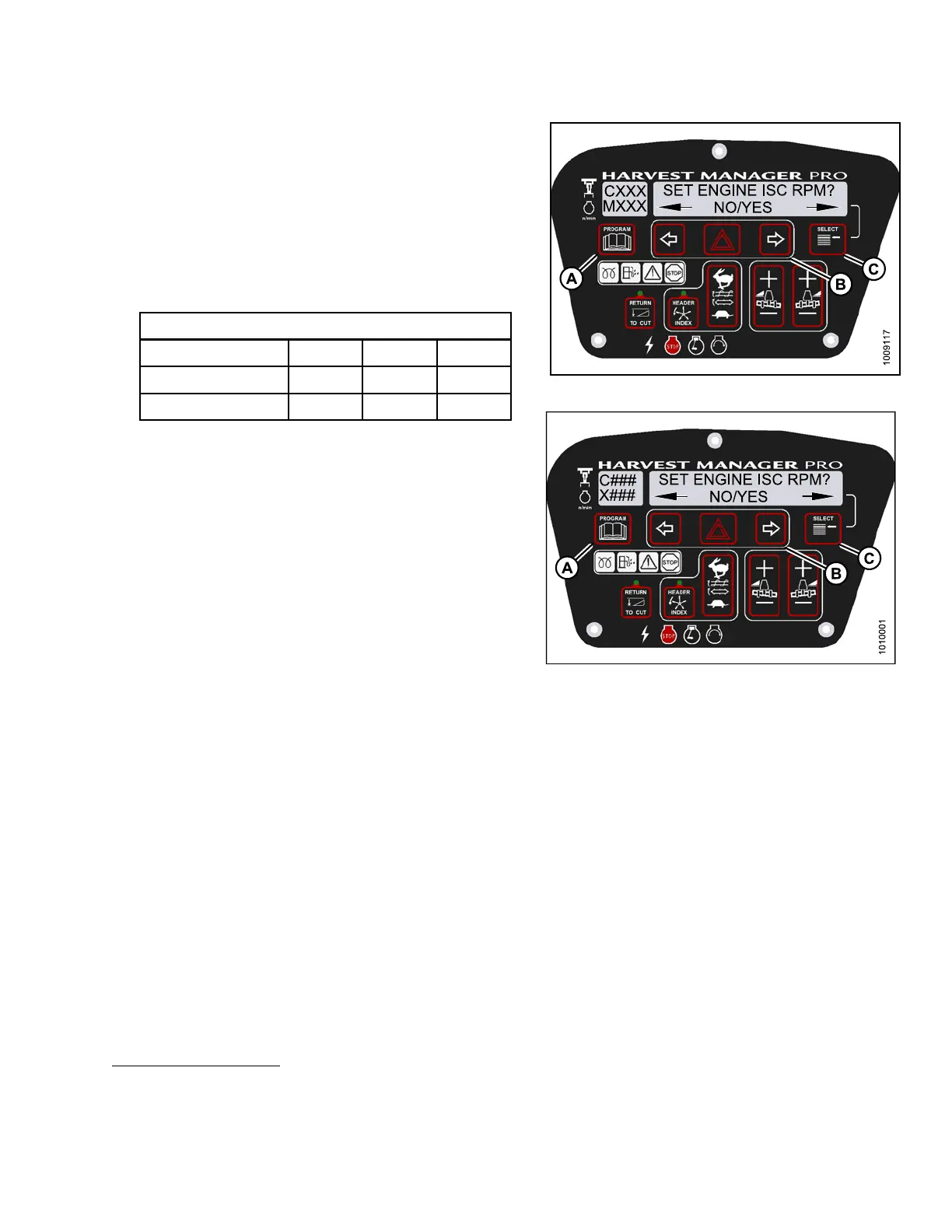
4. Press SELECT (C) until SET EN GINE ISC RP M? is
displayed on the upper line.
• NO/YES is dis playe d on the lower lin e .
5. Press right (B)arrow to select YES. Press SELECT (C).
• PRESS HAZARD TO SET is displayed on the
upper line.
• ISC RPM #### is d isp layed on the lowe r line.
Table 4.1 ISC Settings
ISC and RPM
Off
7
123
High Idle (M155)
8
2200
9
2000 1800
High Idle
(M205) 2000 1800 1600
NOTE:
The previously selected ISC rpm will be flashing.
Figure 4.1
51: M155 Engine ISC RPM
Figure 4.152: M205 Engine ISC RPM
7. Off is always used when the header is not engaged.
8. Off does not appear on menu selection but is used when the header is not engaged.
9. Default Setting
147962 219 Revision A



 To Next Page