■■■■■■■■■■■■■■■■■■■■■■
23 Live modifications
900 Touch Control
■■■■■■■■
211
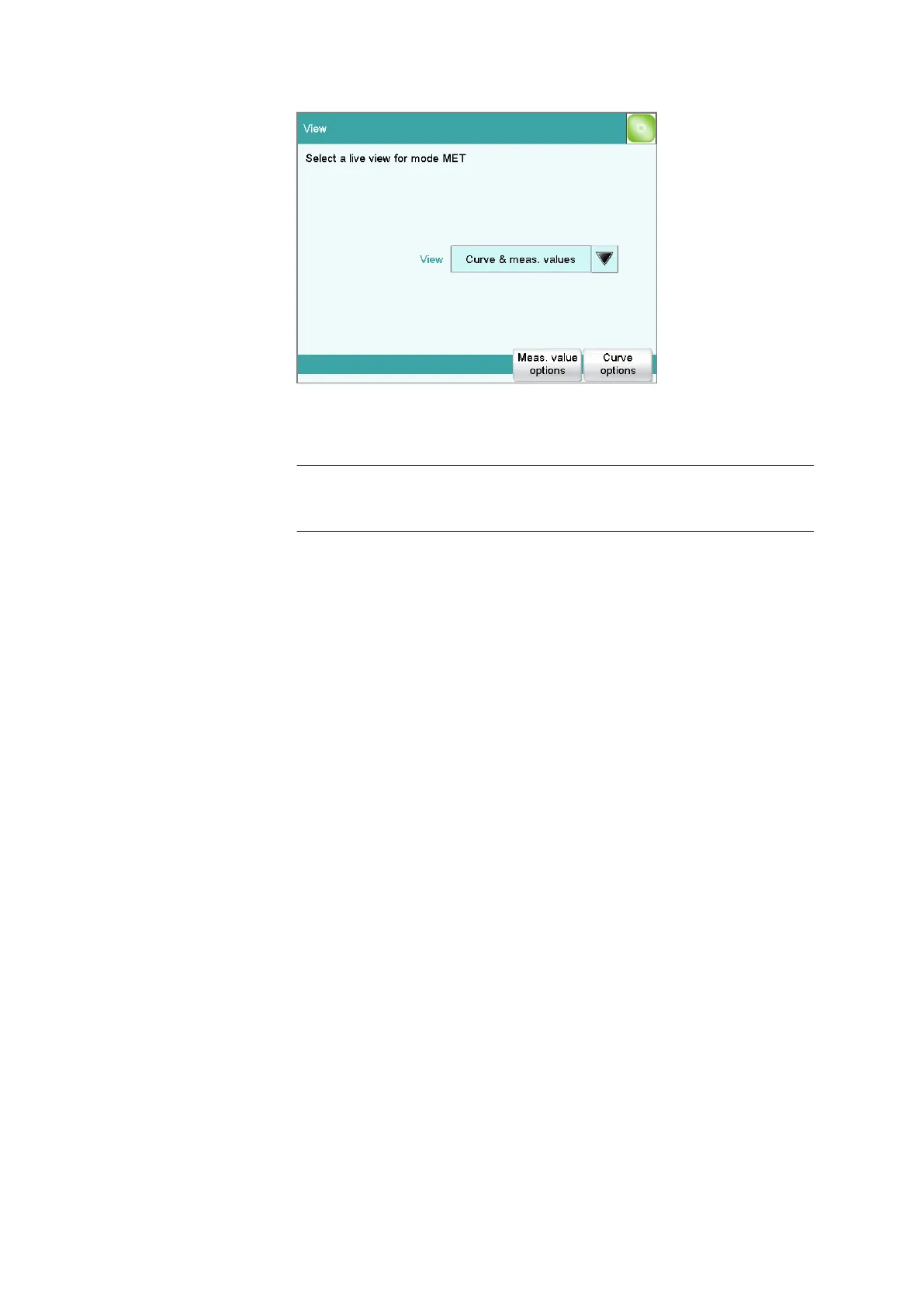
View
Type of curve display.
Selection Curve | Curve & meas. values | Measured val-
ues | Curve & sample data
Default value Curve & meas. values
Curve
Only the curve is displayed.
Curve & meas. values
The measured values are displayed to the right next to the curve.
Measured values
Only the measured values are displayed.
Curve & sample data
The sample data is displayed to the right next to the curve.
[Meas. value options]
Define settings for the display of the measured values.
A maximum of three different values can be displayed at the same time.
The selection depends on the titration/measuring mode. The settings are
saved separately for each mode.
[Curve options]
Define the settings for the curve display (see "Curve options", page 228).
The settings are saved separately for each titration/measuring mode and
apply not only for the live display but also for the curve display in the
results dialog.















 To Next Page