■■■■■■■■■■■■■■■■■■■■■■
24 Results and more determination data
900 Touch Control
■■■■■■■■
217
[Measuring point list]
Display measuring point list of titrations and measurements (see "Measur-
ing point list", page 217).
Measuring point list
Results dialog: More data ▶ View data ▶ Measuring point list
Results dialog: Curve ▶ Display curve ▶ Measuring point list
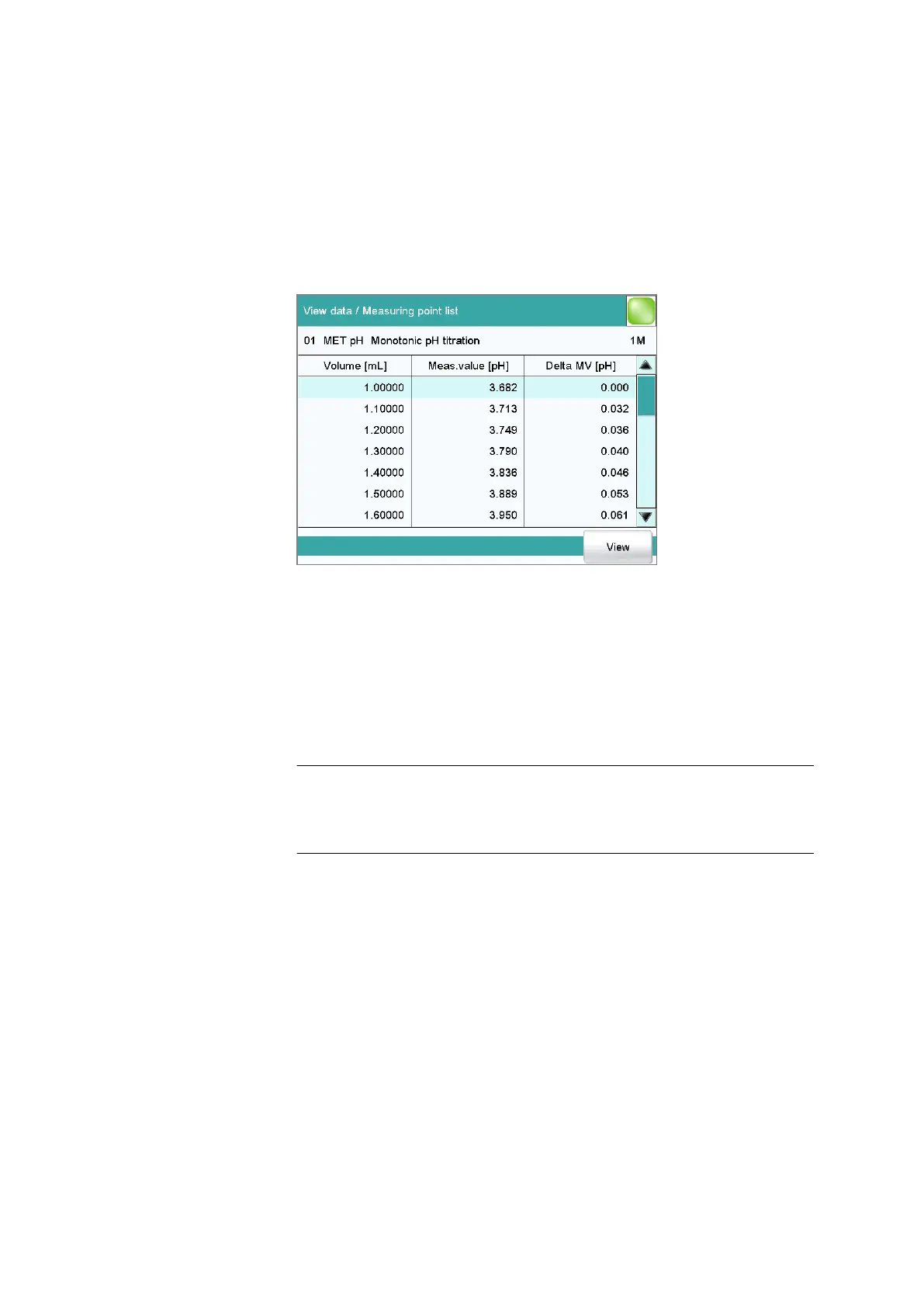
The individual measured values are listed in the View data / Measuring
point list dialog. You can configure which columns are displayed ([View]
button). These settings are saved separately for each mode (DET, MET,
etc.).
Column 1 / Column 2 / Column 3
Quantity displayed in the columns 1, 2 and 3. Both the selection of the
quantities and the default setting depend on the mode.
Selection Volume | Measured value | Water | Bromine |
ERC | Delta meas.value | Time | Temperature |
Drift | Volume drift | Signal drift | Index | Mon-
itoring
Endpoint details
Results dialog: More data ▶ View data ▶ Endpoint details
Results dialog: Curve ▶ Display curve ▶ Endpoint details
Detailed information concerning each equivalence point or endpoint
determined is displayed in the View data / Endpoint details dialog.
The volume, the measured value, the equivalence point criterion ERC (only
DET, MET), the time and the temperature are specified for each equiva-
lence point or endpoint determined.















 To Next Page