24.5 Loading a determination
■■■■■■■■■■■■■■■■■■■■■■
224
■■■■■■■■
900 Touch Control
[Delete]
Delete the selected file.
[Load]
Load the selected file.
Properties
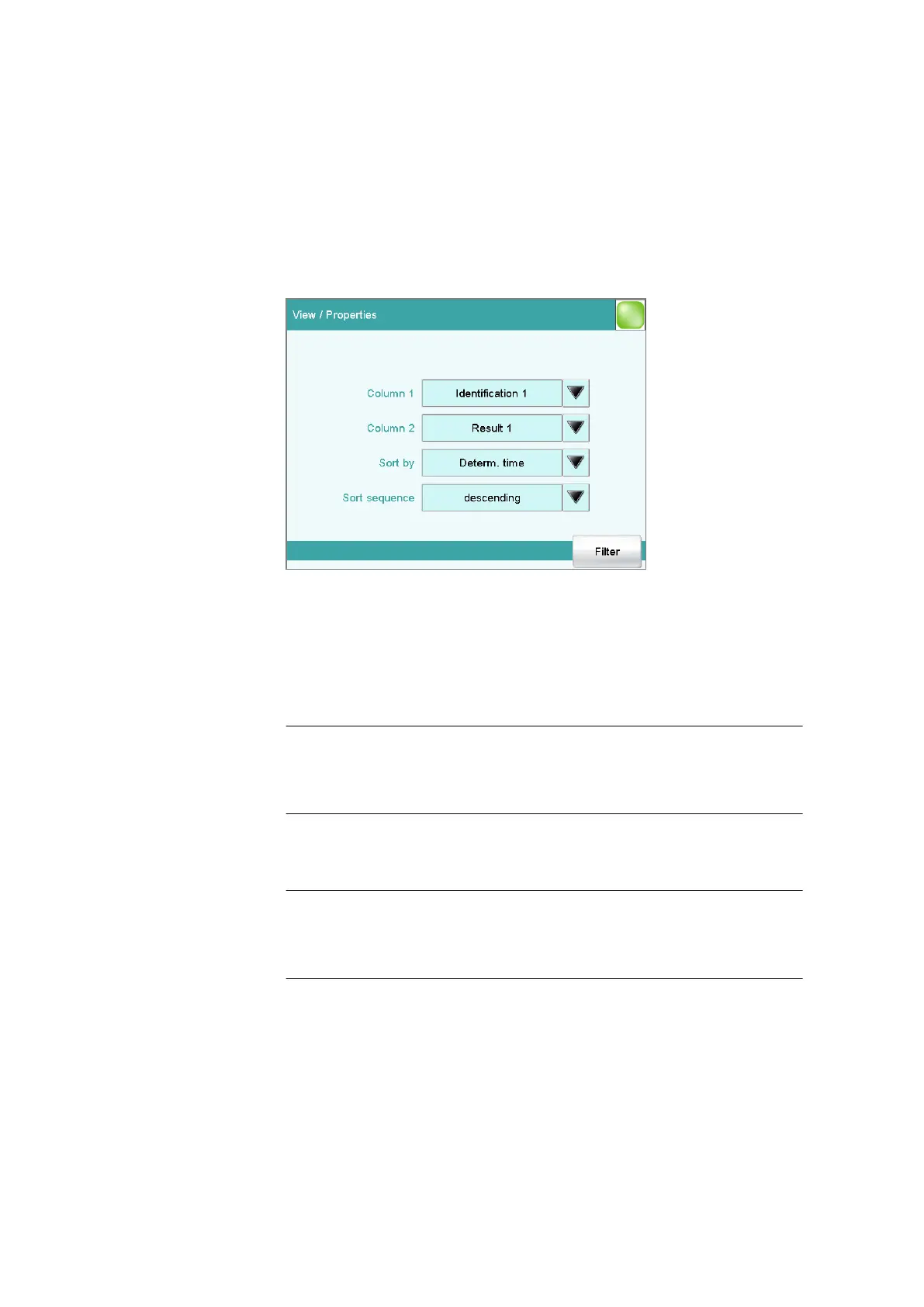
Determination list: Properties
In the View / Properties dialog, you can define which data is displayed
in the columns and the criteria according to which the determinations are
to be sorted.
Column 1
Selection of what is to be displayed in the first column.
Selection Identification 1 | Identification 2 | Determ.
time | Result name | Method | Sample size |
User
Default value Identification 1
Column 2
Selection of what is to be displayed in the second column.
Selection Result 1…9
The numbering of the results corresponds to the
order in which the results were calculated in the
determination run.
Sort by
Selection according to which criterion the list is to be sorted.















 To Next Page