■■■■■■■■■■■■■■■■■■■■■■
24 Results and more determination data
900 Touch Control
■■■■■■■■
225
Selection Identification 1 | Identification 2 | Determ.
time | Result | Method | Sample size | User
Default value Determ. time
Identification 1
Sort alphabetically according to the first sample identification.
Identification 2
Sort alphabetically according to the second sample identification.
Determ. time
Sort chronologically according to the determination time.
Result
Sort according to the numerical value of the result.
Method
Sort alphabetically according to the method name.
Sample size
Sort according to the numerical value of the sample size.
User
Sort alphabetically according to the user who carried out the determi-
nation.
Sort sequence
Selection ascending | descending
Default value descending
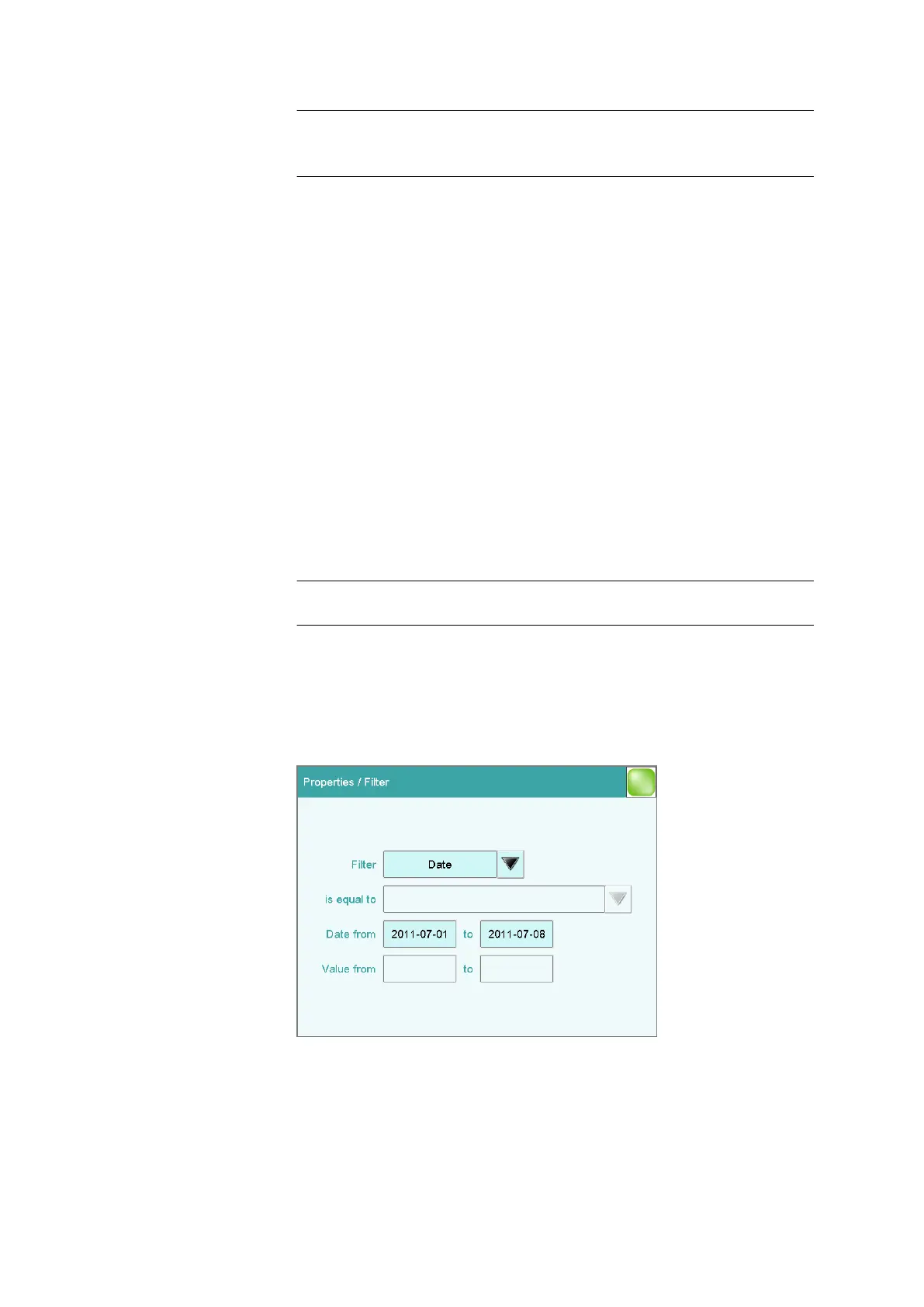
[Filter]
Specify the filter criteria for the list.
Filter criteria
Determination list: Properties ▶ Filter
You can set filters in the Properties / Filter dialog. A filter is a rule defin-
ing what is to be displayed in the determination list. If a filter has been set,















 To Next Page