■■■■■■■■■■■■■■■■■■■■■■
28 Manual control
900 Touch Control
■■■■■■■■
273
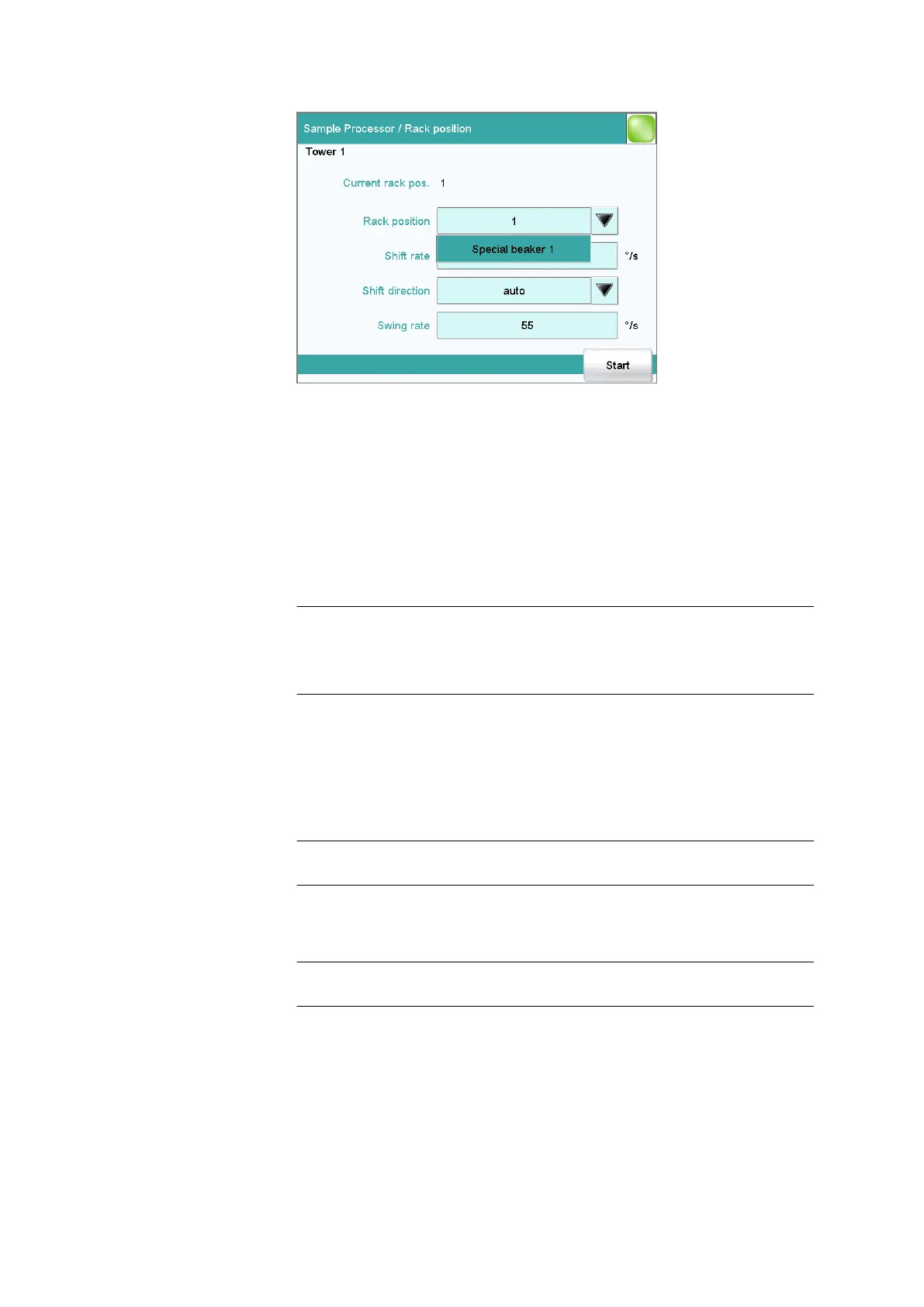
In the dialog Sample Processor / Rack position, you can move to any
position on the attached rack.
Current rack pos.
Current rack position. If the rack is not set to a valid position, e.g. after a
rack reset, -- is displayed to indicate this.
Rack position
Desired rack position.
Input range 1 to Number of positions on the rack
attached.
Default value 1
Selection Special beaker 1…16
Special beaker 1…16
The selection depends on how many rack positions are defined as spe-
cial beakers (see "Editing special beakers", page 105).
Shift rate
Rate at which the sample rack is moved.
Input range 3 to 20 °/s
Default value 20 °/s
Shift direction
Direction in which the rack is moved.
Selection auto | + | -
Default value auto
auto
A shift direction, with which the shorter way has to be passed, is auto-
matically selected.















 To Next Page