■■■■■■■■■■■■■■■■■■■■■■
29 Parameters
900 Touch Control
■■■■■■■■
421
■ Enter the numerical values of the wildcards.
■ Tap on [Next].
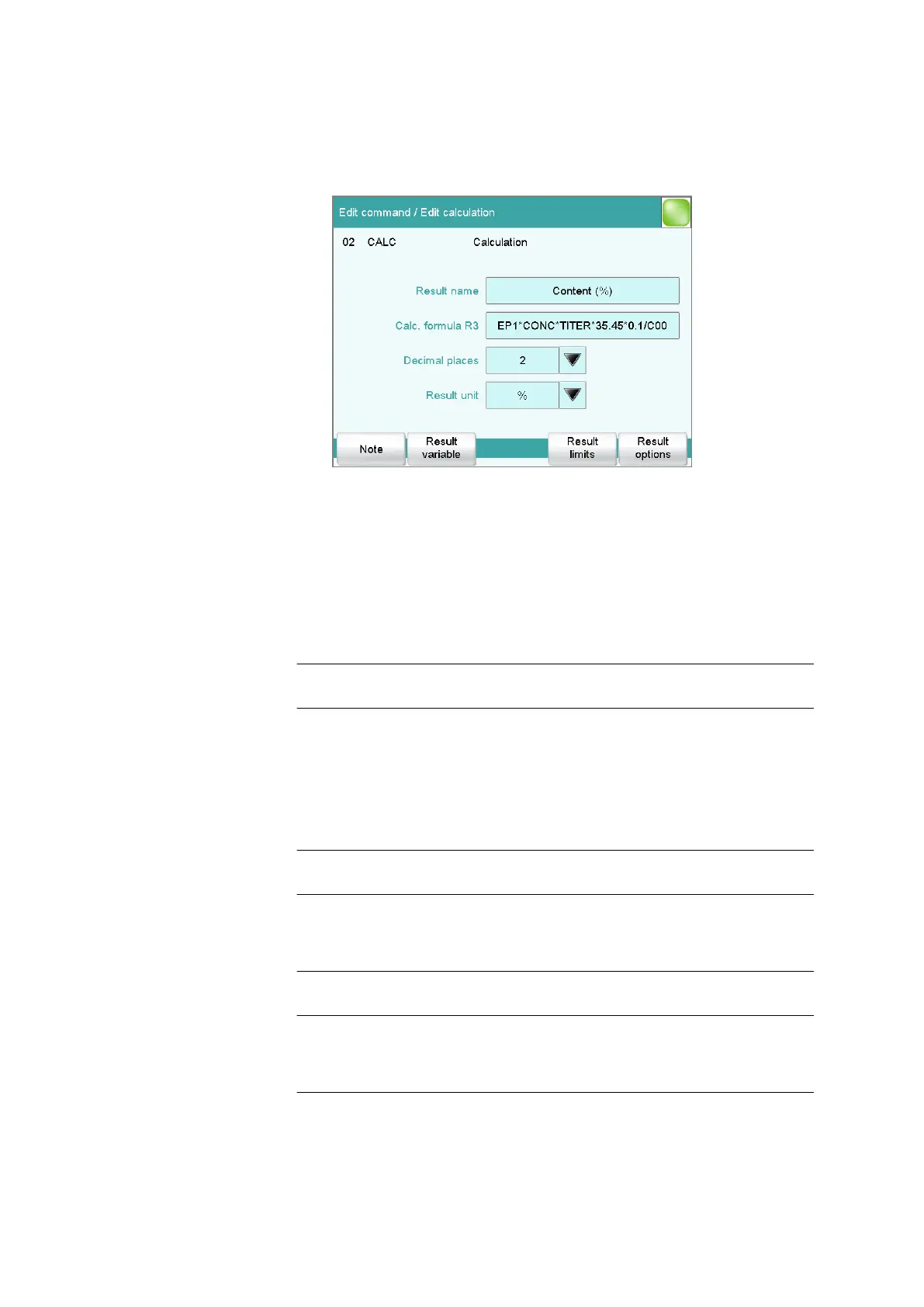
The editing dialog of the new calculation is displayed:
The calculation can now be edited further, e.g. define result limits,
see following chapter.
29.13.1.2
Editing a calculation
Result name
The result name is the text which will be shown in the result display and in
the report. The default name corresponds to the result variable.
Entry max. 24 characters
Default value R1…R9
Calc. formula R1...R9
Shows the calculation formula. A special editor is opened for the defini-
tion (see chapter 29.13.3, page 427). The designation R1...R9 corre-
sponds to the result variable. Under [Result variable] this can later be
modified.
Entry max. 100 characters
Default value empty
Decimal places
Number of decimal places used to display the result.
Input range 0 to 5
Default value 2
Result unit
The result unit is displayed and saved together with the result.
Entry max. 10 characters















 To Next Page