7.3 User administration
■■■■■■■■■■■■■■■■■■■■■■
30
■■■■■■■■
900 Touch Control
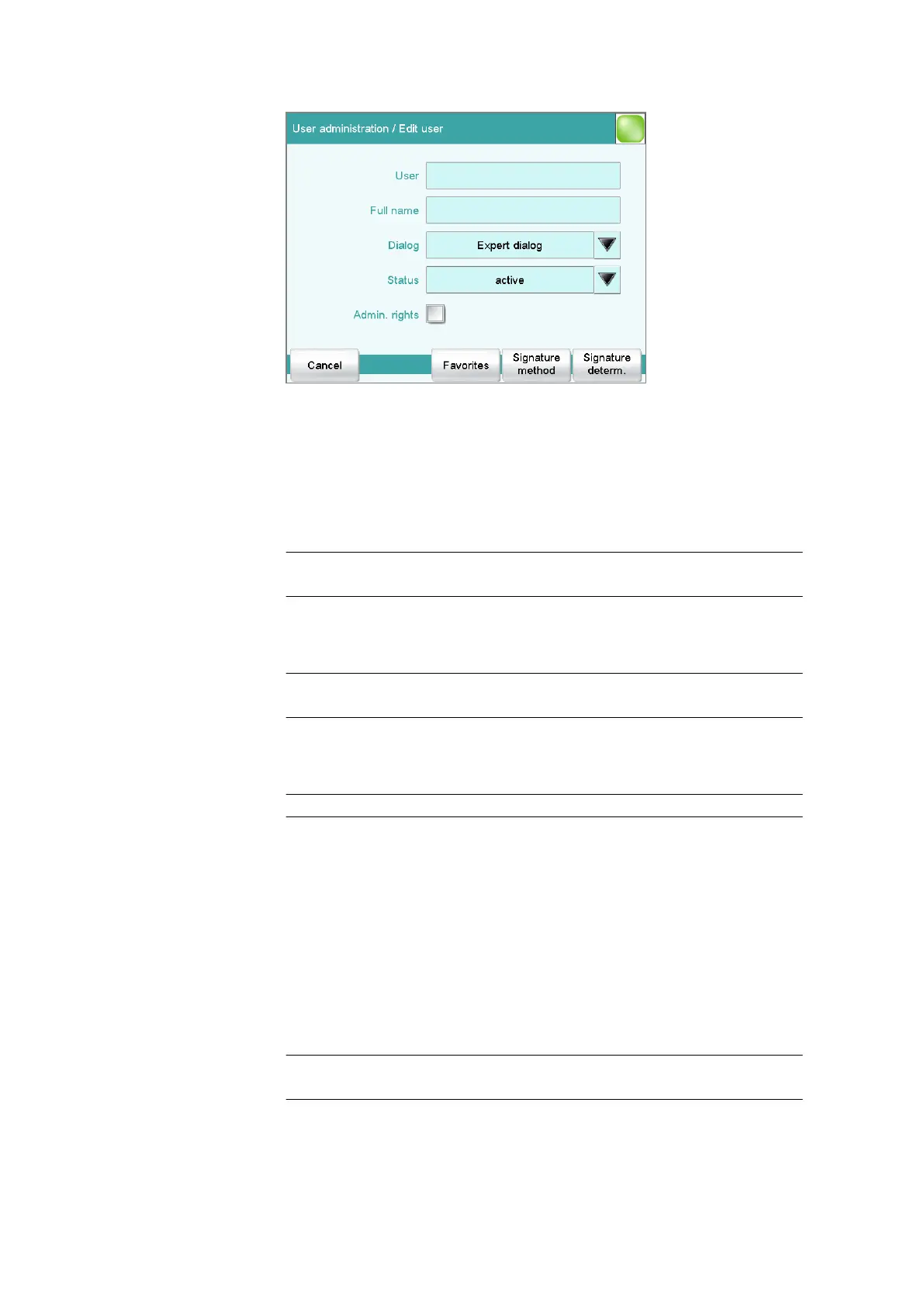
User
The designation of the user is used for unambiguous identification, e.g.
the company internal shorthand symbol or the personal number. The user
name is printed out in all reports containing determination data and
stored in the determination file. Each file always contains the name of the
user who created it and the name of the last user to edit it.
Entry 24 characters maximum
Default value empty
Full name
Complete name of the user.
Entry 24 characters maximum
Default value empty
Dialog
Dialog mode in which the user may operate the system.
Selection Expert dialog | Routine dialog
Expert dialog
All functions that are supported by the connected system are available.
Routine dialog
The user dialog can be limited for routine operations. Only selected
functions are available (see Configuring the routine dialog, page 26).
Status
Status of the user. Users can be deactivated. This function is useful, for
instance, if the user is no longer authorized to operate the system or no
longer works for the company.
Selection active | inactive
Default value active















 To Next Page