Hardware Sensor Events:
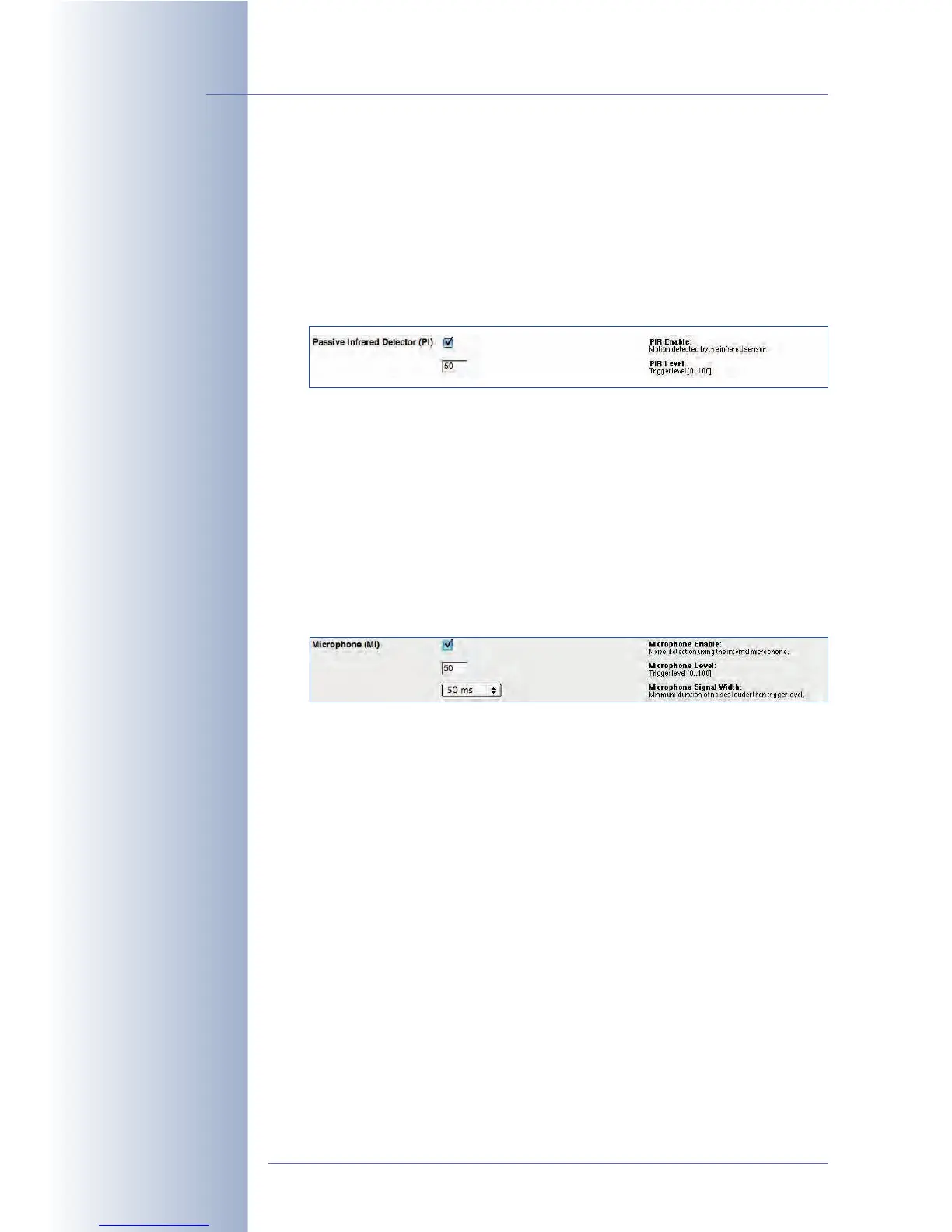
• Passive Infrared Sensor (PI): The passive infrared sensor registers moving
objects within the sensor area (e.g. persons, animals) that radiate heat. You
can set the sensitivity of the sensor by entering a PIR Level between 10 (high)
to 100 (low). The PIR sensor reaches about 10 meters (34 ft.) and has a field of
view of ± 15°. Note that the PIR sensor reacts to moving heat sources and is
invaluable for detecting movements within its detection range even in com-
plete darkness.
Hint: Use the $(SEN.PIR) variable to show the current value of the PIR sensor
in the live image of the camera (values range from 0 to 100). In addition, the
camera can display the current level and the trigger value as bar or scroll
chart in the lower part of the camera image (Setup Menu > Text and Dis-
play Settings > Display Options).
• Microphone (MI): The camera's integrated microphone can react to noises
in the camera's vicinity. The camera will trigger an event depending on the
selected Microphone Level and the Microphone Signal Width (minimum
duration) of the detected sounds. If the noise exceeds the trigger level, the
camera triggers an event provided the noise lasts longer than the minimum
duration specified.
Hint: Use the $(SEN.MIC) variable to show the current value of the micro-
phone in the live image of the camera (values range from 0 to 100). In addi-
tion, the camera can display the current level and the trigger value as bar or
scroll chart in the lower part of the camera image (Setup Menu > Text and
Display Settings > Display Options).
• Illumination (IL): The camera can trigger an event if the Illumination Level
set for the selected image sensor is higher or lower than the value entered
here. Furthermore, you can use the Illumination Action parameter to specify
if an event should be triggered once (
First
) or every time (
Every
) the defined
trigger condition is true.
This feature can be used to switch on additional lamps at dusk or infrared
lamps at night, for example.
Hint: Use the $(SEN.ILR) variable to show the current value of the image
sensor in the live image of the camera (values range from 0 to 1000). In addi-
tion, the camera can display the current illumination value and the trigger
value as bar or scroll chart in the lower part of the camera image (Setup
Menu > Text and Display Settings > Display Options).
© MOBOTIX AG • Security-Vision-Systems • Made in Germany
www.mobotix.com • sales@mobotix.com • 10.10.2006
154/288
Software Camera Manual Part 2
Field of view of the PIR
sensor: +/-15°, range:
about 10 m
To trigger an alarm if the
camera detects noises:
MI
The trigger value of the
Illumination (IL) event can
switch lamps on or off,
for example



 To Next Page