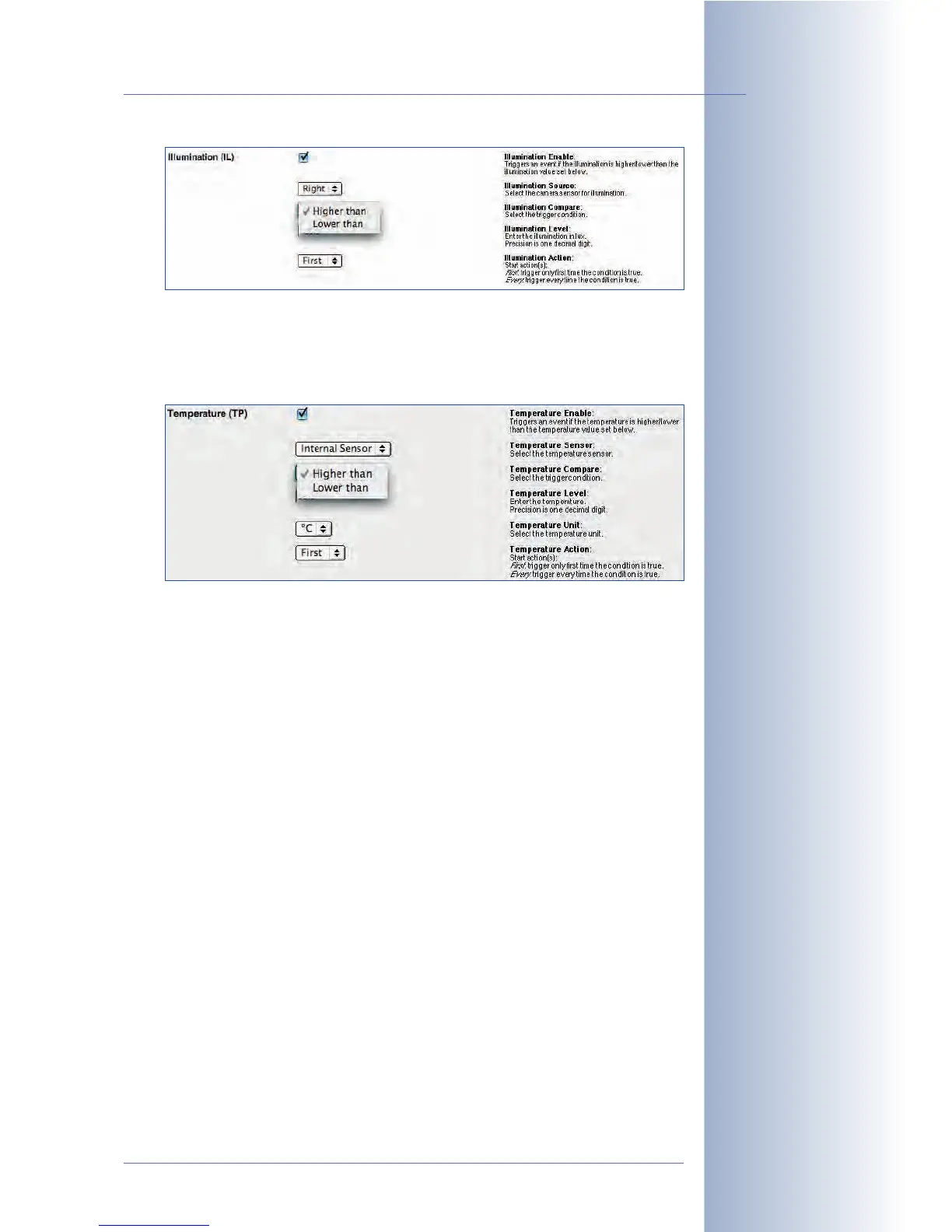
• Temperature (TP): The integrated temperature sensor of the camera can
trigger an event if the Temperature Level is higher or lower than the trigger
value (degrees Centigrade or Fahrenheit) entered here. Furthermore, you can
specify if an event should be triggered once (
First
) or every time (
Every
) the
defined trigger condition is true.
This feature can be used to monitor the temperatures in server or cold
storage rooms, for example.
Hint: Use the $(SEN.TIN.CELSIUS) or $(SEN.TIN.FAHRENHEIT) variable to
show the current internal temperature of the camera in the camera image. In
addition, the camera can display the current temperature and the trigger
value as bar or scroll chart in the lower part of the camera image (Setup
Menu > Text and Display Settings > Display Options).
Open Admin Menu > Temperatures to see the table of the camera's inter-
nal temperatures of the last four days.
Note: When connecting one of the supported weather stations to the
MOBOTIX camera's RS232 interface, you can display the external tempera-
ture and other weather data from the weather station in the camera's Live
image.
© MOBOTIX AG • Security-Vision-Systems • Made in Germany
www.mobotix.com • sales@mobotix.com • 10.10.2006
155/288
Software Camera Manual Part 2
Monitoring internal
camera temperature



 To Next Page