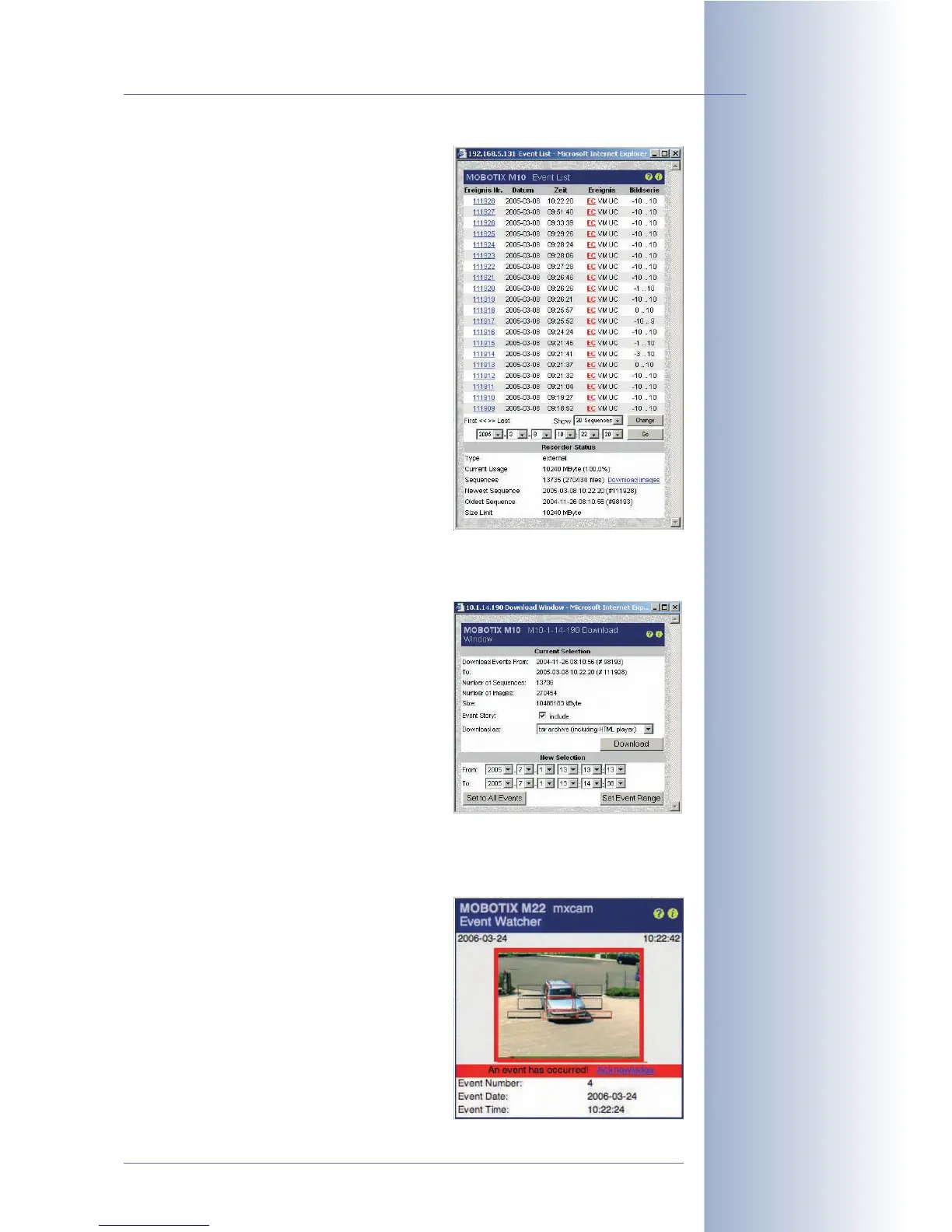
• Event List: This button opens the Event
List dialog. The dialog displays the last
twenty events and other information, e.g.
total events stored, storage space used
internally or on the file server. Clicking a
sequence number will show the corre-
sponding video clip on the Player screen.
To find the events that occurred around
a specific point in time, simply enter the
desired date and time and click the
Search button.
For additional information on this topic,
see section 4.4.4,
Image Search Using
Date & Time
.
• Event Download: This button opens the
Download dialog, which allows down-
loading all event images/video clips or
those within the specified time frame as
one TAR archive file or one MxPEG
streaming file. The TAR file also contains
an HTML index file that can play back
the image sequences in the browser,
independent of the MOBOTIX camera.
For additional information on this topic,
see section 4.4.5,
Archiving
.
• Event Watcher: This button opens the
Event Watcher Dialog, which shows the
last event image and the corresponding
information. The event is highlighted in
red (
An event has occurred!
), as long as
the user has not clicked on the Acknowl-
edge link. This feature can be used to
acknowledge the alarms, if MxViewer
cannot be used (see section 4.10.4,
MxViewer
).
© MOBOTIX AG • Security-Vision-Systems • Made in Germany
www.mobotix.com • sales@mobotix.com • 10.10.2006
19/288
Software Camera Manual Part 2
Event list:
Event information, sear-
ching for events, finding
events around a certain
point in time
Downloading events:
Download all events or the
events within a specific
date/time range
Event Watcher:
Visual warning and alarm
acknowledgement on com-
puters, which cannot run
MxViewer



 To Next Page