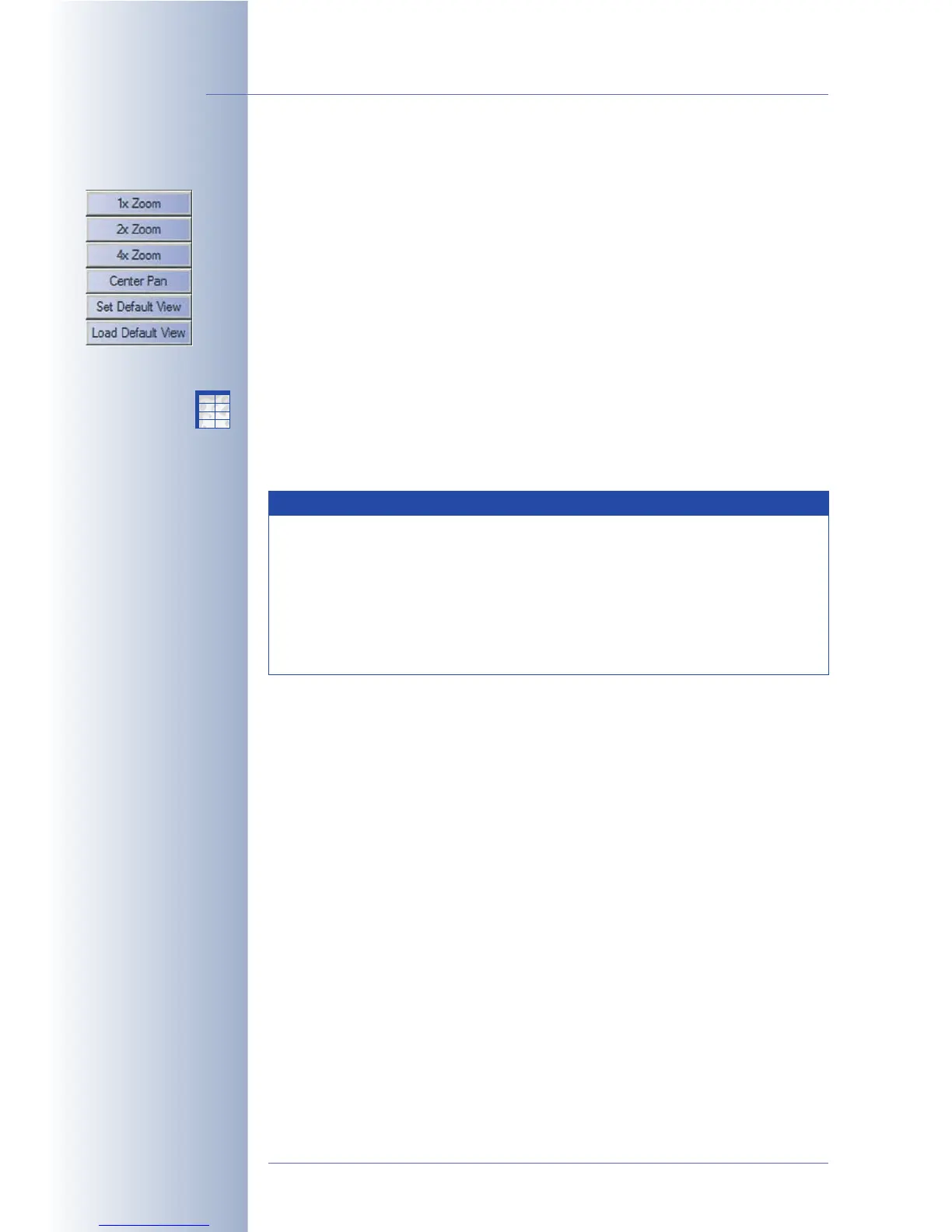
Zoom Softbuttons
• 1x Zoom, 2x Zoom and 4x Zoom: The 1x Zoom, 2x Zoom and 4x Zoom but-
tons allow zooming into or out of the image with 2x and 4x enlargement.
Zooming is handled completely by the camera software. When used on a
MOBOTIX Dual camera with wide-angle and tele lenses, the range of focal
lengths available covers 38 mm to about 540 mm (compared to 35mm ca-
mera).
In zoom levels 2x and 4x, clicking with the mouse near the borders of the
image will move the image within the standard image in that direction (pan-
ning). Clicking on Set Default View will save the current view; clicking Load
Default View will restore the view, even when a different zoom level or pan-
ning position had been set in the meantime. The Center Pan button centers
the zoomed view.
These functions are also available from the Zoom Control
Quick Control
(see
also
Quick Controls
in the next section).
© MOBOTIX AG • Security-Vision-Systems • Made in Germany
www.mobotix.com • sales@mobotix.com • 10.10.2006
20/288
Software Camera Manual Part 2
Zoom softbuttons:
Zoom feature:
• Click on the desired spot
in the Live image
• Click on the Zoom button
(1x, 2x, 4x)
Notes
Some browsers do not properly show the colors of the softbuttons of
the browser interface (e.g. Safari or Camino on Mac OS X). Firefox,
Mozilla and Internet Explorer support the colored softbuttons. In order
to display the button colors in Internet Explorer on Windows XP, you
need to deactivate the visual effects in the enhanced Internet options
of Internet Explorer. Section 4.8,
Browser Settings
(Colored Buttons),
contains more information on this topic.
X
X
-
-
-
-
X
X
Kamerafunktionen
Kameramodell



 To Next Page