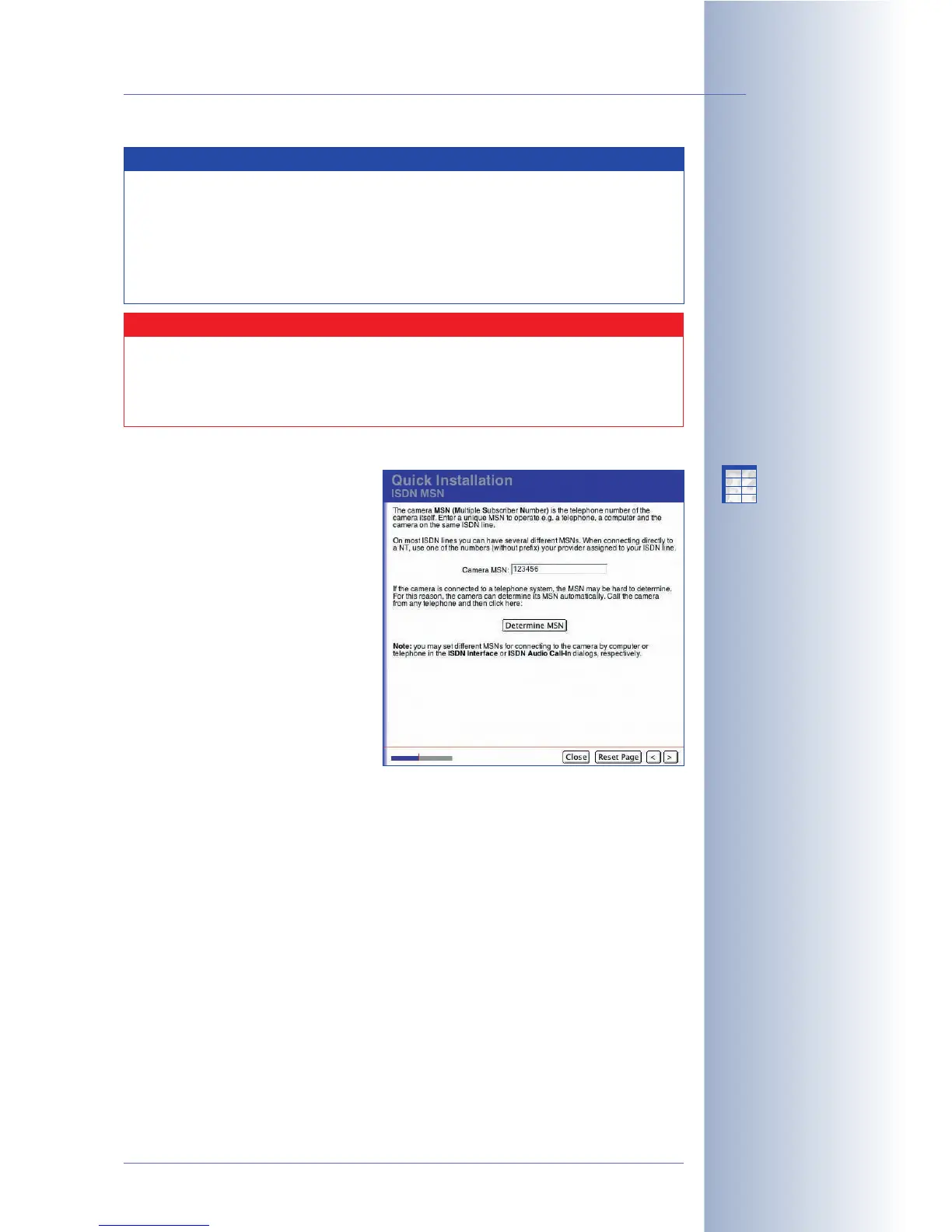
Camera MSN
If you have activated one of the
interfaces ISDN Phone Dial-In, ISDN
Phone Dial-Out or ISDN Dial-In, you
will be prompted to enter the camera
MSN on this page.
The camera's MSN (Multiple
Subscriber Number) is the phone
number that must be used to access
the camera via ISDN Phone Dial-In or
that the camera uses to identify itself
during ISDN Phone Dial-Out (e.g. on
the display of a mobile phone). In
order to create a dial-in connection
from a computer, you need to enter
the MSN in the RAS Connection
dialog.
Enter a unique MSN that is still available for your telephone number. Make sure
that this MSN is not identical with that of any other device on this ISDN bus. This
means that you can operate e.g. a telephone, a computer and a MOBOTIX camera
simultaneously on the same ISDN bus.
When connecting the camera directly to an NT, use one of the MSNs (without prefix)
your provider has assigned to your ISDN line.
When connecting the camera directly to an NT, use one of the MSNs (without prefix)
your provider has assigned to your ISDN line.
If the camera is connected to a telephone system, the MSN may be hard to
determine. For this reason, your MOBOTIX camera can determine its MSN
automatically. Simply call the camera from a phone by dialing the number of the
telephone line (e.g. the extension). Then click on Determine MSN in the Quick
© MOBOTIX AG • Security-Vision-Systems • Made in Germany
www.mobotix.com • sales@mobotix.com • 10.10.2006
71/288
Software Camera Manual Part 2
The MOBOTIX camera
can automatically
determine the MSN!
X
X
-
-
-
-
X
X
Kamerafunktionen
Kameramodell
Note
The MOBOTIX camera can announce the IP address it automatically
obtained from a DHCP server after rebooting (see section 3.5,
Starting
the Camera With an Automatic IP Address (DHCP)
, in the
Camera
Manual
). Make sure that the speaker is still activated (default) in the
Admin Menu > Loudspeaker and Microphone dialog to use this
function.
Caution
Before starting the camera with DHCP support, make sure that the
DHCP server is running properly. If this is not the case, the camera
cannot obtain a valid IP address and will fall back to its last IP address
or the factory IP address.



 To Next Page