Access Rights of the User Groups
Use the checkboxes of the individual user groups to set the desired access rights.
Gray checkboxes cannot be changed as they are locked. The functionality activated
or deactivated by this checkbox is either required or it has already been activated
in the Public Access row.
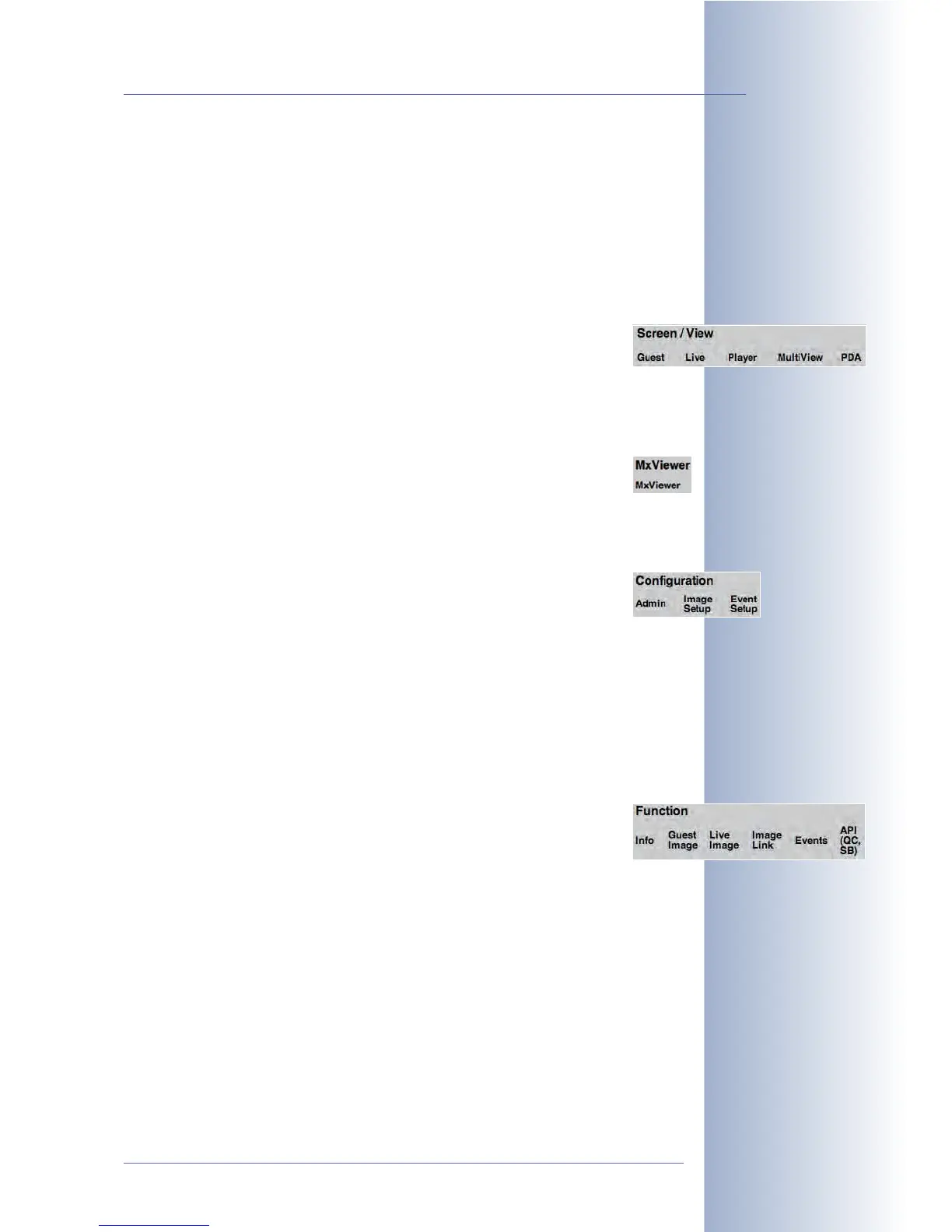
The following screens and functions can be configured individually:
• Screen/View
This section controls the access rights of the camera screens, which
are to be accessible or restricted for the individual user group. The
section comprises all screens of the MOBOTIX camera (including the
MultiView and PDA screens). For more information on the screens of the
camera, see chapter 4,
Camera User Interface
.
• MxViewer
Activating the MxViewer right means that the members of this
group can use MxViewer for viewing the camera and for receiving
its alarm messages. For more information on MxViewer, see also chapter 4,
Camera User Interface
.
• Configuration
This section controls the access rights of the configuration areas,
which are to be accessible or restricted for the individual user group.
• Administration (Admin Menu)
• Image Settings (Setup Menu)
• Event Settings (Setup Menu)
If the
EE
EE
vv
vv
ee
ee
nn
nn
tt
tt
ss
ss
access right has not been activated for a user group, the mem-
bers of this group will not be able to activate or deactivate any events, they
will not be able to configure actions or messages and they cannot change
the settings that control the arming and the recording of the camera.
• Function
Click on the More button to display this section. This section lists the
functions that should be activated for the corresponding camera
screen. Info, Guest Image, Live Image, Image Link, Events, API
(QC, SB) (Quick Controls, Softbuttons).
© MOBOTIX AG • Security-Vision-Systems • Made in Germany
www.mobotix.com • sales@mobotix.com • 10.10.2006
85/288
Software Camera Manual Part 2
Changing the access
rights of individual user
groups



 To Next Page