CAUTION: Resetting to factory defaults in Admin Menu > Group Access
Control Lists will reset the admin user password to the factory default
meinsm; all other users will be deleted!
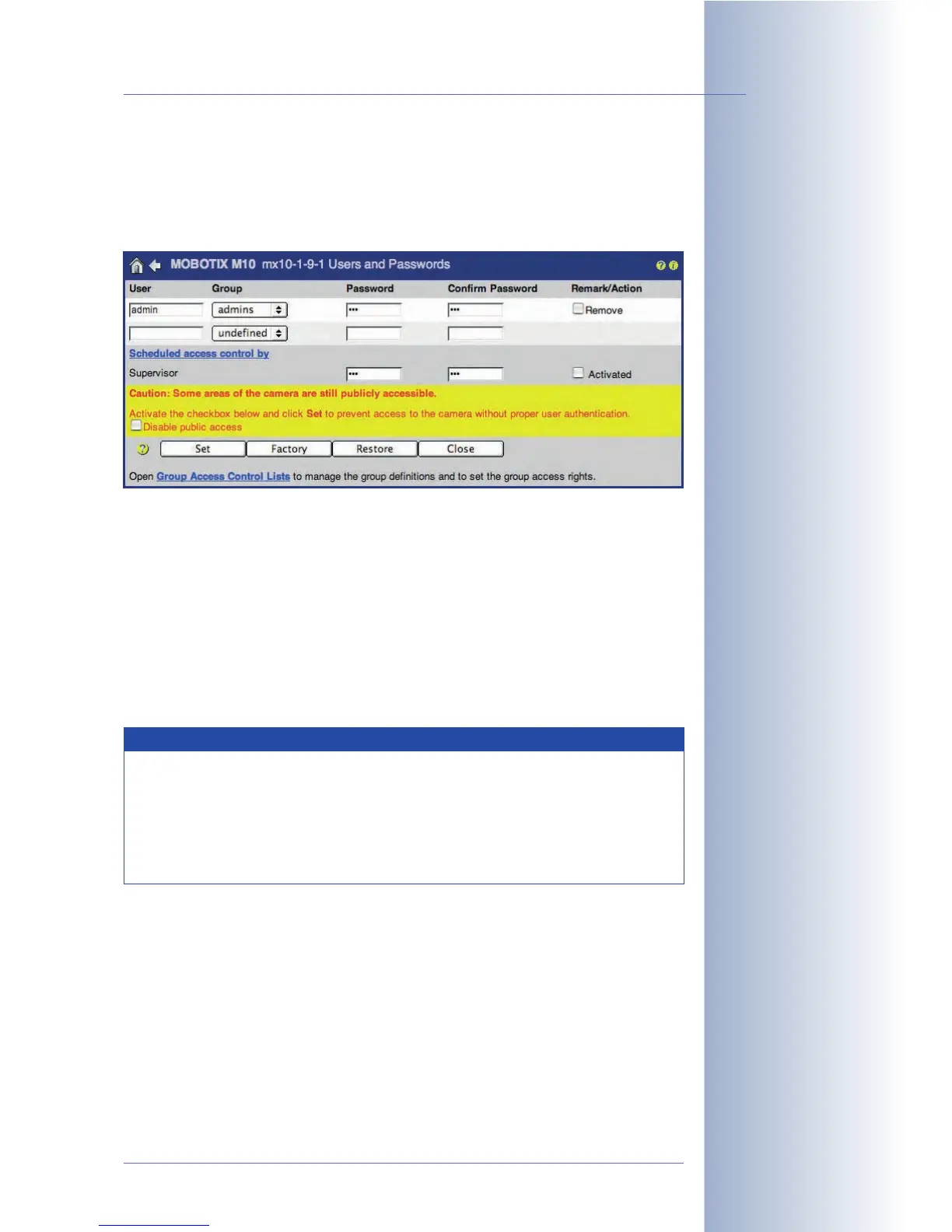
• Make sure that you change the password for the admin user.
• Deactivate public access for all functions and screens (activate the Disable
public access checkbox).
• Create the required user groups and set the access rights as desired.
• Create the users and assign a user group to each user.
• Click on the Set button (the page refreshes), then on the Close button and
store the configuration permanently.
To see who actually accessed the camera, you might want to examine the web
server log files, which are accessible in Admin Menu > WEB Server Logfile.
© MOBOTIX AG • Security-Vision-Systems • Made in Germany
www.mobotix.com • sales@mobotix.com • 10.10.2006
87/288
Software Camera Manual Part 2
Unsecured camera with
warning
Preventing unauthorized
access of a MOBOTIX
camera
Note
If MxViewer has not been activated for a group or for public access,
MxViewer may still be able to access the camera. This is the case if
other screens have activated the functions required by MxViewer, for
example. In order to prevent a group from accessing the camera
using MxViewer, make sure to deactivate all checkboxes in the
Functions section of this group.



 To Next Page