4 Commissioning
Note
After activating the special drive modes, the state of the CiA 402 Power State Machine is controlled
only via a digital input (enable). State changes that are requested in object 6040
h
(controlword) have
no effect.
4.3.1 Activation
You can configure the controller with the DIP switches on the rear side and select one of the special drive
modes.
The configuration via the DIP switches is activated in the factory settings; you can completely deactivate the
DIP switches by inserting this line in the configuration file:
dd4c=1
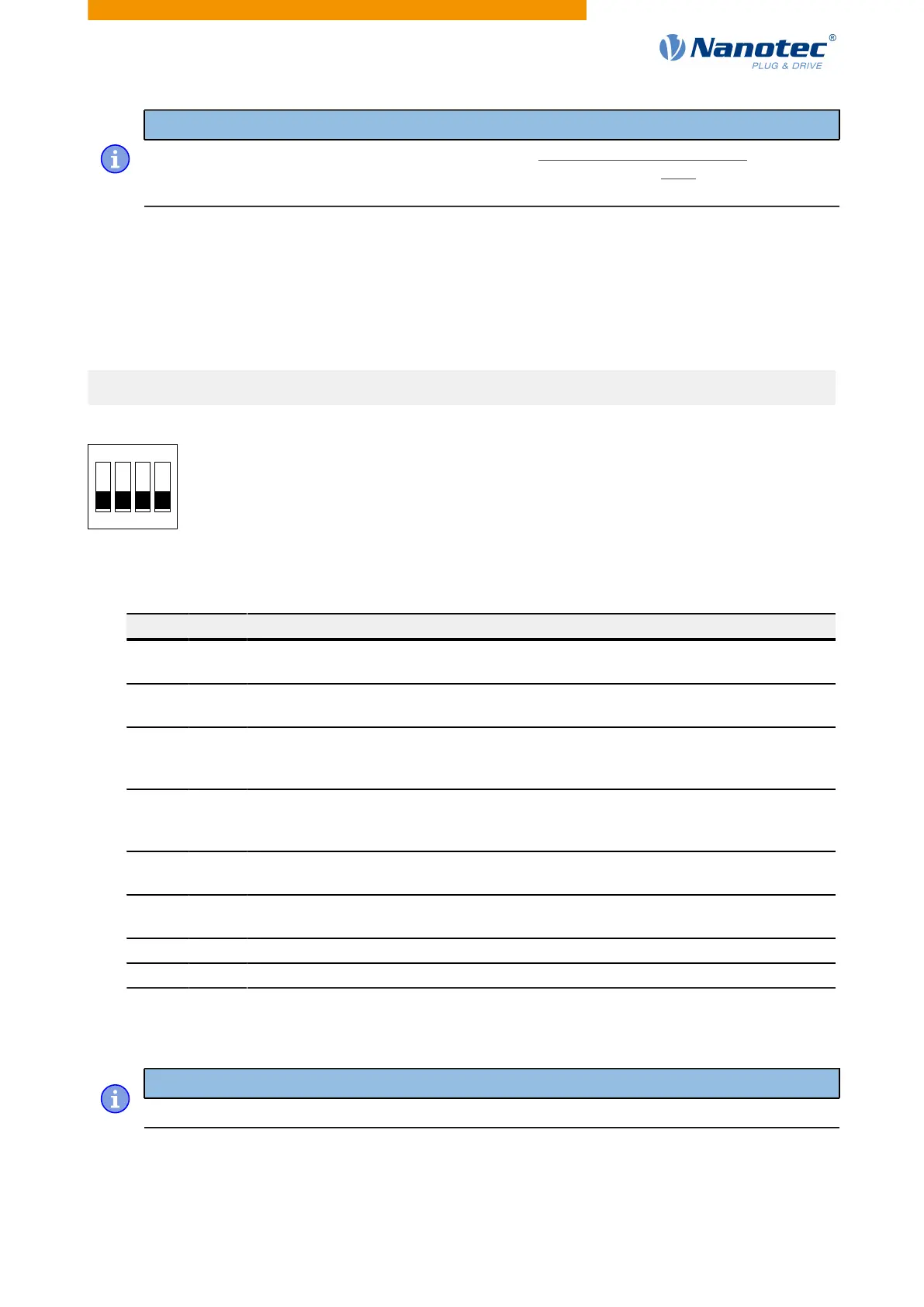
The base setting in the factory settings is shown in the following figure.
A switch pushed up is in the "ON" position. A switch pushed down is in the "OFF" position.
The following switch configurations are possible here:
1 2 3 Mode
Off Off Off Clock-
direction
Off Off On Clock-
direction
Off On Off Clock-
direction (test
run)
Test run with 30 rpm Clockwise direction of
rotation
Off On On Clock-
direction (test
run)
Test run with 30 rpm Counterclockwise direction
of rotation
On Off Off Analog speed Direction via "Direction"
input
Maximum speed 1000 rpm
On Off On Analog speed Direction via "Direction"
input
Maximum speed 100 rpm
On On Off Analog speed Offset 5 V (joystick mode) Maximum speed 1000 rpm
On On On Analog speed Offset 5 V (joystick mode) Maximum speed 100 rpm
Switch 4 changes between Open Loop (off) and Closed Loop (on).
Note
A change to one or more DIP switches does not take effect until after the controller is restarted.
Version: 2.0.1 / FIR-v1650 31



 To Next Page