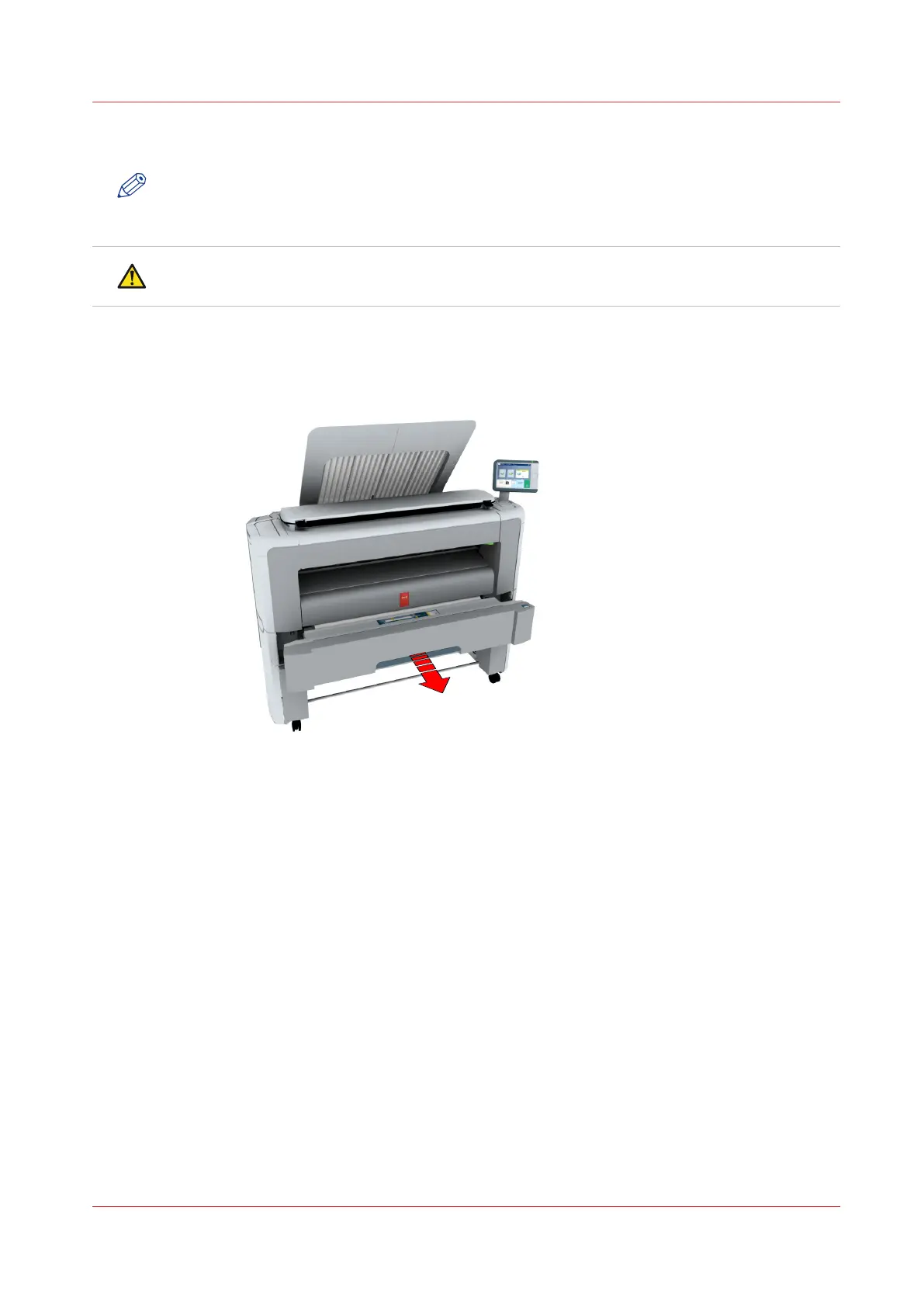
Load a media roll (position 1)
NOTE
When your printing system is equipped with an additional media roll, it is advised to load an A0
or E-size media roll on position 1 and an A2 or C-size media roll on position 2.
CAUTION
Watch your fingers when you handle the media roll.
Procedure
1.
Pull firmly to open the media drawer.
2.
Place the new media roll on the roll loading station.
3.
Pull (1) the handle of the roll holder locking mechanism towards you.
Slide (2) the roll holder into the right side of the core of the new media roll.
Load a media roll (position 1)
Chapter 5 - Maintain the Printing System
263



 To Next Page