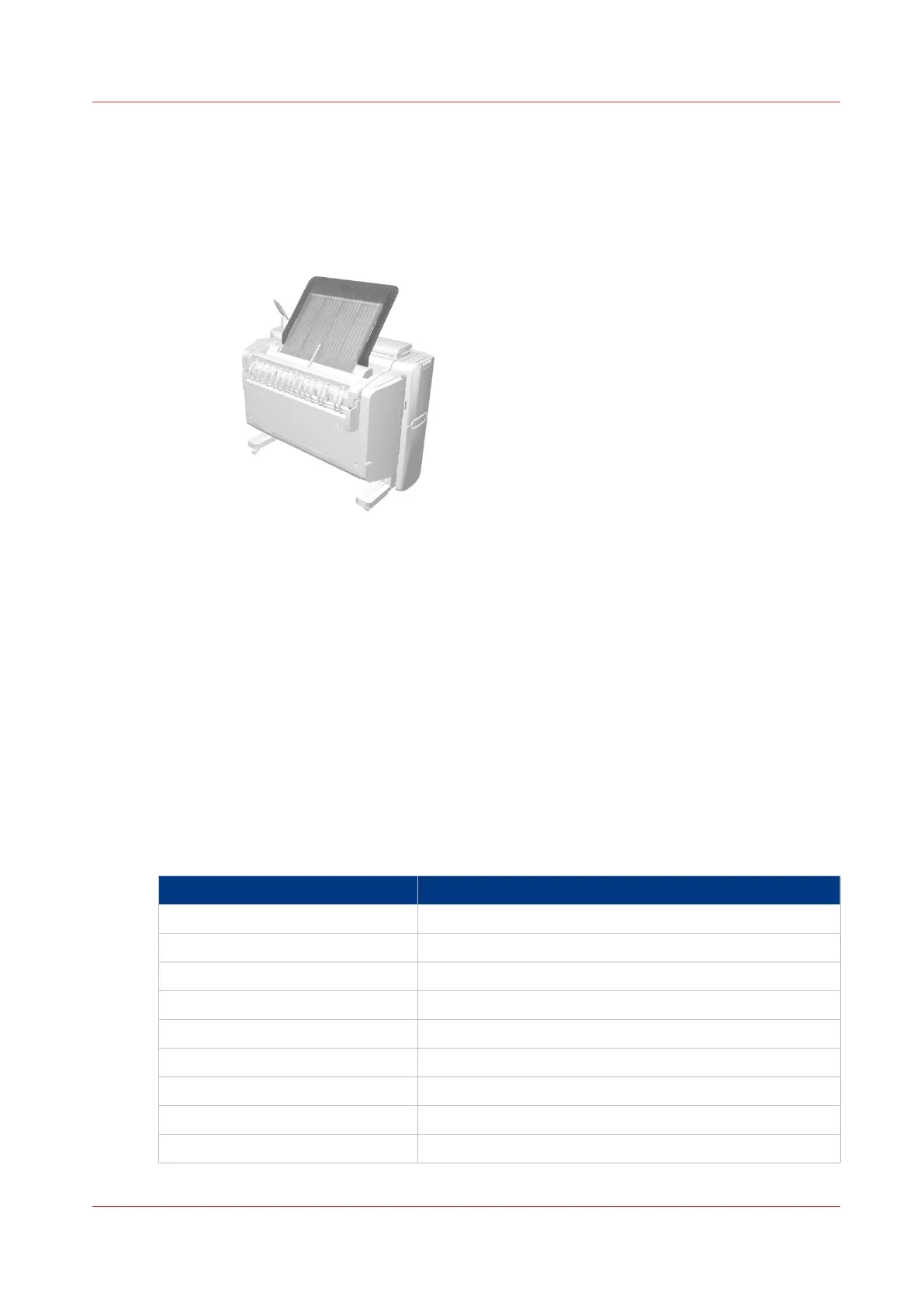
The output delivery
Introduction
The printer is equipped with a top delivery tray to collect your printed output.
How to define the output delivery
In Océ Express WebTools and under [All settings] on the user panel you can define the default
sheet delivery for your printed output.
• When you select [Top Delivery Tray] and you use plain or transparent paper, your printed
output is by default delivered in the standard top delivery tray.
Your printed output is delivered face-down.
When you use a different media type, the printed output is always delivered at the back of the
printer.
• When you select [Back output] your printed output is by default delivered at the back of the
printer.
Your printed output is delivered face-up.
Media compatibility with the [Top Delivery Tray] and [Back output]
Paper media
Media name Compatible with the [Top Delivery Tray]
Paper 60 g Yes
[Paper 64 g] Yes
[Paper 75 g] Yes
[Paper 75-80 g] Yes
[Recycled pap. 80 g] Yes
[Paper 90-110 g] Yes
[Transp. 75 g] Yes
[Transp. 90 g] Yes
[Transp. 110 g] Yes
The output delivery
Chapter 2 - Get to Know the Printing System
31



 To Next Page