Clear a media jam in the media bypass section
Introduction
When a media jam in the media bypass section occurs, follow the help wizard on the user panel
and take the following steps:
Procedure
1.
Open the [lower front cover].
2.
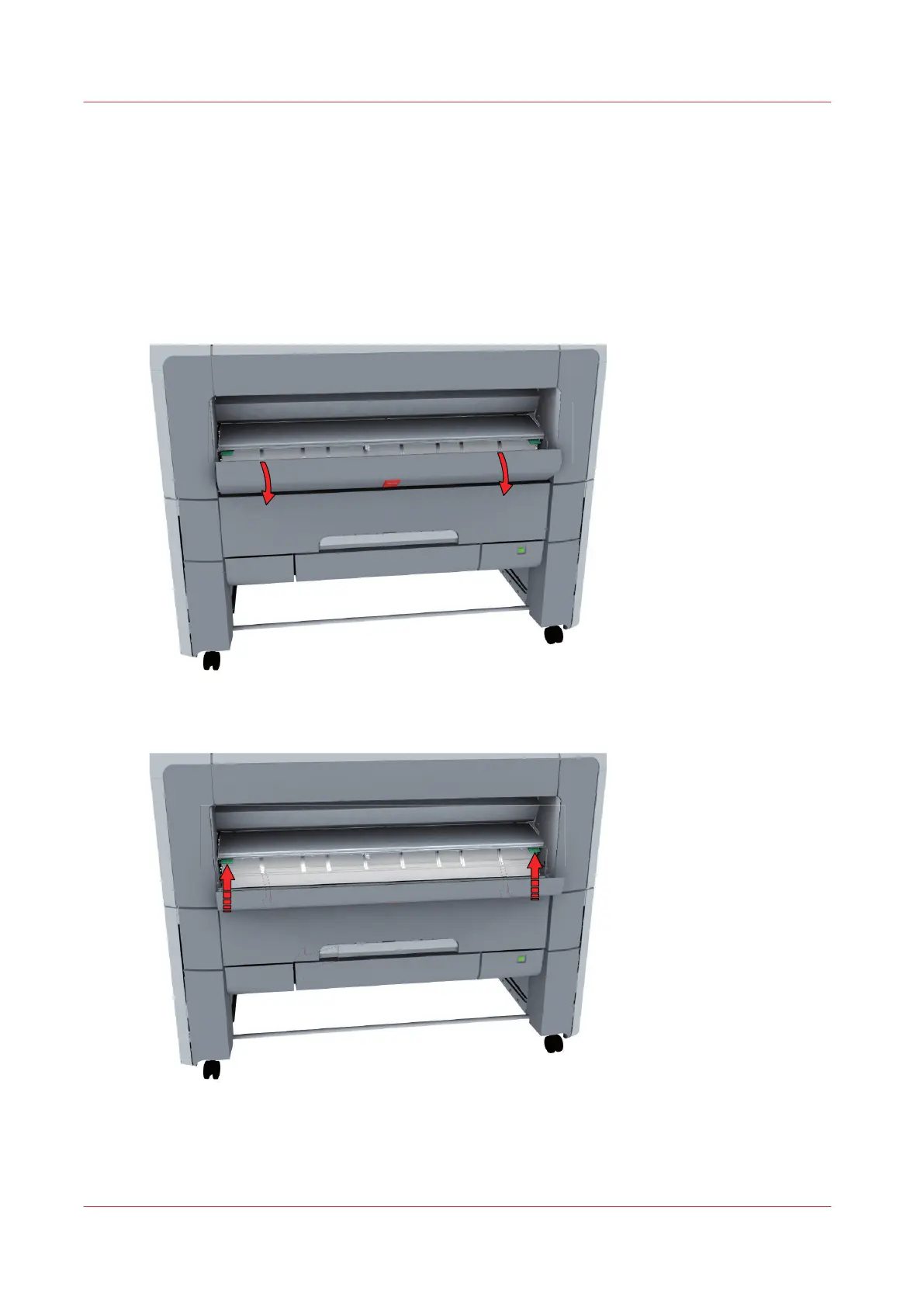
Lower the [media bypass], by pressing the handles on the left and the right.
Clear a media jam in the media bypass section
314
Chapter 8 - Support



 To Next Page