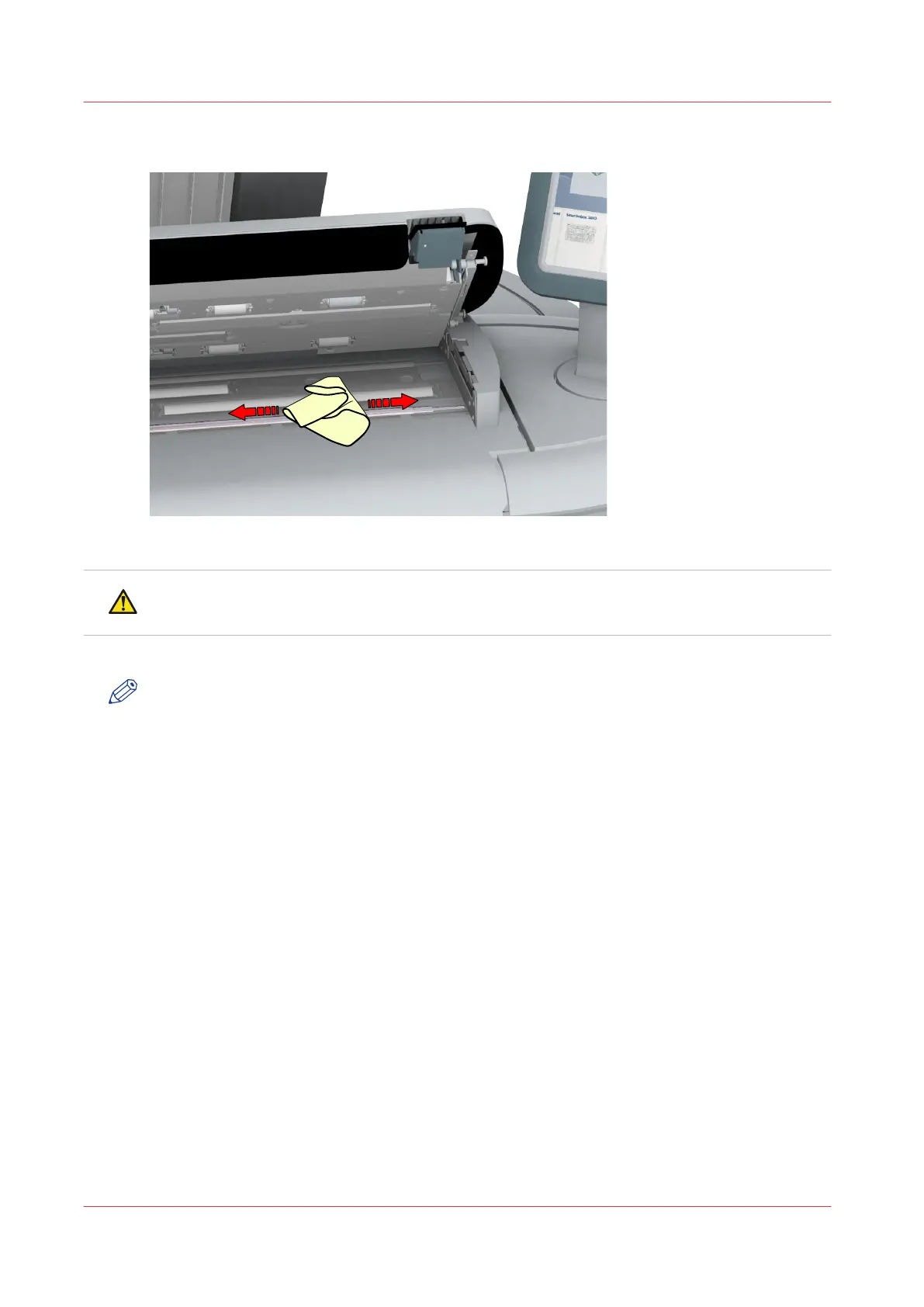
Wipe off any soiled areas.
3.
Wipe all the cleaned parts once again using a dry Muslin towel.
CAUTION
Watch out, not to get your fingers caught in the scanner top cover.
4.
Press the scanner top cover down gently with both hands, to close it.
NOTE
Check that the left and right scanner open levers are locked into position.
Clean the scanner
282
Chapter 5 - Maintain the Printing System



 To Next Page