R&S
®
ZVA / R&S
®
ZVB / R&S
®
ZVT Measurement Examples
Port Conversion
Operating Manual 1145.1084.12 – 30 85
4. Connect your DUT to ports 1 to 4 of the network analyzer as shown in the figure above.
5. Click OK to close the Balanced Ports and Port Groups dialog.
6. Back in the More S-Parameters dialog, select the balanced S-parameter that you wish to
measure.
7. Click OK to close the More S-Parameters dialog and perform the measurement.
You can also access all the described settings from the Measurement Wizard.
To use your own port configuration,
1. Click Trace – Measure – More S-Params... – Balanced Ports and Port Groups....
2. In the Def Balanced Port tab of the Balanced Ports and Port Groups dialog opened, select Logical
Port # 1 and assign two Physical Port Numbers, e.g. 1 and 2.
3. Assign the appropriate differential and common mode reference impedances to logical port no. 1
and Click Define.
4. Select Logical Port # 2 and assign the two remaining Physical Port Numbers, e.g. 3 and 4.
5. Assign the appropriate differential and common mode reference impedances to logical port no. 2
and Click Define.
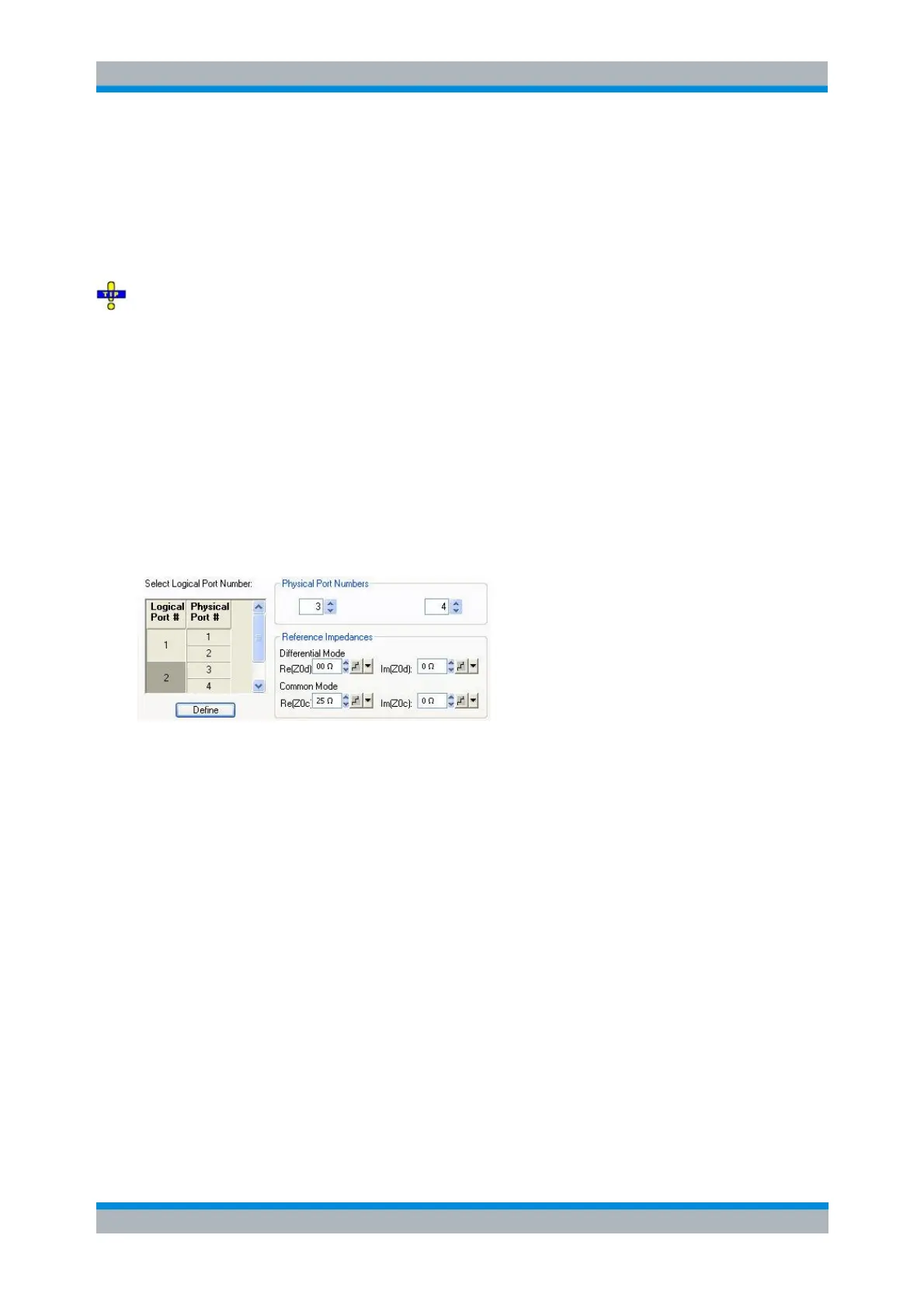
The Def Balanced Port tab shows the balanced port configuration:
1. Connect one balanced port of your DUT to ports 1 and 2 of the network analyzer, the other
balanced port of your DUT to ports 3 and 4 of the network analyzer, in accordance with the
selected reference impedances.
2. Click OK to close the Balanced Ports and Port Groups dialog.
3. Back in the More S-Parameters dialog, select the balanced S-parameter that you wish to
measure.
4. Click OK to close the More S-Parameters dialog and perform the measurement.
Using Virtual Networks (Embedding/Deembedding)
The Virtual Transform menu provides the functions for embedding/deembedding a DUT into/from virtual
networks. The following examples show how to use the functions.
To add a virtual transformation network to a single-ended port...
Suppose that your DUT is a 2-port DUT with single ended ports.
1. Connect the DUT to your analyzer: For a two-port measurement, connect the DUT between test
ports 1 and 2 of the analyzer.



 To Next Page