R&S
®
ZVA / R&S
®
ZVB / R&S
®
ZVT GUI Reference
Trace Menu
Operating Manual 1145.1084.12 – 30 151
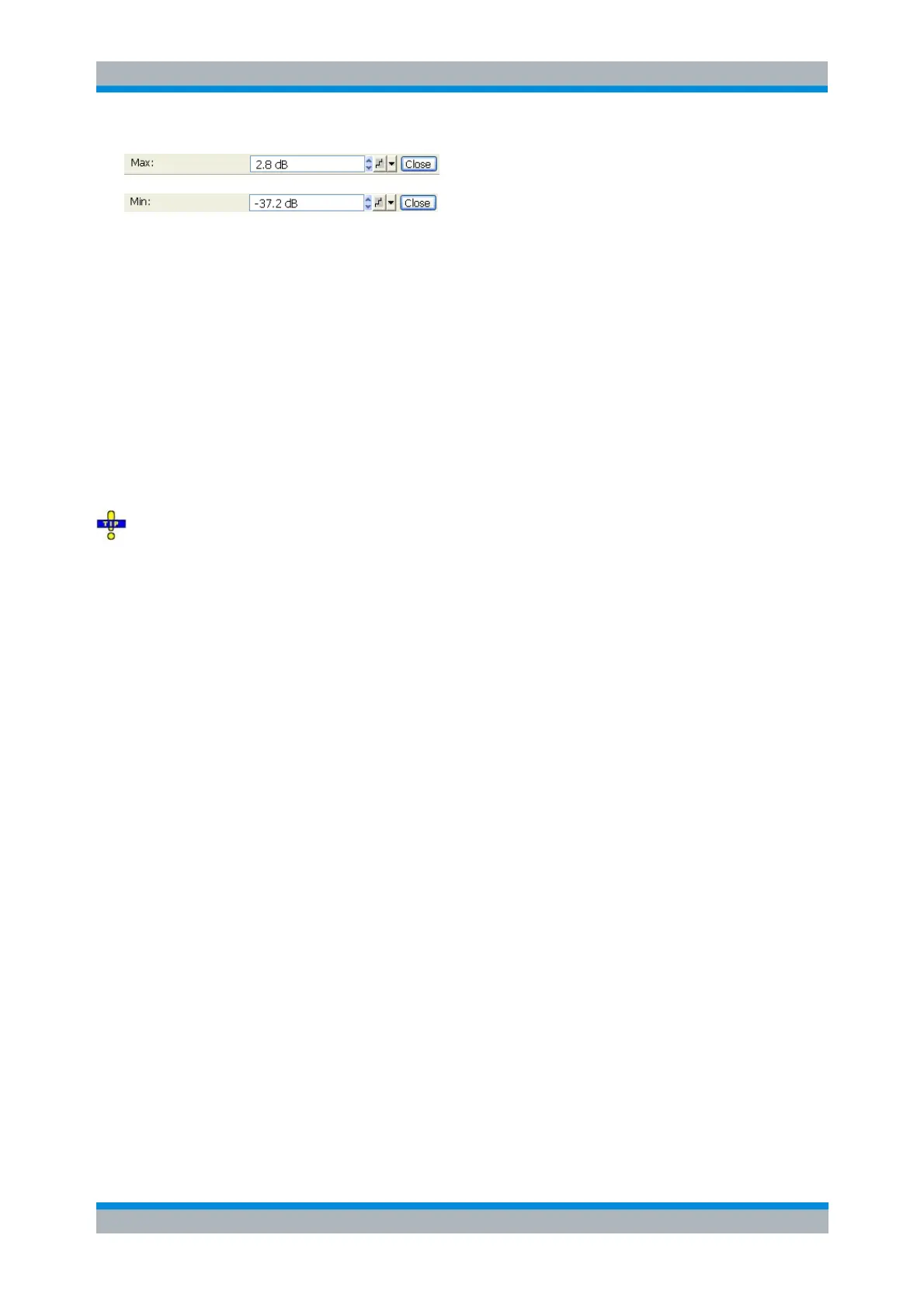
Max and Min are not available (grayed) for polar diagrams (Polar, Smith, Inverted Smith).
DISPlay[:WINDow<Wnd>]:TRACe<WndTr>:Y:TOP
DISPlay[:WINDow<Wnd>]:TRACe<WndTr>:Y:BOTTom
Ref. Val = Marker
Sets the reference value equal to the response value of the active marker, leaving the values of the
vertical divisions (Scale Div.) unchanged.
In Cartesian diagrams the operation shifts the trace in vertical direction.
In polar diagrams (Polar, Smith, Inverted Smith), the operation re-defines the value of the outer
circumference and therefore enlarges or scales down the diagram, leaving the center unchanged.
Use the analyzer's drag-and-drop functionality to move the reference line symbol to the desired
position.
No command, display configuration
Couple All / Decouple All
Select common or independent scale settings for all traces in the active diagram area.
After Decouple All, the Trace – Scale functions affect the active trace only.
After Couple All, the Trace – Scale functions affect all traces in the active diagram.
The checkmark in the next to the menu commands indicates the coupling state of the traces:
If Couple All is checked, all traces in the active diagram area are coupled.
If Decouple All is checked, no traces are coupled.
If none of the menu commands is checked, some but not all traces are coupled. This happens e.g.
if a new trace is added after Couple All.
No command, display configuration
Trace Select
The Trace Select submenu provides functions to handle traces and diagram areas, and assign traces to
channels.



 To Next Page