R&S
®
ZVA / R&S
®
ZVB / R&S
®
ZVT GUI Reference
System Menu
Operating Manual 1145.1084.12 – 30 570
external signal. See also example for reference frequency settings for external generators.
As a reminder, Ext Ref is indicated in the status bar.
[SENSe<Ch>:]ROSCillator[:SOURce] EXTernal
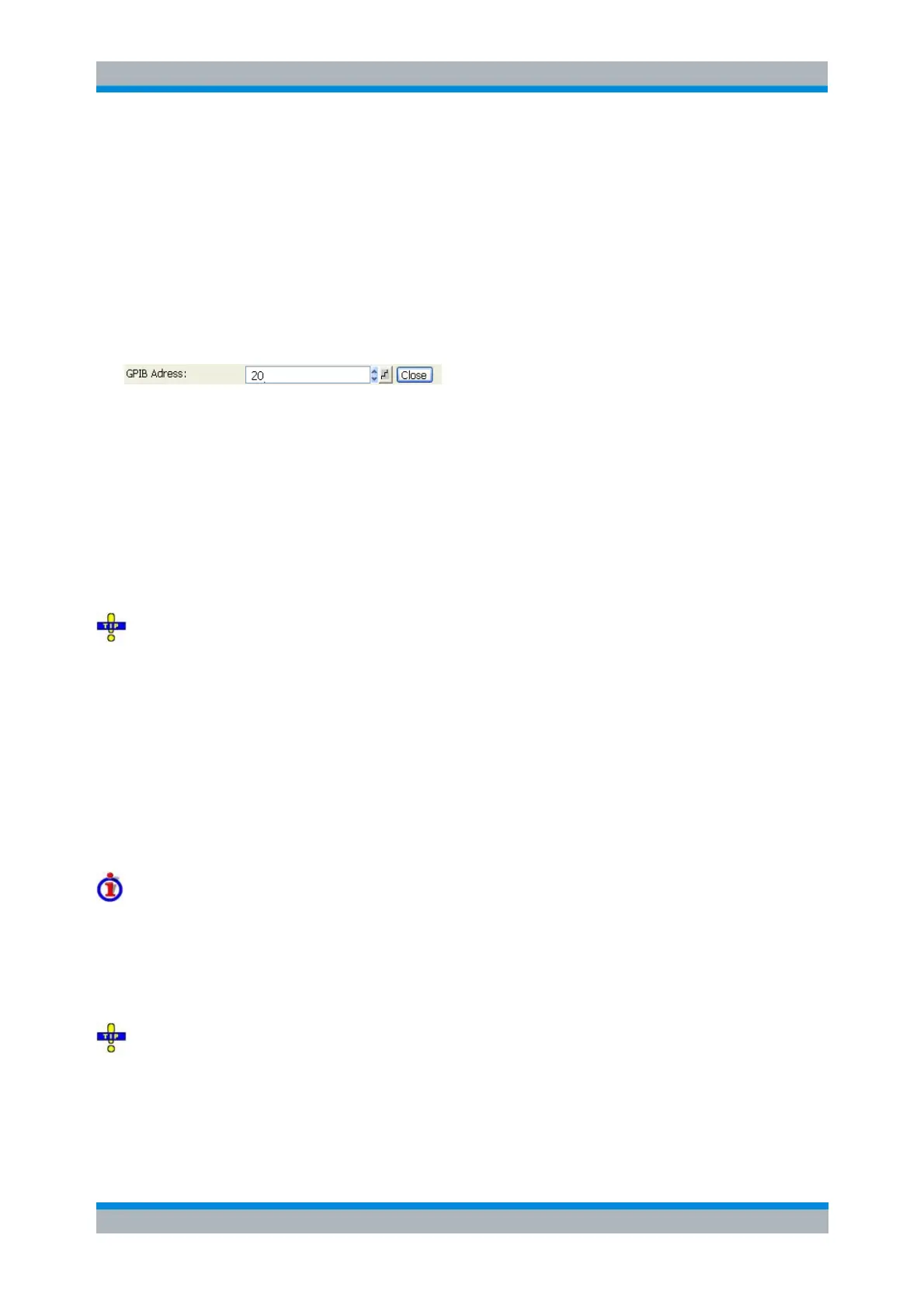
GPIB Address
Opens the numeric entry bar to define the analyzer's GPIB address.
The GPIB address must be in the range between 0 and 30.
SYSTem:COMMunicate:GPIB[:SELF]:ADDRess
Service Function...
Opens a dialog to access the service functions of the instrument. Service functions are password-
protected and should be used by a R&S service representative only. Refer to the service manual for more
information.
If you press Enter twice without changing the name of the service function, the analyzer opens the
internal On-Screen Keyboard. Use Shift + Enter to execute a service function repeatedly.
SYSTem:PASSword[:CENable]
DIAGnostic:SERVice:FUNCtion
DIAGnostic:SERVice:SFUNCtion
Preset
Performs a preset, whose scope and restored settings are defined in the Presets tab of the System Config
dialog.
Scope of the preset and exceptions
A preset can affect all open setups or the active setup only and can restore factory defaults or user-
defined settings.
However, it does not change the data related to global resources (cal pool, cal kit data), the position of
dialogs, the color scheme of the diagram areas, and the directory and printer settings. These properties
can be reset in the Resets tab of the System Config dialog.
If you activate Preset by mistake, you can use Undo in order to restore your previous instrument
settings.



 To Next Page