R&S
®
ZVA / R&S
®
ZVB / R&S
®
ZVT Remote Control
Status Reporting System
Operating Manual 1145.1084.12 – 30 606
detailed plain text error messages that can be looked up in the Error Log or queried via remote control
using SYSTem:ERRor[:NEXT]? or SYSTem:ERRor:ALL?. Each call of SYSTem:ERRor[:NEXT]?
provides one entry from the error queue. If no error messages are stored there any more, the instrument
responds with 0, "No error".
The error queue should be queried after every SRQ in the controller program as the entries describe the
cause of an error more precisely than the status registers. Especially in the test phase of a controller
program the error queue should be queried regularly since faulty commands from the controller to the
instrument are recorded there as well.
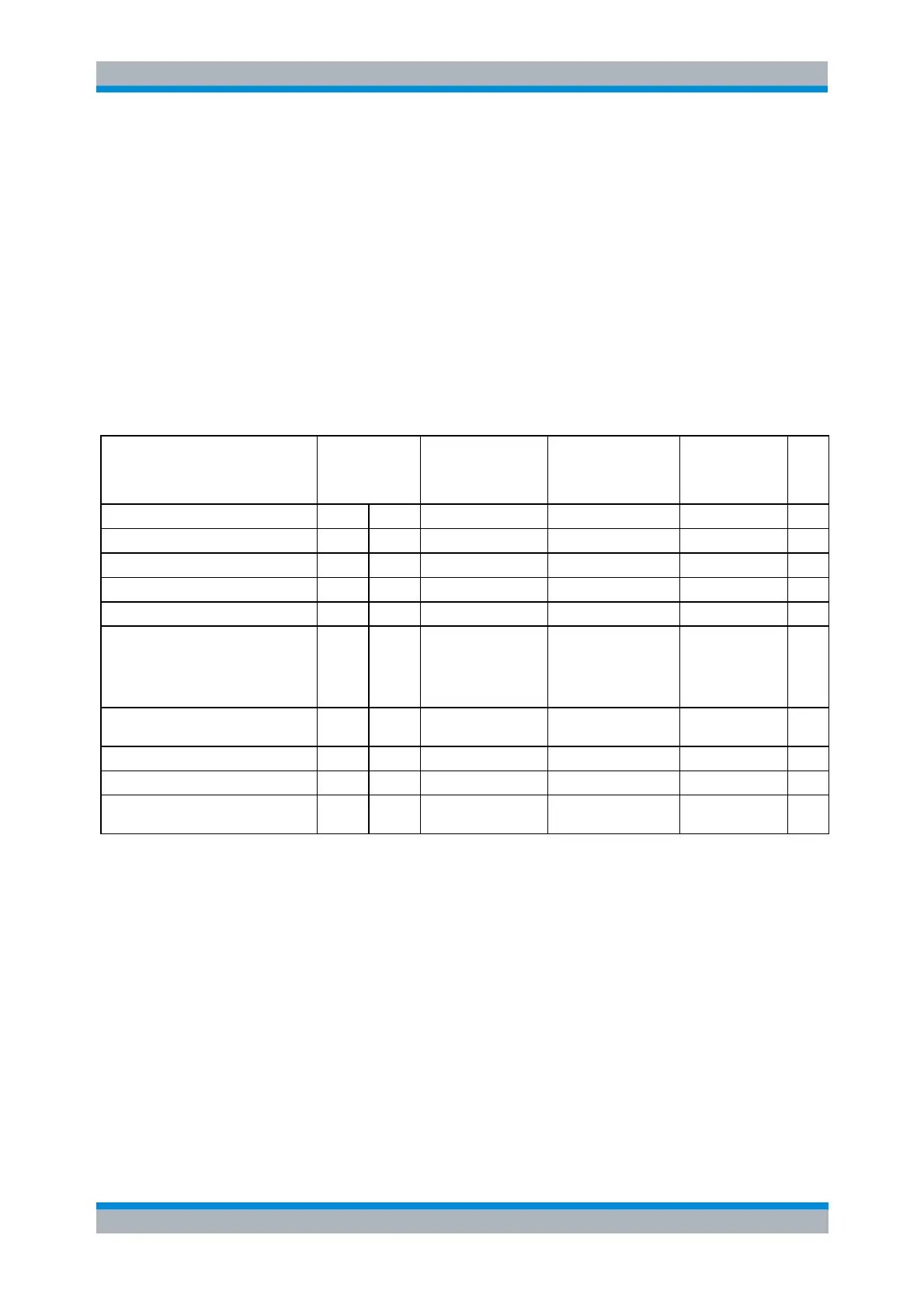
Reset Values of the Status Reporting System
The table below indicates the effects of various commands upon the status reporting system of the
analyzer.
Switching on
supply voltage
Power-On-
Status-Clear
DCL,SDC(Device
Clear,
Selected Device
Clear)
Clear EVENt parts of the registers
Clear ENABle parts of all
OPERation-and QUESTionable
registers,
Fill ENABle parts of all other
registers with "1".
Fill PTRansition parts with „1"
Clear NTRansition parts
Clear command processing and
input buffer
1) Every command being the first in a command line, i.e. immediately following a <PROGRAM MESSAGE TERMINATOR> clears
the output buffer.



 To Next Page