R&S
®
ZVA / R&S
®
ZVB / R&S
®
ZVT Remote Control
Remote Control: Introduction
Operating Manual 1145.1084.12 – 30 577
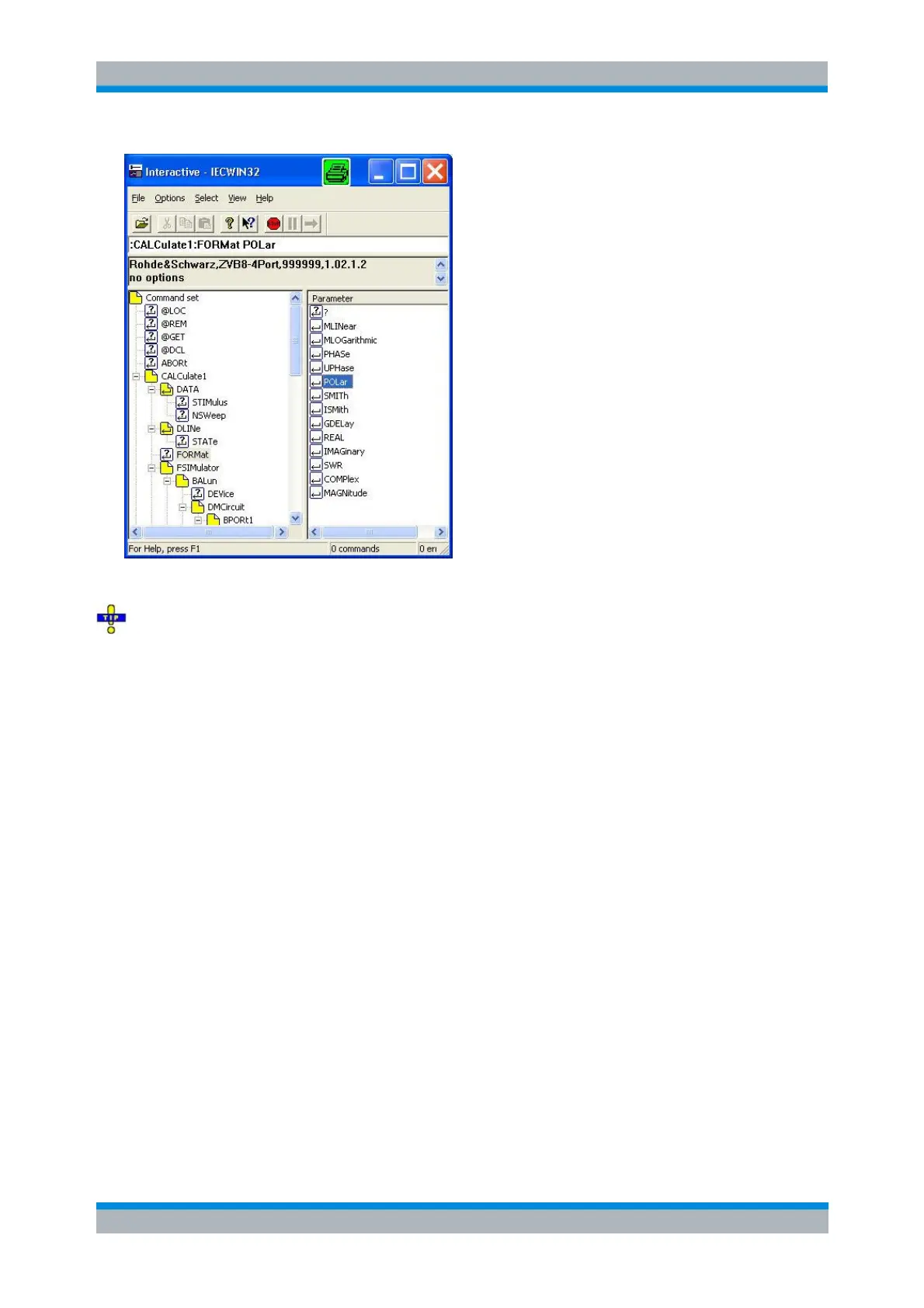
Refer to the GPIB explorer's help system for more information.
It remote logging is enabled (SYSTem:LOGGing:REMote[:STATe] ON) the analyzer stores all
received commands to the file 'c:\ZVAB Remote.log'.
Switchover to Remote Control
On power-up, the instrument is always in the manual operating state and can be operated via the front
panel controls. The instrument is switched to remote control as soon as it receives a command from the
controller. If the instrument is controlled via RSIB or VXI-11 protocol, the alternative commands @REM
and @LOC can be used to switch from manual to remote control and back.
While remote control is active, operation via the front panel is disabled with the exception of four softkeys.
The instrument settings are optimized for maximum measurement speed; the display is switched off:



 To Next Page