R&S
®
ZVA / R&S
®
ZVB / R&S
®
ZVT GUI Reference
File Menu
Operating Manual 1145.1084.12 – 30 98
To open an existing setup, select File – Open / Recall. To rename a setup, use File – Save As.
MEMory:DEFine "<setup_name>"
Close
Closes an opened setup window. The analyzer suggests to save changes to the setup before closing it. If
a setup is closed without saving, all changes made since the last time it was saved are lost.
MEMory:DELete[:NAME] "<setup_name>"
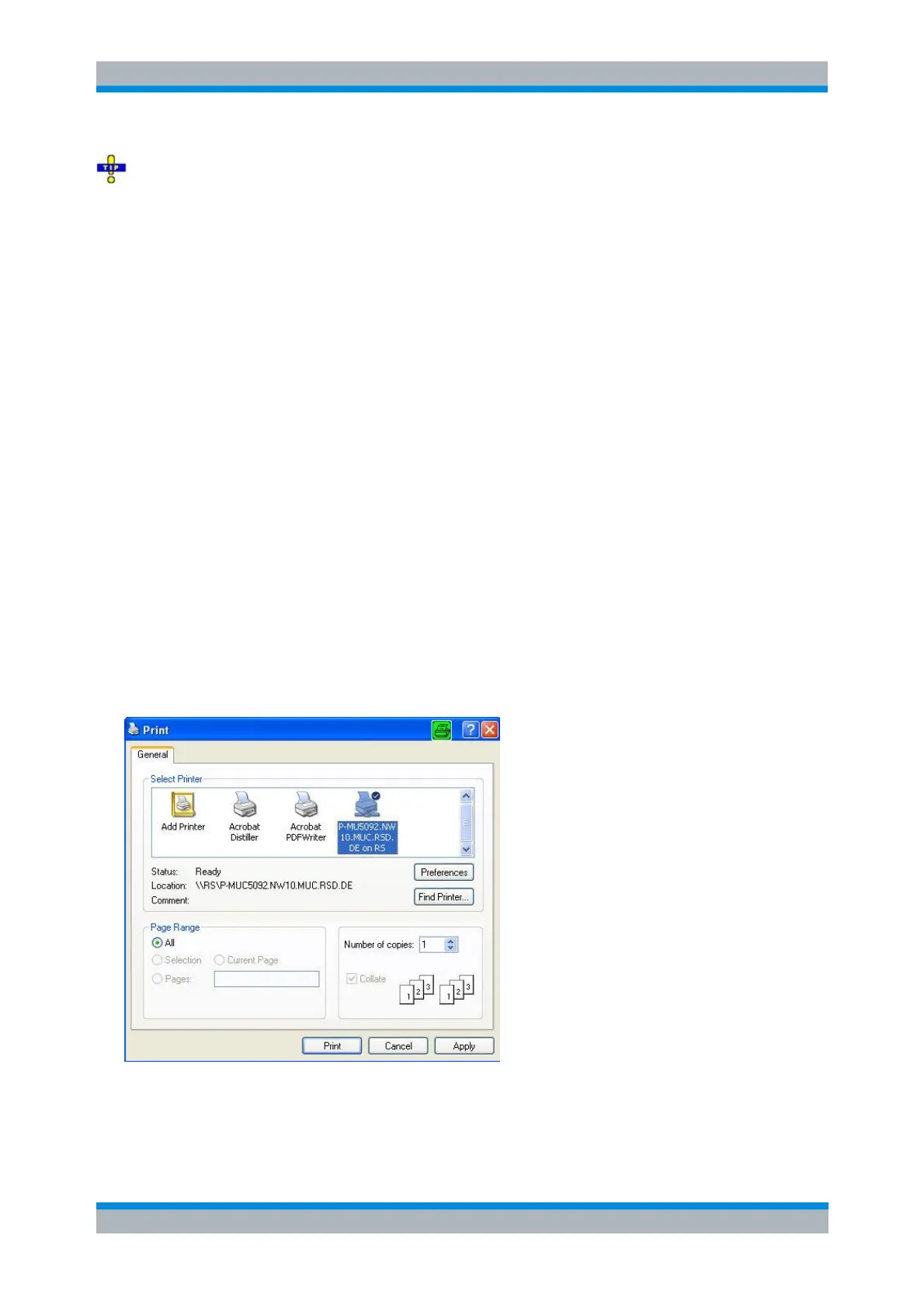
Print
Prints the active setup. This command opens a standard Windows™ Print dialog box to, specify the range
of pages to be printed, the number of copies, the destination printer, and other printer setup options.
The commands in the HCOPy... system provide the printer settings.
HCOPY[:IMMediate] initiates the print.
Print Dialog
Provides options to specify how the setup should be printed. Print is opened by means of the File –
Print... command.
The following printer options are remembered when the dialog is closed:
Select Printer displays the active printer and printer connection. The printers and printer
connections can be selected from the Name drop-down list.



 To Next Page